Where to Upload Event Photos for Clients to Download (Without the Chaos)


A photographer friend told me about a corporate gala she shot last December. 1,800 photos. Beautifully edited. Delivered via WeTransfer. The client's marketing team tried downloading the gallery three days later. The link had expired.
She re-sent it. They downloaded half, then Dropbox (her backup) choked on the ZIP. By the time the photos were finally in the client's hands, it was mid-January. The event recap for the company newsletter? Never happened. The social media posts? Two months too late.
This is the unglamorous reality of event photo delivery. The shooting is the fun part. Getting those files into your client's hands, in a way that actually works for everyone involved, is where things fall apart. And it's costing photographers repeat bookings and event managers their sanity.
The Usual Suspects (and Why They All Break)
Most people default to whatever cloud tool they already use. That's understandable. But each one has a specific failure mode that hits hardest when you're dealing with large event galleries and non-technical recipients.
WeTransfer: The Ticking Clock
Free WeTransfer links die after 7 days. If your client is on vacation, in back-to-back meetings, or just slow to open emails, those photos are gone. The Pro plan ($12/month) extends link lifetimes, but you're now paying a monthly subscription just to deliver files. A real-world test of a 2GB wedding gallery found that the download failed three separate times across different platforms. WeTransfer was the first casualty.
Google Drive: The Login Wall
Google Drive works great if everyone has a Google account. At corporate events, that's not guaranteed. Some companies use Microsoft 365 exclusively. Some attendees are on locked-down work phones. The moment someone hits a "Sign in to Google" prompt, you've lost them. For sharing high-resolution photos with clients, login walls are the number one killer of delivery completion.
Dropbox: Death by ZIP
Dropbox handles small batches fine. But event galleries are rarely small. Once you cross the 2-3GB threshold, ZIP downloads start failing. The browser times out. The connection drops. Your client gets a corrupted archive and assumes you're unprofessional. The real problem with all three: they were built for file transfer between colleagues, not for delivering visual content to clients who want to browse, select, and download.
The hidden cost: every failed download means a follow-up email, a re-upload, and another round of waiting. For photographers handling 5-10 events per month, that's hours of unbillable time.
What Clients Actually Want
I've seen the same frustrations come up in photographer forums and event-planning threads over and over. The wish list comes down to five things:
- No login required. The client (or their team, or their attendees) should open a link and see photos. Period.
- Browse before downloading. Nobody wants to download 2GB just to check if the right shots are in there. Thumbnails and previews matter.
- Selective downloads. Let people grab individual photos or curated sets, not just the entire dump.
- Links that don't expire next week. Months, not days.
- Original quality. No compression, no downscaling, no surprises when the marketing team tries to use a photo on a billboard.
This is where the difference between a file transfer tool and a photo delivery platform becomes obvious. As one photography blog put it, the delivery is the final client impression. An unsorted Drive folder full of files named DSC_4521.jpg sends a very different message than a branded gallery with organized moments and one-click download.
The Three Tiers of Photo Delivery
Not every event needs the same delivery approach. A 50-person team lunch and a 500-person annual conference have very different requirements. Here's how I think about it.
Tier 1: Quick and Disposable
For small internal events where the photos are "nice to have" rather than critical assets, a shared Google Photos album or a WeTransfer link is fine. Accept the limitations. Don't overthink it. If you're looking at the cost of event photo sharing, this tier is essentially free, and you get what you pay for.
Tier 2: Professional Delivery
This is where most corporate events land. The photos matter. They'll be used in newsletters, social posts, internal decks. You need a proper gallery that clients can browse, a way to download originals, and links that stay alive for months. Purpose-built gallery platforms like ShootProof or Pixieset live in this tier, with plans ranging from $10-45/month. They're designed for photographer-to-client delivery with proofing, favorites selection, and download controls.
But here's the gap: those tools assume one photographer delivers to one client contact. They weren't designed for the other half of the equation, where guests and attendees also need to contribute and access photos. If you're running a corporate event with staff and press who all need the photos, a proofing-only tool leaves half the job undone.
See it in action
Every guest photo in one album – no app.
Tier 3: Collect and Deliver in One Place
This is the approach that eliminates the most headaches. Instead of collecting photos from the photographer, then distributing them to the client, then separately gathering guest photos from a WhatsApp group, you put everything in one gallery from the start.
Guests scan a QR code at the event and upload directly. The photographer uploads their edited set afterward. Everyone accesses the same gallery. The client downloads what they need. No separate WeTransfer. No USB sticks. No "can you re-send the link?" emails. You can even design and print your own QR codes for free before the event.
QR Code Generator
Create custom QR codes for your event — link guests directly to your photo gallery.
This is exactly the problem Photogala was built for. You create a gallery, share a QR code or link, and photos flow in from every direction. Clients (and their teams) browse and download without creating an account. The gallery stays live for 6-12 months depending on the plan, and all files are stored at original quality with bulk ZIP downloads available.
1.Every photo in original quality when the event is over
The Moderation Problem Nobody Talks About
Picture a corporate gala. 200 employees. Open bar. Smartphones everywhere. By 11 PM, the gallery has 400 photos. Most are great. A few are... not suitable for the company newsletter.
With a plain shared album (Google Photos, iCloud, Dropbox), every photo goes live instantly. There's no review step. If someone uploads something inappropriate, it's visible to everyone who has the link before you even know it happened.
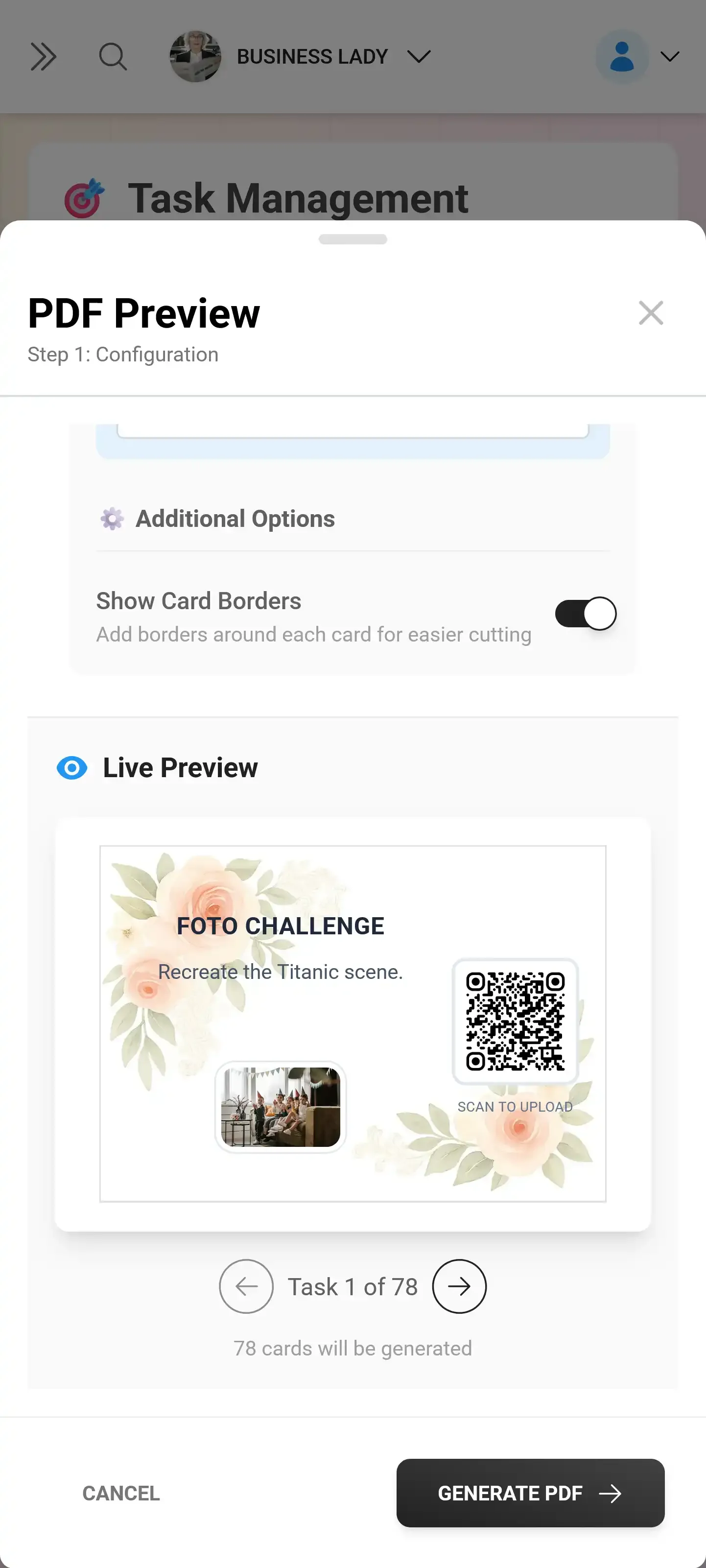
This is where content moderation becomes a requirement, not a luxury, for professional events. Photogala lets you set up a pre-approval queue. Assign a moderator (or several) who review uploads before they appear in the gallery. For corporate events, this isn't optional. It's risk management.
The Deluxe plan also includes an AI NSFW filter that automatically flags problematic content before a human even sees it. Between that and human moderation, you can hand the gallery link to your CMO without holding your breath. (I'll admit, the first time I saw the filter catch something in a demo, I was equal parts relieved and amused at what people will upload at open-bar events.)
Setting Up a Client Photo Gallery in Practice
Enough theory. Here's what the actual setup looks like if you're using a QR-based platform for your next event.
From Event to Delivered Photos in 4 Steps
Create the gallery before the event
Set your event name, upload a cover image, choose a gallery layout. This takes about 2 minutes. Customize the branding if it's a corporate client.
Share the QR code at the venue
Print QR codes on table cards, project the code on a screen, or include it in the event program. Guests scan and upload from their phones.
Upload your professional shots afterward
After editing, bulk-upload your photos to the same gallery. They appear alongside guest photos, all in one place.
Send the gallery link to the client
One link. They browse, select favorites, and download originals or ZIP archives. No login required. The link stays active for months.
If you're working with large venues like convention centers or stadiums, the same flow scales up. More QR code placement points, assign more moderators, but the core process is identical.
Pro tip for photographers: Upload your curated set to a separate album within the same gallery. That way the client can browse "Professional Photos" and "Guest Photos" separately, but everything lives under one link.
What About Pricing?
The cost question is fair. You shouldn't need a monthly subscription just to deliver event photos. Most cross-platform photo sharing apps charge either per-month or per-event.
Photogala uses one-time pricing. €39 for the Plus plan gets you unlimited photos and up to 25 videos, 75 uploader slots, and an active window of 6 months. For bigger corporate events, the Premium plan (€69) adds social features, content moderation, multiple gallery layouts, and 250 uploader slots. There's also a free demo plan with up to 50 photos if you want to test the flow before committing.
Compare that to a photographer-specific platform at $10-45 per month (ShootProof's published pricing), and the math works out fast if you're doing a handful of events per year rather than running a full-time studio.
One Honest Trade-Off
Photogala is browser-based. There's no native app. For most use cases this is actually an advantage: guests don't need to install anything, it works on every phone, and there's zero friction at the point of upload. But if you're a photographer who wants deep integration with Lightroom export workflows or print fulfillment built into the delivery platform, a tool like ShootProof or Pixieset is better suited for that specific job.
Where Photogala wins is the combination play. You're not just delivering photos from photographer to client. You're collecting guest contributions, moderating content, potentially running photo challenges to boost engagement, and handing the client a single gallery that tells the complete story of their event. No other platform does all of that. If you're comparing options side-by-side, our Dropbox comparison and Waldo Photos comparison break down the specifics.
Quick Comparison: Photo Delivery Options
| Feature | Photogala | Google Drive | WeTransfer | ShootProof |
|---|---|---|---|---|
| No Login Required | ||||
| Browse Before Download | ||||
| Original Quality | ||||
| Link Active Duration | 6–12 months | Permanent (with account) | 7 days (free plan) | While subscribed |
| Guest Uploads via QR | ||||
| Content Moderation | ||||
| Bulk ZIP Download | ||||
| Pricing Model | One-time from €39 | Free (storage limits) | Free / $12/mo | $10-45/mo |
When to Use What
Not every situation calls for a dedicated platform. Here's a realistic breakdown:
Quick internal share (under 50 photos, single recipient): Google Drive or WeTransfer is fine. Don't overcomplicate it.
Professional delivery to a specific client (photographer workflow): A proofing platform like ShootProof or Pixieset makes sense if you need favorites selection, print sales, and CRM features.
Event with multiple contributors AND client delivery: This is where a QR-based gallery platform pays for itself. One gallery handles collection, curation, moderation, and delivery. No juggling three different tools. If you're a photographer who wants to offer digital delivery as a service, this is the setup that impresses clients.
Large-scale corporate or public event: You need moderation, branding, and scalable access. Tools built for corporate event photo sharing handle this natively.
Ready to create your gallery?
Frequently Asked Questions
The best photo delivery is the one your client never has to think about. They get a link, they see the photos, they download what they need. No expired links. No login screens. No corrupted ZIPs. Just the photos, ready when they are.
All of this comes with your own event.
Setting it up takes five minutes. You can build and view everything before you decide.
Starting from €39 one-timeOne-time payment — No subscription
- No App Required
- Setup in 5 Minutes
- 30-Day Money Back
“We used the software at my mum's birthday party. It went down really well 😊”
Written by

I believe event photos should be more than static galleries. They should be live, playful, and unforgettable.
Categories
Related Posts

Sales Kickoff Photo Sharing: How to Turn a Mandatory Meeting Into a Team Memory
Sales kickoffs are expensive. The photos from them usually disappear into 14 different camera rolls. Here's how to fix that.

Customer Appreciation Event Photos: The Album Nobody Plans (But Everyone Wants)
Your best clients showed up, mingled, laughed. Then what? Here's how to turn a customer appreciation event into a shared photo gallery that keeps the relationship warm.

Store Grand Opening Photos: How One QR Code Captures the Ribbon Cutting and Everything After
The ribbon cutting lasts 3 seconds. The photos from your grand opening should last forever. Here's how to collect every guest photo with a single QR code.