Your Art Exhibition Closed. All You Have Is Three iPhone Photos.

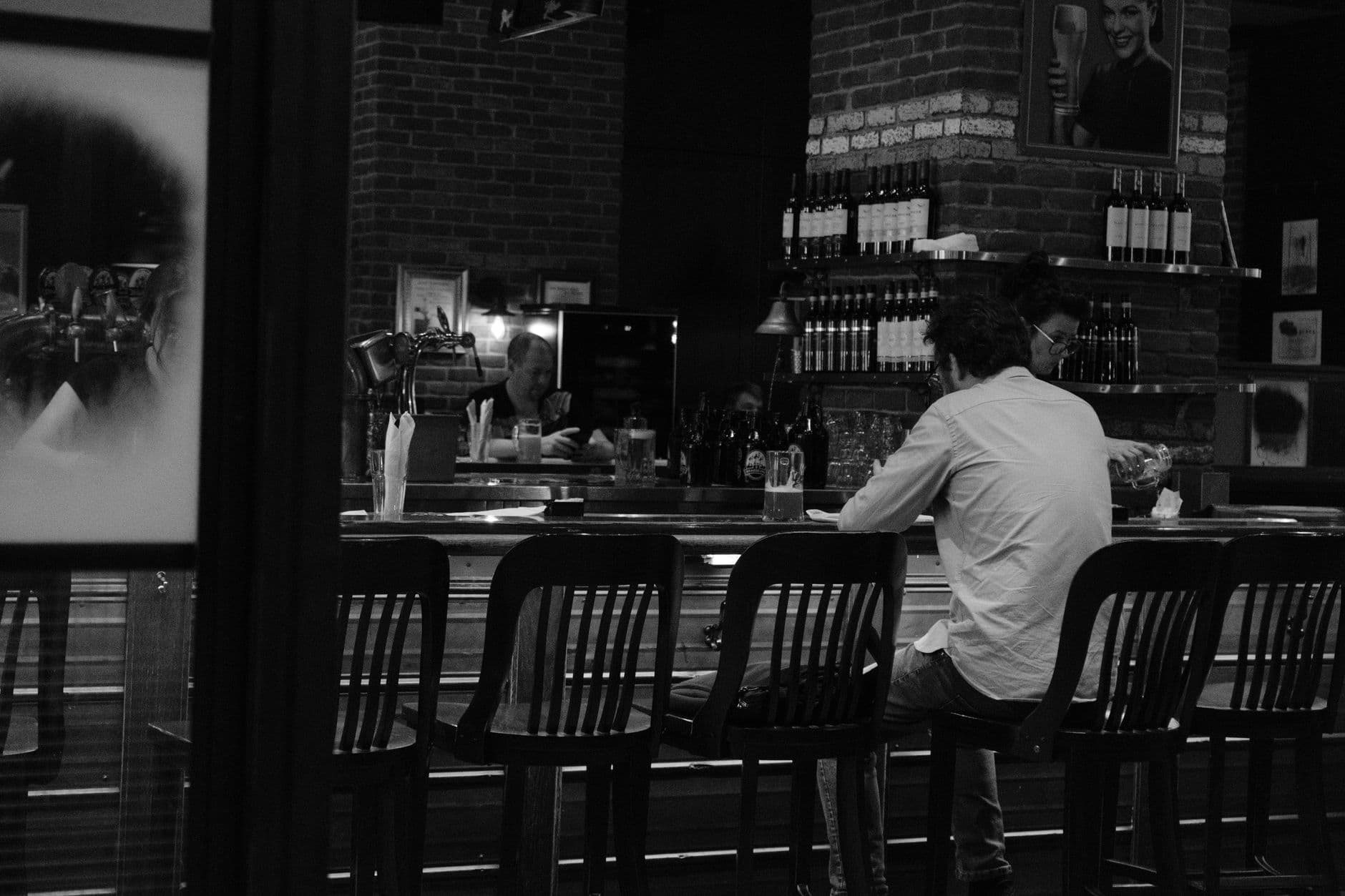
Picture this: six months of curation. Weeks of hanging, lighting, rehanging, relighting. One opening night with 120 guests, good wine, and an artist who actually showed up on time. The next morning, you open your camera roll. Three blurry shots of the crowd. One accidental photo of the floor. Your gallery partner's Instagram story expired at midnight.
That's it. That's all you have.
According to a photographer who has documented over 150 exhibitions, this is shockingly common. Months of planning evaporate into "three mediocre iPhone photos." Once the show comes down, only the documentation remains. And if the documentation is garbage, the exhibition might as well not have happened.
Why Gallery Documentation Is a Sales Problem, Not Just a Vanity Project
This isn't about social media clout. It's about money. Opening night photography drives media coverage, collector follow-up, artist credibility, and future invitations. A well-documented opening gives you assets for press releases, exhibition archives, grant applications, and online promotion strategies. A poorly documented one gives you regret and a blank press kit.
And here's the part gallerists overlook: 72% of art buyers research works online before visiting a gallery. Your opening night photos aren't just memories for your Instagram. They're the first impression for every potential buyer who wasn't in the room. No photos, no online presence, no follow-up sales.
The Hired Photographer Problem
The obvious solution is hiring a photographer. And yes, a professional delivers polished results. But there are two problems with relying solely on one person.
First, coverage gaps. One photographer can't be everywhere during a three-hour opening. They miss the quiet corner where a collector spent 20 minutes with a piece. They miss the spontaneous toast. They miss the artist's face when someone said exactly the right thing about the work. A typical deliverable set might be 30-50 curated images from the entire evening, which sounds reasonable until you realize how many moments that leaves out.
Second, turnaround. Those polished shots arrive days or weeks later. By then, the social momentum is gone. The opening was Thursday. Instagram cares about Thursday. It does not care about the following Tuesday.
The gap between what one photographer captures and what 120 guests collectively see is enormous. The question isn't whether to hire a photographer. It's how to capture everything else alongside those professional shots. If you've ever dealt with collecting photos from event guests, you know the struggle: people take great photos and then never share them.
What If Every Guest Contributed?
Imagine a gallery opening where a small printed card sits next to the guest book. A QR code, tastefully designed to match the exhibition branding. Guests scan it with their phone camera. No app download. No account creation. A browser-based gallery opens, and they start uploading photos they've already taken.
The gallerist's camera caught the wide shots. The artist's partner filmed the speech. But now there's also: the close-up a collector took of brushwork detail. The selfie with the artist. The candid of two strangers bonding over a sculpture. The atmospheric shot from the balcony that even the photographer didn't think to take.
QR code photo sharing makes this work without any friction. Guests scan, upload, done. Every photo lands in one shared gallery that the gallerist controls. No group chats, no AirDrop chaos, no "I'll send them later" promises that never materialize.

1.Guests scan and upload from their phones in seconds
This works especially well at openings because the audience is already taking photos. Art exhibitions are inherently photogenic. People photograph artwork, the space, each other. The problem was never motivation. It was logistics: nobody had a shared place to put the photos.
Setting Up Photo Sharing for a Gallery Opening
Here's how this looks in practice, from setup to post-event archive.
Gallery Opening Photo Sharing in 3 Steps
Create the gallery before the event
Set up your gallery with the exhibition name, upload your logo, and match the gallery colors to the show's visual identity. Takes about 5 minutes.
Print QR codes that fit the space
Place small cards near the entrance, the guest book, or the bar. You can also project the QR code or include it in the exhibition program.
Curate after the event
Review uploads, approve the best ones, and download the full archive in original quality for press kits, social media, and your exhibition records.
The customization options matter more here than at most events. A gallery cares about visual coherence. You can match the gallery's primary and accent colors to the exhibition design, pick a header style that fits the aesthetic, and choose from multiple layout variants. A contemporary art show might use the modern grid layout. A photography exhibition might suit the polaroid or vintage style.
For group exhibitions with multiple artists: Create photo challenges asking guests to photograph their favorite piece from each artist. Challenges can include example preview photos showing guests what kind of shot you're looking for. This guarantees coverage of every artist's work, not just whoever had the most prominent wall placement.
देखिए, यह कैसा दिखता है
मेहमानों की सारी फ़ोटो एक ही एल्बम में – बिना किसी ऐप के।
The Live Photo Wall: Where Documentation Becomes Part of the Show
Here's where it gets interesting for gallery spaces. Connect a screen to the gallery and set it to display uploads as they arrive. A live photo wall running behind the bar or near the entrance creates a loop: guests see others' photos appearing, which prompts them to upload their own.
At a typical opening with 80-120 guests over three hours, you might expect 100-250 photo contributions. That's a conservative estimate for art-oriented audiences who are already in the habit of photographing what interests them. Compare that to the three iPhone photos you'd have otherwise.
You can run the wall in slideshow or collage mode, and there are several collage styles (polaroid, vintage, justified, featured). For a polished gallery setting, the uniform or justified style keeps things clean. For a more playful opening, the polaroid style adds warmth.
One thing to plan for: screen placement. At large venue events, positioning is everything. For a gallery opening, put the screen where people naturally congregate. Near the drinks, near the entrance, or in a transition space between rooms. Not in a dead corner where nobody looks.
Content Moderation for Professional Spaces
Gallery openings attract a professional audience, but you still want control over what appears on a live wall. The moderation dashboard lets you set pre-approval for uploads, meaning nothing shows publicly until someone reviews it.
Assign moderation to an assistant or gallery intern. One tap to approve, one tap to reject. At a refined art event, this matters. You probably don't want someone's blurry wine glass appearing next to the artist's best piece on the live wall. (It will happen. Someone always uploads a close-up of the cheese plate.) If the event is public-facing or includes press, moderating guest photos isn't optional.
For galleries concerned about AI content screening, there's also an AI NSFW filter that automatically flags inappropriate uploads before they reach the moderation queue. At art events specifically, you might want to set this to a relaxed sensitivity since, well, some of the artwork itself could trigger an overzealous filter.
Gallery openings are professional networking events. The photos guests upload serve double duty: documentation for you and shareable social proof for artists and collectors. When a collector uploads a photo standing next to a piece they're considering, that's both a memory and a remarketing opportunity.
After the Opening: Building an Exhibition Archive
The opening ends. Now what?
Download the full gallery as a ZIP archive in original quality. Use it for press kits, artist portfolios, exhibition catalogs, and social media over the coming weeks. If the show runs for a month, you now have content to promote it throughout the run, not just on opening night.
For multi-artist group shows or corporate exhibitions, the photos can be organized into albums per artist or per room. Share specific albums with individual artists for their own portfolios and grant applications. If you're running multiple exhibitions per year, this becomes your visual archive. One consistent system instead of folders scattered across phones and hard drives.
Consider this: if you're documenting exhibitions for artists who need portfolio images, the face recognition feature can automatically group photos by person. Hand an artist a link to "all photos featuring you" and they've got their own curated set without you sorting through hundreds of images.
What This Looks Like for Different Exhibition Types
Gallery openings aren't monolithic. The approach shifts depending on the event.
Solo artist exhibitions tend to generate more focused documentation. The artist is the center of attention, and guests naturally photograph both the work and the artist. Photo challenges work beautifully here: "Photograph your favorite piece," "Capture the artist at work," "Find the smallest detail in any painting." These prompts turn casual phone snapshots into intentional documentation.
Group shows need broader coverage. Without direction, guests photograph the two or three most prominent pieces and ignore the rest. Challenges that reference specific artists or specific areas of the gallery solve this. You want the emerging artist in the back room documented as thoroughly as the headliner near the entrance.
Corporate art events and sponsored exhibitions have different needs entirely. Sponsor logos need to appear in photos. Branding matters. Custom branded QR codes and gallery branding make the shared gallery feel like part of the event's corporate identity, not a bolt-on. For events that involve sharing photos with both staff and press, having a single controlled gallery cuts out the usual chaos of collecting images from a dozen different people afterward. Photogala also has dedicated support for event photo sharing workflows in these scenarios.
1.Match the gallery's colors and branding to your event
The Honest Trade-Off
Photogala is browser-based, not a native app. For most gallery events, that's actually an advantage because nobody wants to download an app for a two-hour opening. But it also means the upload experience depends on the venue's WiFi. Art galleries, especially in older buildings, sometimes have unreliable internet. Test the connection before the opening, and consider a mobile hotspot as backup.
The other consideration: not every gallery visitor wants to participate. Some people come to look at art quietly, not to be part of a digital experience. That's fine. The QR code is passive. It sits on a card. Nobody's forced to engage. The visitors who do participate are the ones who were already taking photos anyway. You're just giving them somewhere useful to put them.
The exhibitions that get remembered are the ones with visual proof they existed. A press release without photos gets ignored. A grant application without installation shots loses credibility. A social post without opening night energy falls flat. The question isn't whether documentation matters. It's whether you're going to rely on one photographer and three iPhone shots, or whether 120 guests can help you capture what actually happened.
यह सब आपके अपने इवेंट में शामिल है।
सेटअप में सिर्फ़ पांच मिनट लगते हैं। फ़ैसला करने से पहले आप सब कुछ सेट करके देख सकते हैं।
कीमत €39 से शुरू, एक बारएक बार का भुगतान — कोई सब्सक्रिप्शन नहीं
- किसी ऐप की ज़रूरत नहीं
- 5 मिनट में तैयार
- 30 दिन की मनी-बैक गारंटी
लेखक

I believe event photos should be more than static galleries. They should be live, playful, and unforgettable.
मिलते-जुलते लेख

Bridal Shower Photo Sharing: Collect Every Sweet Moment in One Gallery
Bridal shower photos end up scattered across 15 phones. Here's how to get them all into one gallery before the mimosas wear off.

Maternity Photo Sharing: How to Keep Every Announcement, Bump Shot, and Memory in One Place
Pregnancy announcements land on 4 different apps. Maternity photos get lost in group chats. Here's how to keep every photo in one shared gallery your whole family can access.

Sales Kickoff Photo Sharing: How to Turn a Mandatory Meeting Into a Team Memory
Sales kickoffs are expensive. The photos from them usually disappear into 14 different camera rolls. Here's how to fix that.