Club Event Photos: How to Stop Losing Member Moments to WhatsApp Chaos


Picture a Saturday afternoon at your local running club's summer barbecue. Forty members, good weather, someone brought a cake shaped like a running shoe. Phones come out constantly. The group photo by the grill. The kids' relay race. That moment the club president trips over a tent peg and spills lemonade everywhere.
By Monday, those photos exist on 25 different phones. Three end up in the WhatsApp group. Someone posts two to the Facebook page. The rest? Gone. Not deleted, just buried in camera rolls where they'll sit untouched until the next phone upgrade.
This happens at every club event, in every society, in every volunteer group. It's not a technology problem. The technology exists. It's a friction problem. And friction is the only thing standing between your club and a visual archive that actually means something.
Why Clubs Have a Harder Photo Problem Than Weddings
A wedding is a single high-stakes event. Everyone knows photos matter. There's a photographer. There are QR codes on table cards. The motivation to share is baked into the occasion.
Clubs are different. Events happen monthly, sometimes weekly. Each one feels low-stakes on its own. Nobody's going to set up a special system for a Tuesday evening training session or a quarterly volunteer meetup. So the default becomes WhatsApp, and WhatsApp becomes a graveyard of unsorted images that nobody can find three months later.
The real cost isn't individual photos. It's the cumulative loss. A sports club that runs 30 events a year and captures maybe 5% of the photos taken at each one is sitting on a fraction of its own visual history. New members join and see... nothing. No sense of what the community looks like in action. No archive to browse. No reason to feel like they missed something worth being part of.
Community photo organization is fundamentally different from personal photo management. As Touchwall's research points out, it requires balancing accessibility, privacy, and long-term preservation across multiple stakeholders with varying access needs. That's a mouthful, but it's exactly why WhatsApp fails: it solves none of those problems.
The Usual Suspects (and Why They Fall Short)
Most clubs cycle through the same three approaches before giving up entirely.
WhatsApp groups are the default because everyone already has the app. But group chats compress images, bury them under messages, and make it impossible to find anything older than a week. Try finding that photo from the March fundraiser in a group with 200 members and daily chatter. You'll scroll for ten minutes and give up.
Facebook Groups used to be the go-to for clubs, but engagement has cratered. The average organic reach on Facebook is just 5.5%, meaning most members never see what gets posted. And as Mighty Networks bluntly puts it, "Facebook Groups is where communities go to die." Younger members often don't have Facebook at all.
Google Drive or Dropbox shared folders sound organized in theory. In practice, you need someone to manage permissions, folder structure, and uploads. That someone is always the same overworked volunteer who already handles the newsletter, the website, and the key to the equipment shed. After two events, the folder is either empty or a mess of IMG_4382.jpg files with no context.
None of these tools were built for event photo sharing. They're general-purpose tools being stretched into a use case they can't handle well. The result is predictable: members stop sharing, the club's visual record thins out, and everyone accepts it as normal.
A QR Code Gallery Changes the Math
The core insight is simple: if uploading a photo takes more than ten seconds, most people won't do it. QR code galleries reduce that to about five. Scan, tap, upload. No app to install. No account to create. No folder to navigate.
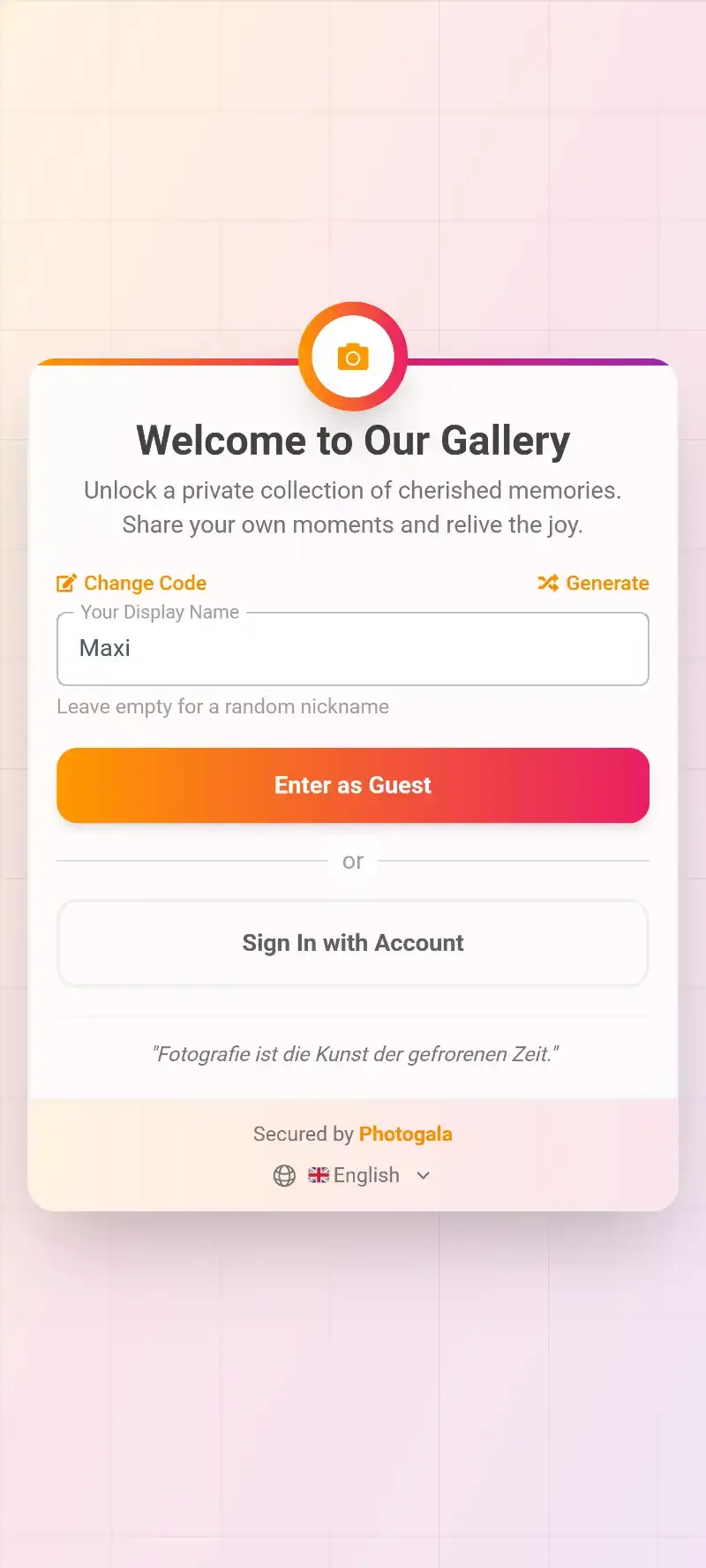
Here's what that looks like in practice. Your club prints a QR code on a poster at the entrance, or shares a link in the event announcement. Members scan it on their phone, and they're looking at a shared gallery in the browser. They tap the upload button, select a few photos, and those images appear in the gallery within seconds. Done. You can even generate QR codes for free with our QR code generator tool to get a feel for how it works.
QR Code Generator
Create custom QR codes for your event — link guests directly to your photo gallery.

1.Scan the QR code — no app needed
The key difference from a WhatsApp group: every photo lands in one organized place. No scrolling through messages. No duplicate threads. No images compressed to blurry thumbnails. Original quality, searchable, downloadable, and available to anyone with the link.
For clubs that run events regularly, this compounds. Each event gets its own gallery (or album within a larger gallery). Over a season, you build an actual visual archive. The annual general meeting slideshow practically assembles itself. The website gets fresh content. New member recruitment materials have real photos instead of stock images.
Reuse one gallery for the whole season. Instead of creating a new gallery per event, set up a single gallery with albums for each date. Members only need to scan the QR code once, and they can browse the entire season's photos in one place. Works especially well for sports clubs with weekly matches.
See it in action
Every guest photo in one album – no app.
Getting Members to Actually Participate
Making upload easy is half the battle. The other half is making people want to upload. And this is where clubs have a surprising advantage over one-off events.
Club members see each other repeatedly. There's social currency in contributing. When someone's photo shows up on the live photo wall at the clubhouse or gets featured in the newsletter, other members notice. That creates a gentle competitive loop: "I want my photos up there too."
You can amplify this with photo challenges. Set up three or four tasks per event: "Best action shot," "Most creative group pose," "Catch someone laughing." Challenges can include example preview photos that show members exactly what to aim for. Imagine setting a challenge where the example photo is a dramatic sports pose, and members have to recreate it with whatever's happening at the event. The results are usually better than anything you'd plan.
1.Set challenges that fit your club's personality
Add a leaderboard and points system, and suddenly you've got members competing to be the top contributor of the season. It sounds silly until you see a 55-year-old tennis club treasurer uploading 12 photos because she's determined to stay in the top three. Tagbox's analysis of event photo management confirms it: even simple competitive elements like centralized upload links and QR codes increase participation rates dramatically.
For clubs that want to go further, real-world rewards are an option. The top contributor each quarter gets a free drink at the next event, or a club t-shirt, or first pick of court times. Small stakes, but people care way more than you'd expect.
The Privacy Question (It Matters More Than You Think)
Clubs operate in a gray area when it comes to member photos. A casual barbecue is one thing. A youth sports event is another entirely. And in Europe, GDPR applies regardless of how informal the occasion feels.
This is where a dedicated photo sharing platform beats a WhatsApp group or Facebook page. With WhatsApp, once a photo is shared, you lose control. Anyone in the group can save, forward, or screenshot it. Facebook's privacy settings are notoriously confusing, and the platform itself uses uploaded content for ad targeting.
A proper gallery with content moderation gives the club committee actual control. Assign a moderator (the social secretary, the youth coordinator, whoever makes sense) and they can review every upload before it goes live. One tap to approve, one tap to reject. Inappropriate content gets caught before anyone else sees it.
1.A moderator reviews every upload before it appears in the gallery
For youth events, this isn't optional. It's essential. Parents want to know that someone is vetting what goes into the shared gallery. An AI-powered NSFW filter adds a second layer by automatically flagging anything questionable before a human even reviews it.
One honest trade-off: Photogala is browser-based, not a native app. For most club scenarios that's actually a benefit (no install barrier), but it means you won't get push notifications nudging members to upload after the event. You'll want to send a reminder in your usual club communication channel. Our guide on getting guests to upload after the event has practical tips for this.
Building a Visual Archive That Lasts
The most underrated benefit of organized club photo sharing isn't the individual event. It's what builds up over time.
Imagine a rowing club that uses a shared gallery for every regatta, training camp, and social event over three years. That's not just a photo collection. It's a club history. New members can scroll through seasons of moments and immediately feel the culture. The 10-year anniversary celebration has a decade of real content to draw from. Sponsors see an active, engaged community, not just a logo on a jersey.
Smart albums can organize this automatically. Set up rules like "all photos from a specific uploader" or "all photos with 5+ likes" and the albums fill themselves. If your club runs the Deluxe plan, person albums powered by face recognition can create a personal gallery for each member. A departing member gets a link to every photo they ever appeared in. Try doing that with a WhatsApp group.
The gallery layouts can be customized to match your club branding: your colors, your logo, your style. A vintage timeline layout for a historical society. A modern grid for a tech meetup. A polaroid style for a photography club (yes, the irony is perfect).
Making It Work: A Practical Setup for Any Club
Set Up Your Club Gallery in 3 Steps
Create the gallery and add your branding
Pick your club name, upload your logo, choose colors that match your identity. Set up albums for recurring events (monthly meetups, annual gala, training sessions).
Print the QR code and share the link
Put the QR code on your noticeboard, in the newsletter, on event flyers. Share the gallery link in your group chat or email list. Members bookmark it once and come back for every event.
Assign a moderator and set the rules
Pick a committee member to review uploads. Enable pre-approval for youth events, open access for casual socials. Download the full collection after each event for your archive.
The whole setup takes about five minutes. For clubs with recurring events, the work is front-loaded: set it up once, reuse it all season. If your club also hosts networking events or conferences, the same gallery infrastructure works for those too.
Pricing is straightforward: the Plus plan at €39 covers unlimited photos and up to 25 videos with 75 uploaders, which is enough for most small to mid-sized clubs. It's a one-time payment, not a subscription. For larger organizations or those wanting moderation and social features, the Premium plan at €69 adds team roles, comments, and social engagement tools. Both include a photo wall you can display at the clubhouse. Not sure which tier fits? The birthday party use case gives a good feel for what Starter covers, while the corporate events page shows what Premium and Deluxe unlock.
The beauty of a dedicated gallery over a scattered approach is that each event adds to the archive. Each season of photos makes the next newsletter easier. Each new member who browses the gallery understands what the club is about faster than any mission statement could explain.
If your club still relies on "someone post the photos in the group chat," you already know how that story ends. Forty phones, three shared photos, and a collective shrug. It doesn't have to be that way.
All of this comes with your own event.
Setting it up takes five minutes. You can build and view everything before you decide.
Starting from €39 one-timeOne-time payment — No subscription
- No App Required
- Setup in 5 Minutes
- 30-Day Money Back
“We used the software at my mum's birthday party. It went down really well 😊”
Written by

I believe event photos should be more than static galleries. They should be live, playful, and unforgettable.
Categories
Related Posts

Kids' Birthday Party Photo Sharing: One Gallery Every Parent Will Love
Stop chasing parents for photos after your kid's party. One QR code, one shared gallery, zero hassle.

Proposal and Engagement Photo Sharing: How to Capture the Moment They Said Yes
The proposal lasts seconds. The photos live forever. Here's how to collect every angle from the people who were there.

Bridal Shower Photo Sharing: Collect Every Sweet Moment in One Gallery
Bridal shower photos end up scattered across 15 phones. Here's how to get them all into one gallery before the mimosas wear off.