Housewarming Party Photo Sharing: How to Capture Your New Place Through Everyone's Eyes

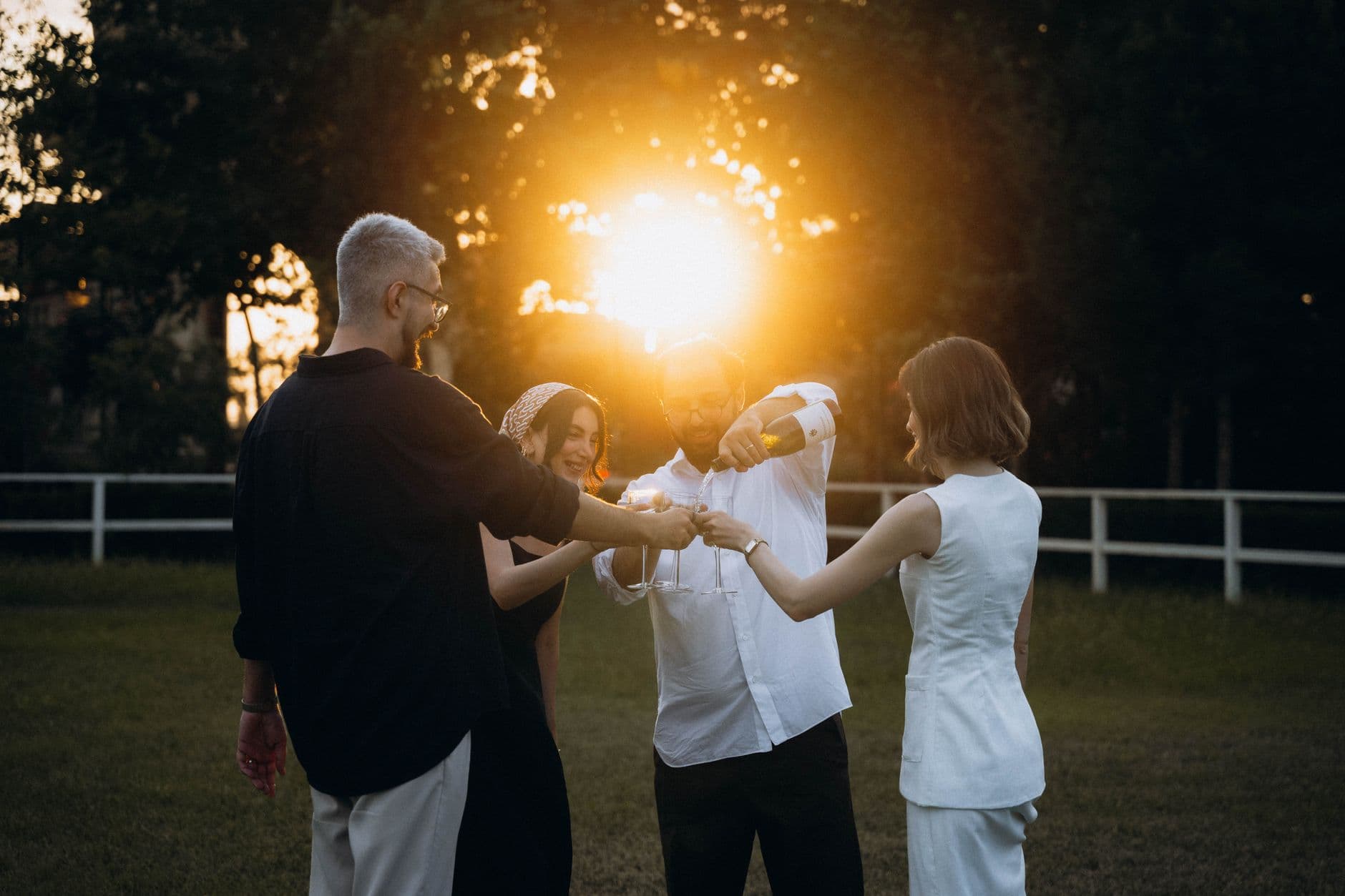
You spent three weeks painting the living room. Two weekends assembling flat-pack furniture. One very long Thursday evening hanging shelves that still aren't perfectly level. And now, on the night of your housewarming, you're too busy refilling the snack bowls and giving house tours to take a single photo.
This is the paradox of hosting: the person who cares most about the memories is the one least able to capture them. Your guests, meanwhile, are snapping photos of everything. The kitchen island you're proud of. The bathroom tiles you agonized over. The dog wearing a tiny bow tie. But those photos live on 15 different phones, and unless you do something about it, that's where they'll stay.
Here's the thing most people miss about housewarming parties. Unlike birthdays or holidays that repeat, your home will never look exactly like this again. The fresh paint. The unscratched floors. The shelf that hasn't yet accumulated a year's worth of random stuff. This is the "before" photo of your life in this space, captured not just by you, but by everyone who walked through the door.
Why Housewarming Photos Are Worth Collecting
A 2026 analysis of event photo sharing found that without an organized collection system, fewer than 5% of guest photos ever reach the host. Five percent. At a housewarming with 25 guests, each taking 8-15 photos, that's roughly 200-375 photos floating around on phones. You might see 10 of them. Maybe.
The photos guests take at a housewarming are different from what you'd take yourself. They notice details you've gone blind to: the way afternoon light hits the reading nook, the color contrast between your door and the hallway, your kid's bedroom from a visitor's perspective. These aren't just party photos. They're a document of your home at its freshest moment. The same principle applies to any event where collecting guest photos matters, but housewarmings are uniquely time-sensitive because the space itself changes.
And here's where it gets practical. If you're planning to create a digital memory book from your first year in the new place, housewarming photos are the perfect opening chapter. But only if you actually collect them.
The "I'll Send You the Photos" Problem
You know how this goes. Three guests promise to share photos. One actually sends a handful via WhatsApp two days later. Another forgets entirely. The third sends 40 photos in original resolution that crash your phone's storage notification.
Group chats are worse. Someone creates "Sarah's New Apartment!!!" on WhatsApp. Half the guests are already in too many group chats and mute it immediately. The photos that do get posted are compressed to mush. And good luck finding that one great shot of the balcony six months later, buried under 300 messages about who's bringing what next time.
Shared albums on iCloud or Google Photos sound better in theory. In practice, they require everyone to have the same ecosystem or at least an account. At any gathering of 20+ people, someone won't have a Google account, someone else has a full iCloud, and your uncle is still running Android 11. As Emmaline Bride's guide to QR code photo sharing puts it: without a simple setup, guest photos stay stuck on devices, buried in social media hashtags, or never seen at all.
The real cost isn't convenience. It's the photos you never see. The angle of your kitchen you didn't think to photograph. The candid of your best friend's reaction when she saw the guest room. Those moments exist on someone's phone right now, slowly sinking into the camera roll abyss.
QR Code Photo Sharing: The 30-Second Solution
The simplest fix is a QR code that opens a shared gallery in the browser. No app download. No account creation. No explaining to your least tech-savvy friend how iCloud sharing works. Guests scan, upload, done.
With Photogala, you create a gallery, get a QR code, and print it or display it on a tablet near the entrance. You can even design one with our free QR code generator if you want a standalone code for invitations. Guests scan the code and upload directly from their phone's browser. The photos land in a shared gallery that everyone can see in real time. The whole process takes less than 30 seconds per person, even for guests who've never used a QR code gallery before.
QR Code Generator
Create custom QR codes for your event — link guests directly to your photo gallery.

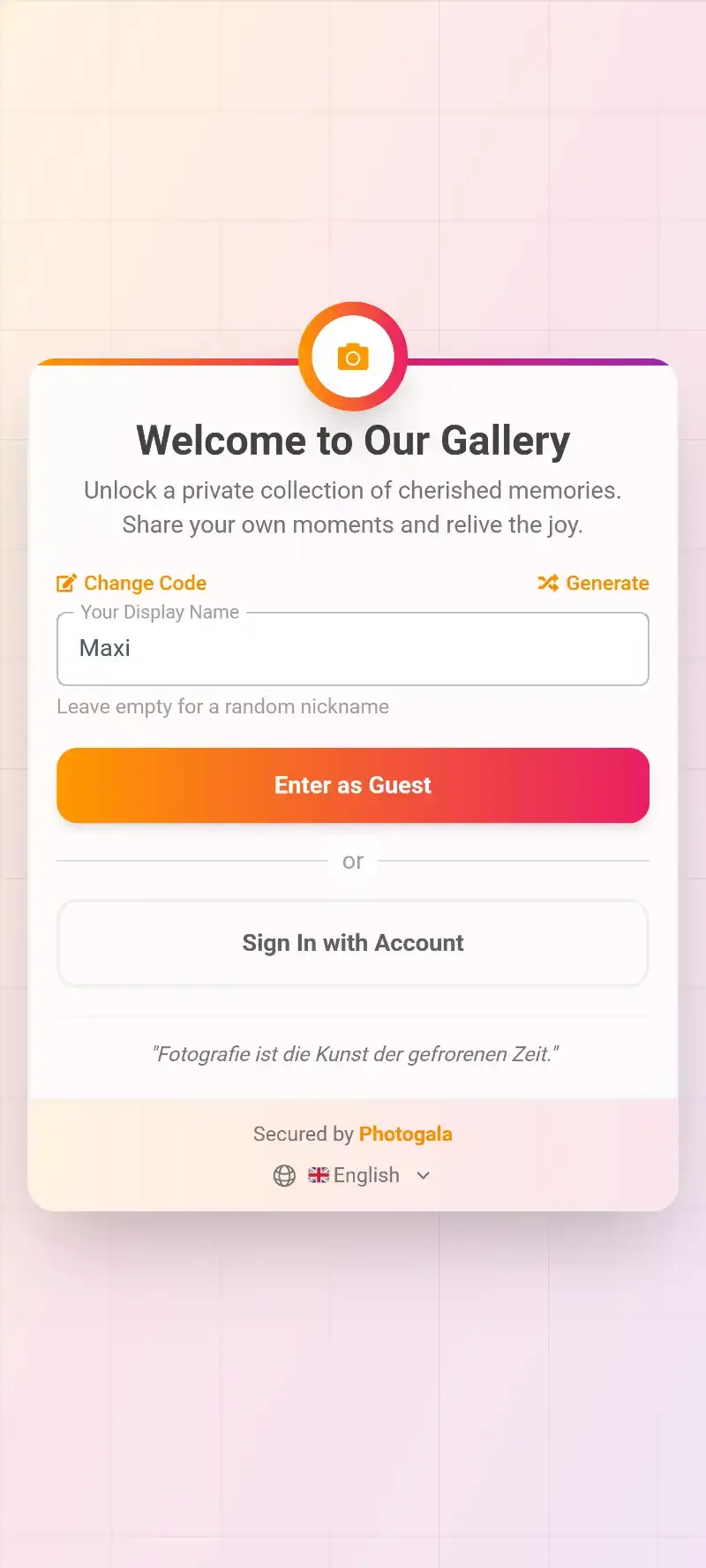
1.Guests scan a QR code to open the gallery instantly
The best part? Photos stay in original quality. No WhatsApp compression. No Instagram cropping. The full-resolution shot of your carefully styled bookshelf, exactly as it looked through your friend's iPhone lens.
See it in action
Every guest photo in one album – no app.
Where to Put the QR Code (Placement Matters More Than You Think)
One QR code on a piece of paper taped to the fridge will get some uploads. But strategic placement gets you three to four times more. Here's what works for a housewarming specifically:
The entrance. Print the QR code on a small sign next to where guests leave their shoes or coats. Something like "Help us remember tonight — scan to share your photos." People see it right when they arrive, fresh and curious, phone already in hand from texting "I'm here."
The drinks station. People linger near drinks. They're relaxed, phone out, waiting for a glass to be poured. A QR code on a small card next to the wine bottles is prime real estate. If you're looking for creative QR code placement ideas, some hosts have even attached them to bottles and table cards at restaurant events.
The bathroom. Seriously. Everyone visits. The QR code sits on the counter or mirror. People are alone, bored for 30 seconds, and will absolutely scan it. This is where you'll get the most uploads from guests who'd never proactively seek out a photo-sharing link.
A tablet on the coffee table. If you have a spare tablet, open the gallery on it. Guests see other people's photos scrolling by, get the "oh that's fun" reaction, and want to add their own. Social proof works.
Pro tip: Print a few copies of the QR code. The Unlikely Hostess recommends waiting a month or two after moving in before hosting, which gives you plenty of time to design nice little QR cards that match your decor. A small framed print on the mantel works beautifully.
What Guests Actually Photograph at a Housewarming
Here's something interesting. At a typical housewarming with 20-30 guests over a 3-4 hour evening, you can expect around 80-180 photos if you make sharing easy. The photos fall into predictable categories, and knowing this helps you set the stage.
The house tour moments. The biggest cluster of photos happens in the first hour, when guests are exploring. They photograph rooms, details, views from windows. If you want great shots of your space, keep the lights on in every room and tidy the bedroom. People will wander in there whether you planned it or not.
The food and drinks. Always. Every gathering. If your cheese board looks good, someone is photographing it. Lean into this. A well-styled table is essentially free content for your gallery.
Candid group moments. The toast. The moment someone's kid discovers the new backyard. Your roommate's dramatic reaction to the closet space. These are the photos you can't plan and can't take yourself because you're in them.
The weird stuff. Someone always photographs something unexpected. Your spice rack. The power outlet that looks funny. A magnet on the fridge. These oddball shots are often the most fun to scroll through later.
If you want to nudge guests toward capturing specific moments, photo challenges work surprisingly well. Set up 3-5 simple tasks like "photograph your favorite room," "capture the view from a window," or "find the most hidden corner." Photogala lets you create challenges with example preview photos, so guests know exactly what you're looking for. It turns passive snappers into active explorers of your space, and you end up with a much more complete visual record.
Setting Up the Gallery in 10 Minutes
From zero to ready in three steps
Create your gallery
Sign up on Photogala (free demo available, no credit card), name your event something like "Welcome to Our New Place", and pick a gallery layout. The Polaroid style works particularly well for housewarming vibes.
Customize and share the QR code
Download the QR code, print a few copies, and place them around your home. Share the gallery link in your party invite message too, so guests can upload before they even arrive.
Watch photos appear in real time
As guests scan and upload, photos populate the gallery instantly. Open it on a TV or laptop screen for a live photo wall effect during the party.
If you want to go beyond the basics, you can customize the gallery's look with your own colors and header style. You can even choose between gallery layouts like Modern, Polaroid, Timeline, or Vintage to match your aesthetic. For a housewarming, Polaroid or Vintage tends to feel warmer and more personal than a clean grid.
The Live Photo Wall Trick
This is the one thing that consistently gets guests excited about uploading. Connect a TV or laptop to the gallery's live photo wall and place it somewhere visible. Maybe the living room, maybe the kitchen counter where everyone congregates.
Picture this: your friend uploads a photo of the balcony view. Ten seconds later, it appears on the TV screen in the living room. Someone points. Someone else laughs. A third person grabs their phone to upload their own shot. The photo wall creates a feedback loop where seeing other people's photos motivates more uploads. It's a trick that works just as well for event photo sharing at any scale, but at a housewarming the effect is especially strong because guests are already exploring and taking photos of the space.
1.Guest photos appear on screen in real time as they upload them
At a 25-person housewarming, a visible photo wall can easily double the upload count compared to a QR code alone. Instead of 60 photos you might get 120. Instead of 8 people bothering to upload, 15 do. The screen does the convincing for you.
After the Party: What to Do With 150 Photos
The party's over. The last guest left. You open the gallery on your phone while sitting on the couch surrounded by empty glasses, and there are 147 photos waiting for you. Now what?
First, enjoy the scroll. This is genuinely one of the best parts. Seeing your home through other people's eyes is a strange and wonderful experience. Your colleague noticed the vintage lamp you found at a flea market. Your sister photographed the kids' room from an angle you'd never considered. Someone got a perfect shot of the sunset from your balcony that you missed entirely because you were plating dessert.
Then, think about preservation. With Photogala, you can download all photos in original quality as a ZIP file. Save them to a dedicated folder. Label it with the date. In five years, when the floors are scratched, the walls have been repainted twice, and the bookshelf sags a little, you'll be glad you did.
Some hosts turn their favorites into a photo book or framed prints for the new home. Others create a digital memory book that grows over the first year. A few even set up the gallery to stay open after the party, so guests who forgot to upload can add their photos later. With the Plus plan's 6 months active period, there's no rush.
One honest note: Photogala is browser-based, not a native app. That's a feature for guests (no download needed), but it means you won't get push notification reminders to upload. If collecting every last photo matters, send a follow-up message the next day with the gallery link. Most late uploads happen within 48 hours.
Housewarming-Specific Tips That Actually Work
After looking at how different events handle photo sharing (from retirement parties to Christmas gatherings to family reunions), housewarmings have a few unique dynamics worth planning for.
Light every room. Guests will explore. If a room is dark, they skip it, and you miss photos of that space. Turn on every light, open curtains for natural light during daytime events. It sounds obvious, but it's the single biggest factor in whether guests photograph a room or not.
Give the house tour early. Don't wait until people ask. Walk the first wave of guests through the whole place in the first 30 minutes. This is when phones come out and the most diverse range of photos gets taken.
Stage one "hero moment." Pick your proudest spot (the kitchen island, the reading corner, the rooftop terrace) and make sure it looks its absolute best. Put a few drinks there. People will naturally gravitate, linger, and photograph.
Mention the QR code exactly once. A quick "Hey everyone, there's a QR code on the fridge if you want to share your photos tonight" is enough. Don't nag. The photo wall and placement will do the rest. People respond better to seeing others participate than being told to.
Consider a digital guest book angle. Invite guests to upload a photo with a short message about their wishes for your new home. It's a modern twist on the housewarming guest book tradition, and you end up with something much more meaningful than signatures in a notebook.
What About Photo Sharing Etiquette?
A housewarming is your home. Not everyone is comfortable having photos of their living space shared publicly. This is worth thinking about before the party.
Photogala galleries are private by default, accessible only to people with the QR code or link. You can also add password protection on the free plan. If you want more control, the Premium plan includes a moderation dashboard where you can review and approve photos before they appear in the gallery. Useful if you'd rather not have that messy corner of the spare room on display.
For broader guidance on navigating the social side of shared photos, our guide on photo sharing etiquette for event hosts covers the basics: what to communicate upfront, how to handle requests to remove photos, and when moderation makes sense.
Your housewarming happens once. The champagne gets drunk, the snacks disappear, and eventually the new-home smell fades. But 147 photos from 18 different perspectives of the place you just made yours? Those stick around. And opening that gallery a year later, seeing the pristine floors and the friends who helped you celebrate, is worth the 10 minutes it takes to set up a QR code.
All of this comes with your own event.
Setting it up takes five minutes. You can build and view everything before you decide.
Starting from €39 one-timeOne-time payment — No subscription
- No App Required
- Setup in 5 Minutes
- 30-Day Money Back
“I use PhotoGala Deluxe and I'm absolutely thrilled. It was the perfect solution for documenting a sports event. Uploading and downloading via the link is a breeze for every participant. What won me over most were the photo wall and the slideshow – both are quick to set up and look really professional. Big praise also to Peter from the PhotoGala team: he's very easy to reach by email, replies quickly and even took my suggestions on board and added new features that made my slideshow even better. You rarely get support this dedicated. A clear 5-star recommendation!”
Written by

I believe event photos should be more than static galleries. They should be live, playful, and unforgettable.
Categories
Related Posts

Bridal Shower Photo Sharing: Collect Every Sweet Moment in One Gallery
Bridal shower photos end up scattered across 15 phones. Here's how to get them all into one gallery before the mimosas wear off.

Maternity Photo Sharing: How to Keep Every Announcement, Bump Shot, and Memory in One Place
Pregnancy announcements land on 4 different apps. Maternity photos get lost in group chats. Here's how to keep every photo in one shared gallery your whole family can access.

Sales Kickoff Photo Sharing: How to Turn a Mandatory Meeting Into a Team Memory
Sales kickoffs are expensive. The photos from them usually disappear into 14 different camera rolls. Here's how to fix that.