Wedding Reception Photo Ideas for When No Photographer Is Around

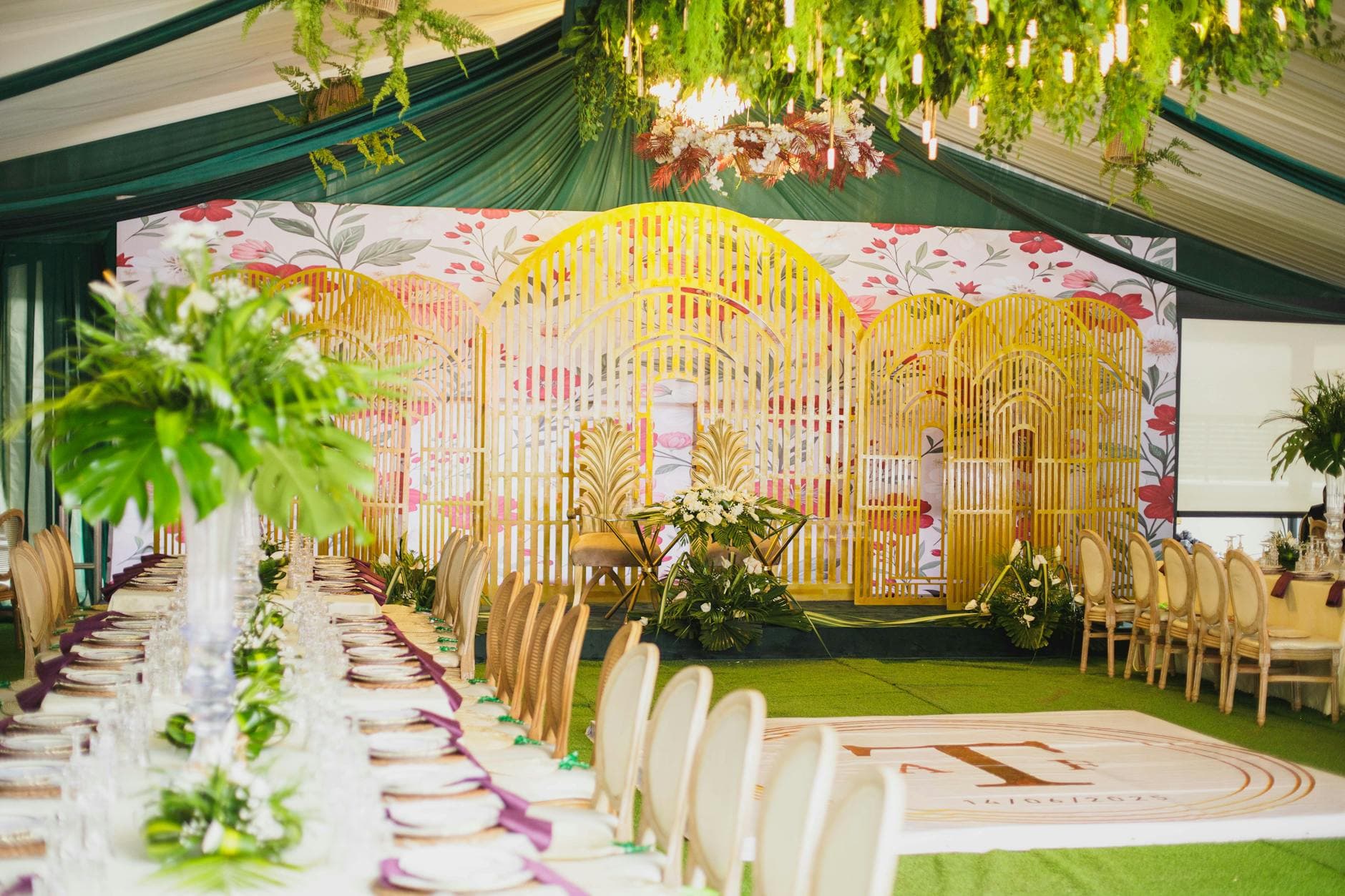
The photographer's package ends at 10 PM. The bouquet toss happens at 10:47. The best man's spontaneous karaoke starts at midnight. And your aunt's dance-off with the flower girl? Somewhere around 1 AM.
Some of the best moments at a wedding reception happen after the booked hours are over. Or in a corner of the venue where nobody with a camera was standing. And at some weddings there's no photographer for the party at all, because the budget went to the ceremony and the portraits, or because it's a small celebration in the garden.
None of this is a case against hiring a photographer. Professional coverage is the backbone of your wedding photos, and nothing a phone does replaces it. This is about the hours and corners around it. Your guests are there anyway, and they have cameras in their pockets. Here are seven ideas for getting what they capture into one place.
The Gap Every Wedding Has
Most couples get their professional photos a few weeks after the wedding. Beautiful, polished, worth it. But even the best photographer can only be in one place at a time, and their working hours end at some point. The candid stuff, the odd stuff, the stuff that makes you laugh three years later, often lives on dozens of phones, scattered across chat threads and forgotten camera rolls.
The problem is rarely that nobody takes photos. It's that nobody collects them. So let's start with the simplest idea and work up to the ones your guests won't expect. If you want to plan which moments matter most first, the shot list below helps, and it's useful whether a photographer, your guests or both are taking the pictures.
Photo Shot List
Generate a comprehensive photography checklist tailored to your event type.
1. The QR Code Table Card
Print a small QR code on every table card, menu or napkin holder. Guests scan it with their phone camera and a shared gallery opens in the browser. No app, no account. They pick a display name and can upload straight away.
This works because it removes every hurdle. Nobody has to remember a link, join a group chat or download something from the app store while holding a glass of champagne.
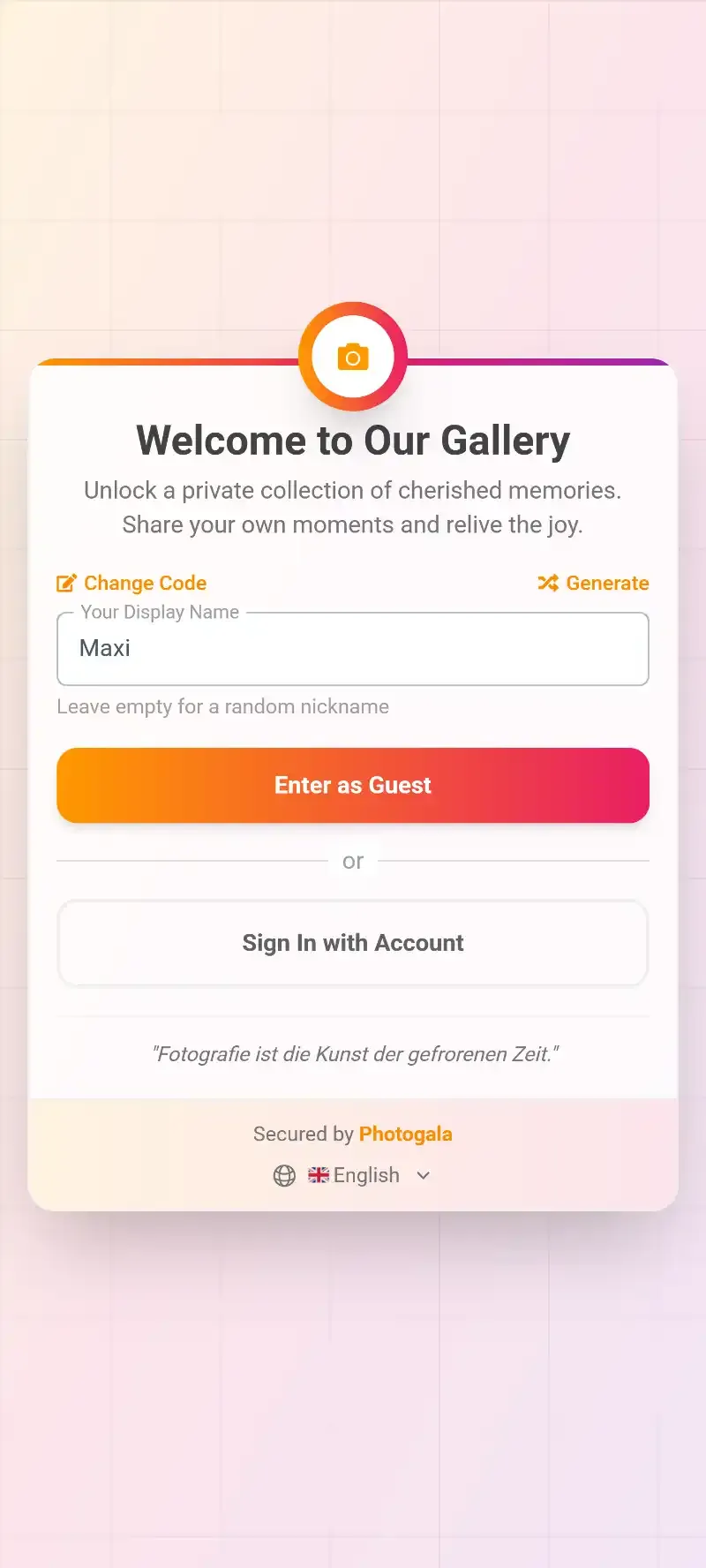

1.Scan, browse, upload, all in the browser.
Put QR codes near the bar and the dessert table too, not just on the dinner tables. That's where people linger with their phones already out. A small sign saying "Share your photos here" does the rest.
With Photogala you create the gallery, get the QR code and adjust the design to match your wedding. Uploads keep their original quality, and after the wedding you can download everything as a ZIP on the paid plans.
2. Photo Challenges That Get People Moving
A plain "please upload your photos" gets some results. Photo challenges get people hunting for shots.
You create a list of specific tasks: "Catch the groom dancing", "Find someone wearing the same colour as you", "Best selfie with grandma". Guests open the list on their phone, pick a task, take the photo and upload it. Each solved challenge earns points, and a leaderboard shows who's ahead. Challenges, points and the leaderboard are available from Premium.
You can attach an example photo to any challenge: "Recreate this movie poster", "Copy this meme pose". Guests see the example and try to match it, and the results are reliably funny. Photo roulette, where guests get a random example to recreate, works well in the quieter phase after dinner. For more inspiration, see our photo challenge ideas for weddings and parties and the photo scavenger hunt ideas.
See it in action
Every guest photo in one album – no app.
3. The Live Photo Wall
Connect a TV or projector at the venue to your gallery's photo wall. New uploads appear on the screen during the party. The photo wall is included from Plus.
Why does that matter? Because there's an audience. Uploading a photo that might show up on a big screen is different from quietly adding it to an album nobody is looking at. People get more creative and check the screen to see their shot appear.
Put the screen near the dance floor or the bar, not in a side room. Emily Coyne Events describes how modern receptions benefit from interactive elements beyond dinner and dancing, and a live wall is one of the simplest. Our guides on photo wall ideas for the reception and setting up a live slideshow go into the details.

1.New guest photos appear on the big screen during the party.
4. Challenges for the Unposed Moments
Guests aren't performing for a camera, they're just at the wedding. That makes them good at catching moments that are hard to plan for. The trick is giving them a reason to look.
A few challenge ideas aimed at candid shots:
- "Catch someone laughing so hard they make no sound"
- "Photograph the exact moment someone tastes the cake"
- "Find the person having the most fun on the dance floor"
- "Snap the couple being cute when they think nobody's watching"
These aren't posed group shots. They're a search for real emotion, and because they come as challenges, even guests who normally never take photos start looking for the right moment.
5. The Photo Guest Book, Done Right
Paper guest books are lovely. But many entries end up as "Congrats, love you!" in handwriting that gets harder to read as the night goes on.
A digital photo guest book works differently. Guests upload a photo and write a comment underneath. The photo gives the context, the comment the feeling. A shot of the first dance with "I cried and I'm not sorry" underneath says more than a line on a blank page.
With @mentions, guests can tag each other: "@Uncle_Mike, this is the exact moment you knocked over the centrepiece." Comments and mentions are available from Premium. Likes work on every plan.
6. Moderation: Think About It Before the Party
An honest trade-off with guest photos: you can't control what people upload. At most weddings that's fine. But if the gallery feeds a photo wall that grandparents and children can see, you'll probably want a filter.
With moderation (from Premium) every upload first lands in a queue. Hand that job to a trusted bridesmaid or groomsman, who can approve or reject photos on their phone between courses. On Deluxe an AI filter also checks uploads for explicit content. More on this in our guide on moderating guest photos at public events.
Does every wedding need this? No. A small family celebration probably doesn't. A big party with an open bar and a visible photo wall? Better to set it up just in case.
7. After the Reception: Don't Lose the Photos
The weak point in guest photos isn't taking them. It's collecting them. Tell your guests before the wedding that you'd love their photos, and give them one clear place to put them.
Every extra step costs you photos: a new account, a shared folder, upload permissions, a link from two weeks ago. A QR code at the table that people scan on the spot is the shortest path. Tips for the hours before guests head home are in collecting photos before guests leave the reception, and for the days after in getting guests to upload after the event.
When the night is over, everything is already in one gallery. On the paid plans you download it all as a ZIP in original quality, and the gallery stays online for the storage period of your plan, up to 24 months on Deluxe. Guests can also upload videos from Plus.
Bringing It All Together
None of these ideas need much effort. They need you to think about collecting photos before the reception, not after. A QR code on the table, a challenge list to spark ideas, a screen that shows the results.
The photographer captures the ceremony, the portraits, the details, with the eye and the equipment that only a professional brings. Your guests fill in the rest: the late hours, the side tables, the moments in between. How the two fit together is described in how guest photos complete your wedding story, and for briefing the photographer, our shot list guide for couples helps.
Picture browsing the gallery the morning after: the photographer's polished shots next to your college friend's blurry but perfect dance-floor photo, the flower girl's selfie, your dad's attempt at a panorama. That's a wedding gallery worth keeping.
Your guests will take photos at your wedding anyway. The only question is whether they end up scattered across dozens of camera rolls or in one gallery you can look through together.
All of this comes with your own event.
Setting it up takes five minutes. You can build and view everything before you decide.
Starting from €39 one-timeOne-time payment — No subscription
- No App Required
- Setup in 5 Minutes
- 30-Day Money Back
“Excellent service and great pictures! Photogala fully met our expectations at the event. The value for money is unbeatable. Absolutely recommended! The seating plan saved us a lot of hassle!”
Written by

I believe event photos should be more than static galleries. They should be live, playful, and unforgettable.
Categories
Related Posts

The End of USB Sticks and CDs: Why Digital Photo Delivery Is the New Standard
USB sticks end up in drawers, CD drives have disappeared, transfer links expire. What good digital photo delivery looks like for event photographers and their clients, and where prints still belong.

Pride Parade Photo Sharing: How to Collect Every Glitter-Covered Moment From 500 Strangers
Hundreds of people, rainbow flags everywhere, costumes that took months to make. Here's how to collect all those scattered photos into one shared gallery.

Golf Outing Photo Sharing: How to Collect 400 Photos Across 18 Holes (Without Chasing Down Every Foursome)
Golf tournaments spread across 18 holes and 5 hours. One photographer can't be everywhere. Here's how QR code galleries collect every foursome's best moments into one shared album.