75, 250, or 500 Uploaders: How to Size Your Event Photo Gallery

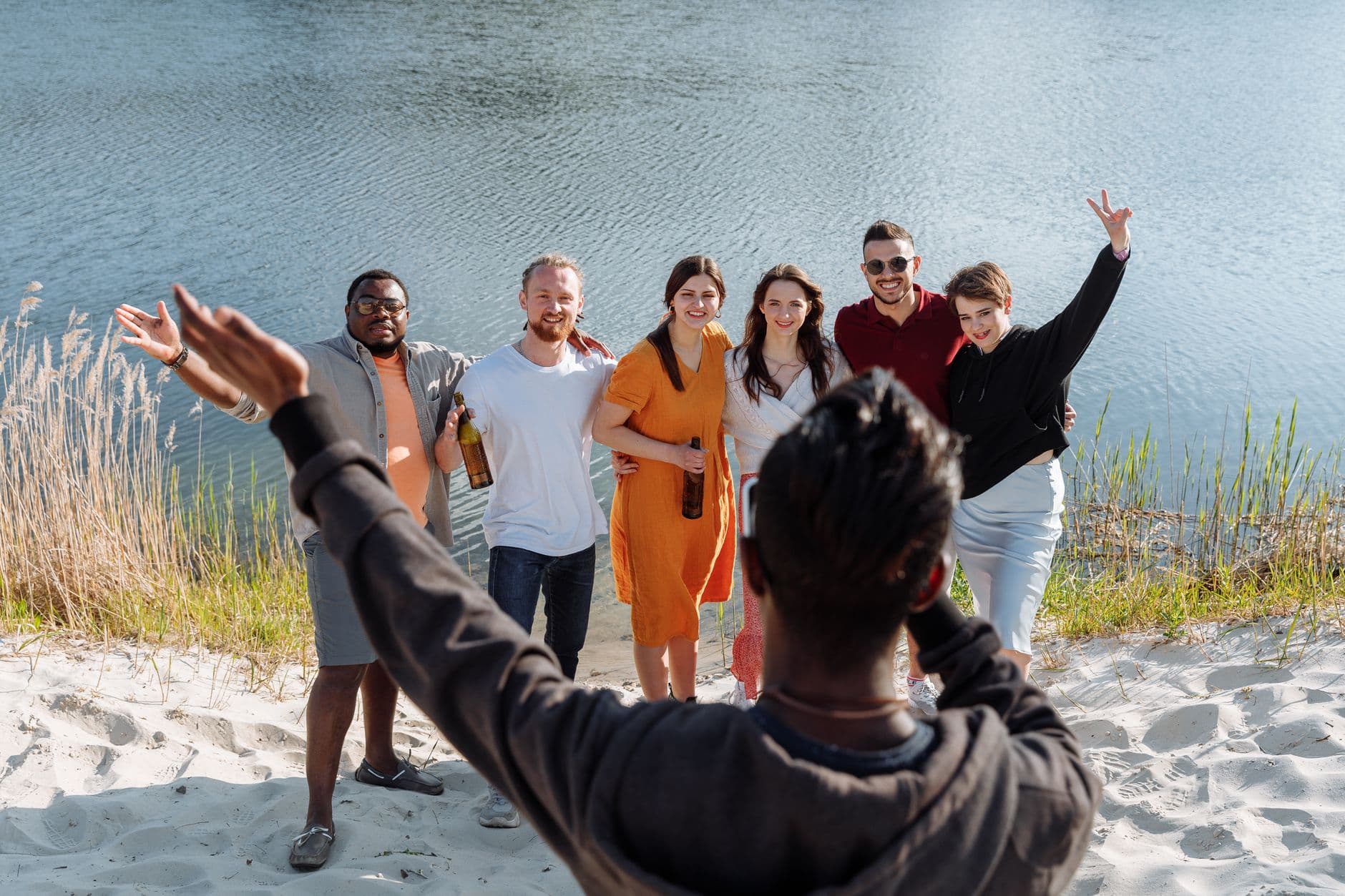
Picture this: it's 9 PM at a company summer party. The photo gallery has been a hit all evening. People are scanning the QR code, uploading group shots, tagging their favorites. Then someone from accounting walks up and says their upload isn't going through. You check the dashboard. You've hit your uploader cap at 75, and there are still two hours of party left.
That's a fixable problem, but it's one you'd rather not have mid-event. The uploader limit on your event photo sharing plan isn't about total photos (those are unlimited on every paid plan). It's about how many individual people can upload. And that number depends on your event in ways that aren't always obvious.
What "Uploaders" Actually Means
This trips people up more than anything else. An uploader slot is one unique person who contributes photos or videos to your gallery. It's not the number of photos, not the number of views, and not the number of guests who can see the gallery.
Viewers are unlimited on every plan. Your entire company can browse the gallery from their desks on Monday morning. The uploader count only tracks people who actively submit media. So if you're hosting a 200-person wedding but expect maybe 60-70 guests to actually pull out their phones and upload something, 75 slots might be enough. Maybe.
Uploaders ≠ Guests. Every plan includes unlimited viewers. The uploader limit only counts people who actively upload photos or videos. If 200 guests attend but only 50 upload, you've used 50 slots.
The Upload Rate Problem
Here's the number most people get wrong: what percentage of your guests will actually upload photos? It varies wildly by event type, and getting it wrong in either direction costs you. Overestimate and you overpay. Underestimate and you lock people out mid-event.
According to research from Tagbox, the biggest challenge in event photo management is getting contributions from multiple sources into one place. The easier you make uploading (QR code scan, no app install, no account creation), the higher your upload rate climbs. That's the trade-off: friction-free QR uploads mean more people participate, which means you need more uploader slots.
Based on typical event patterns, here's what to expect:
These ranges shift based on how visible your QR code is, whether you're running photo challenges, and how long the event runs. A three-hour birthday dinner has a different dynamic than a full-day wedding or a two-day corporate retreat.
Tier Breakdown: Who Needs What
75 Uploaders (Plus, €39)
The sweet spot for intimate events. Birthday dinners, small team gatherings, baby showers, casual get-togethers with close friends. If your total guest count is under 150 and the event runs 3-5 hours, 75 uploaders will likely cover you.
Think about it practically. A 40-person birthday party where 25 people upload photos? Comfortable. A 100-person house party where maybe 50-60 people snap a few shots? Still within range. A 120-person company barbecue where you've placed QR codes on every table and set up a live photo wall behind the DJ? You might be cutting it close.
The Plus plan also includes unlimited photos and up to 25 videos, photo challenges, a photo wall, smart albums, dark mode, and bulk downloads. For a birthday party or a smaller family reunion, it covers a lot of ground. If you're comparing options, our guide on free vs. paid event photo apps breaks down what you actually sacrifice with free tools.
Quick math: Take your guest count, multiply by 0.35 for casual events or 0.50 for weddings. If the result is under 70, the Plus plan is safe. If it's between 65-80, consider going one tier up for breathing room.
250 Uploaders (Premium, €69)
This is where most weddings and mid-size corporate events land. The Premium plan is flagged as "Best Value" for a reason: it adds the social layer (likes, comments, @mentions), achievements, a points-based leaderboard, content moderation, multiple gallery layouts, and team roles on top of everything in Starter.
Say you're planning a 180-guest wedding. With QR codes on the table cards and a few photo challenges to get people involved, you might see 80-100 unique uploaders over the course of the day. That's well within the 250 limit. Even a 300-guest corporate gala with an upload rate around 35% would use roughly 105 slots.
The extra headroom matters for events where you want to encourage uploads after the event ends. Someone finds a great photo on their camera roll two days later? They can still scan the QR code and add it. With 250 slots and a 12-month active period, there's room for late contributors without stress.

1.Guests land on a branded event page after scanning the QR code
For weddings specifically, our guide on collecting guest photos before they leave the reception walks through the timing strategy that maximizes uploads during the event itself.
実際の画面
ゲストの写真をすべて1つのアルバムに。アプリは不要です。
500 Uploaders (Deluxe, €119)
You need this tier when three things converge: large guest count, high engagement expectations, and multi-day or multi-session events. Think 400-guest weddings, multi-day company offsites, festivals, or conferences spanning several tracks.
The Deluxe plan isn't just about the uploader cap. It unlocks AI face recognition with selfie-to-search (guests take a selfie and instantly find every photo of themselves), an NSFW content filter, person albums, real-world rewards, the geo map view, and full QR customization. For large events, these aren't luxuries. The moderation tools alone save hours of manual review.
A conference spread across multiple rooms might have 600 attendees, with 200+ uploading across keynotes, breakout sessions, and the evening party. A music festival running over a weekend with QR posters at every stage could easily hit 350-400 unique uploaders. That's Deluxe territory.
The Real Decision: Event Type Matters More Than Guest Count
Guest count gets all the attention, but event type predicts upload rates more reliably. Here's why: at a wedding, emotions run high and people genuinely want to capture moments. The upload rate naturally climbs. At a corporate keynote, most people are listening, not photographing. Same guest count, very different uploader needs.
Here's how the numbers break down across common event types:
Uploader Estimates by Event Type
| Event Type | Typical Guests | Upload Rate | Uploaders Needed | Suggested Plan |
|---|---|---|---|---|
| Birthday party (small) | 20-40 | 30-40% | 8-16 | Starter (75) |
| Birthday party (large) | 60-120 | 25-35% | 18-42 | Starter (75) |
| Wedding (intimate) | 50-100 | 45-55% | 25-55 | Starter (75) |
| Wedding (standard) | 120-200 | 40-50% | 50-100 | Premium (250) |
| Wedding (large) | 250-400 | 35-45% | 90-180 | Premium (250) |
| Corporate team event | 30-80 | 35-45% | 12-36 | Starter (75) |
| Corporate gala / party | 150-400 | 25-35% | 40-140 | Premium (250) |
| Conference (multi-track) | 300-800 | 20-30% | 70-240 | Premium or Deluxe |
| Festival (multi-day) | 500+ | 30-40% | 150-400+ | Deluxe (500) |
| Family reunion | 30-60 | 40-50% | 12-30 | Starter (75) |
Notice how a 200-guest wedding and a 400-guest corporate gala can land on the same plan. The wedding has a higher upload rate, but fewer total guests. The gala has more guests but a lower percentage pulling out their phones. The math lands in the same range.
Three Things That Push Your Upload Rate Higher
If you're on the fence between two tiers, consider whether you're planning to use features that actively encourage more people to participate.
Photo challenges change the math. When you set up challenges ("Best dance floor photo", "Catch the sunset", "Group selfie with the bride"), people who would otherwise just watch start uploading. Challenges with example preview photos are especially effective because guests see exactly what kind of shot they're going for. Photo roulette, meme recreation, movie scene reenactments: these creative formats turn passive guests into active contributors. If you're running 8-10 challenges, expect your upload rate to jump 10-15 percentage points.
A visible photo wall is a feedback loop. When guests see their photos appearing on a big screen in real time, others want to get on there too. It's social proof in action. A photo wall placed near the bar or dance floor can bump participation noticeably. We've written a separate piece about photo sharing at large venues if you're working with a big space.
Gamification adds a competitive edge. The leaderboard, achievements, and point system on the Premium and Deluxe plans create motivation loops. Imagine a corporate team event where uploading photos earns points toward prizes. Suddenly the upload rate for a corporate event starts looking more like a wedding's. Our guide on collecting photos from guests automatically covers more strategies for boosting participation.
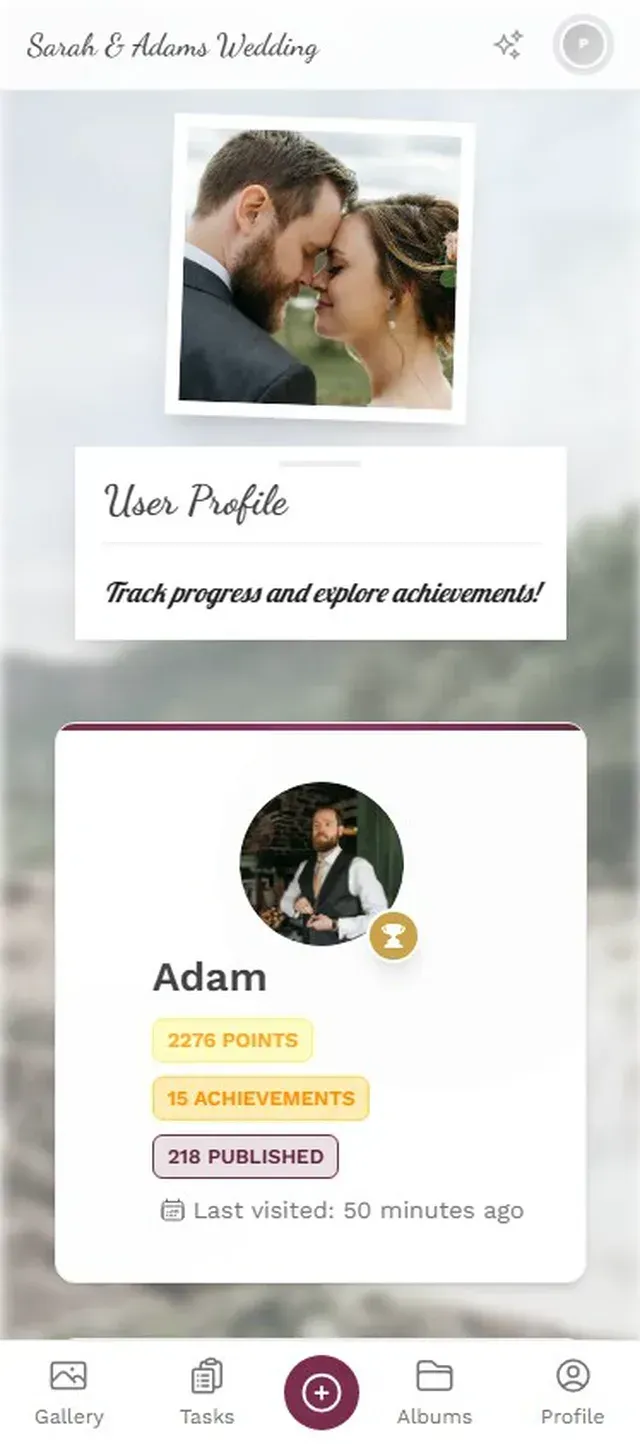
1.Guests browse available challenges and start uploading
What Happens If You Hit the Limit?
Honest answer: new uploaders can't contribute. Existing uploaders can keep adding photos (unlimited), and every guest can still view and browse the gallery. Nobody gets kicked out. But new people who scan the QR code won't be able to upload until you upgrade.
This is why a small buffer matters. If your math says you need 70 uploaders, the Plus plan's 75 slots will technically work. But one surprise (the photographer's assistant uploads a few shots, a late guest joins, someone logs in from a different device), and you're at the edge. Bumping to Premium for the extra headroom also gets you social features, moderation, and multiple gallery layouts.
Don't forget post-event uploads. Some guests upload photos days or even weeks after the event. If you're close to your limit on event night, late uploaders might be locked out. Factor in 10-15% buffer for post-event contributions.
A Simple Decision Framework
How to Pick Your Plan in 60 Seconds
Count your guests
Total expected attendees. Not invites sent, actual expected attendance.
Estimate your upload rate
Casual event? Use 30%. Wedding? Use 45%. Running challenges + photo wall? Add 10-15%.
Multiply and add buffer
Guests × upload rate × 1.15 (15% buffer). Under 75? Starter. Under 250? Premium. Over 250? Deluxe.
For a 150-guest wedding with challenges: 150 × 0.50 × 1.15 = 86 uploaders. That's Premium territory. For a 50-person team offsite: 50 × 0.40 × 1.15 = 23 uploaders. Plus is plenty. The pricing page has a side-by-side comparison if you want to see exactly what each tier includes beyond uploader slots.
And here's the part nobody talks about: the difference between Starter and Premium isn't just uploaders. It's an entirely different feature set. Choosing the right plan is about matching your event's needs, not just counting heads. A 60-person corporate event might want Premium for moderation even if the uploader math says Starter would work.
One Honest Trade-Off
Photogala doesn't let you buy extra uploader slots à la carte. You pick a tier, and that's your cap. If you land right between two tiers, you have to round up to the next plan. For someone hosting a 90-person event where maybe 80 people upload, Premium at €69 is the only option even though you'd happily pay €50 for 100 slots. It's not ideal, but the alternative (per-slot pricing) gets confusing fast and creates anxiety about costs during the event. The tiered approach keeps things predictable.
On the flip side, all plans are one-time payments with no subscriptions. And the active period doesn't start when you buy. It starts after the first 10 photos are uploaded, so you can set everything up weeks in advance without burning time. According to Pixeva's research on collaborative event photography, the biggest friction in event photo collection is scattered uploads across multiple platforms. A single gallery with a clear uploader structure solves that.
Sizing your event gallery comes down to one question: how many of your guests will actually contribute photos? Not how many could, not how many you invite, but how many will pull out their phone, scan a QR code, and upload a shot. Get that number right and the rest is straightforward. If you need help sending all those photos afterward without hitting file size limits, we've covered that too.
これらすべてが、ご自身のイベントで使えます。
作成は5分で完了。決める前に、すべてを設定して確認できます。
料金 €39 ~(1回払い)1回払い — サブスクリプションなし
- アプリ不要
- 5分で準備完了
- 30日間返金保証
執筆者

I believe event photos should be more than static galleries. They should be live, playful, and unforgettable.
関連記事

Bridal Shower Photo Sharing: Collect Every Sweet Moment in One Gallery
Bridal shower photos end up scattered across 15 phones. Here's how to get them all into one gallery before the mimosas wear off.

Maternity Photo Sharing: How to Keep Every Announcement, Bump Shot, and Memory in One Place
Pregnancy announcements land on 4 different apps. Maternity photos get lost in group chats. Here's how to keep every photo in one shared gallery your whole family can access.

Sales Kickoff Photo Sharing: How to Turn a Mandatory Meeting Into a Team Memory
Sales kickoffs are expensive. The photos from them usually disappear into 14 different camera rolls. Here's how to fix that.