The photo that moves.
Android motion photos and animated GIFs keep their movement in the gallery. One tap – and the moment around the photo plays for every guest.
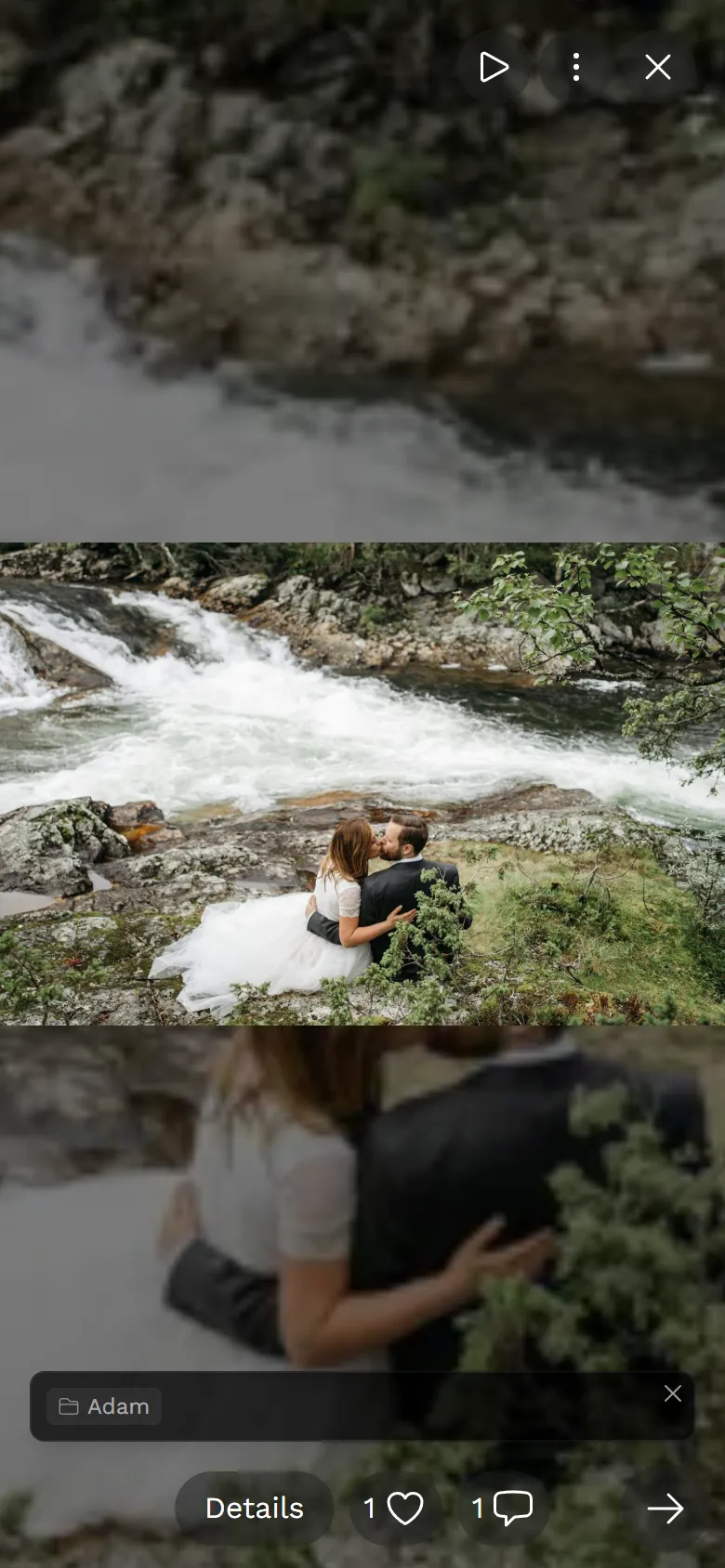



Take the photo, upload it – the movement stays.
Nobody has to set anything. Photogala notices the movement while uploading.
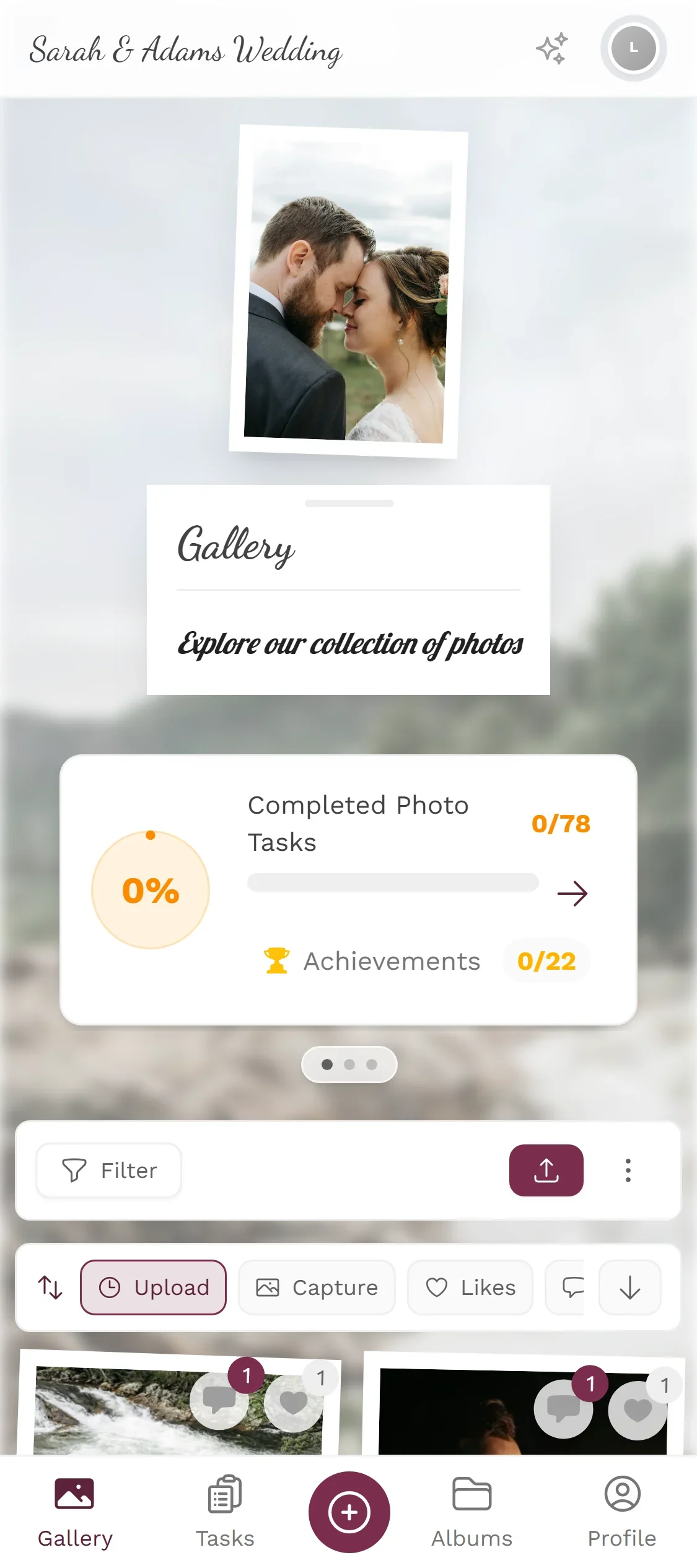
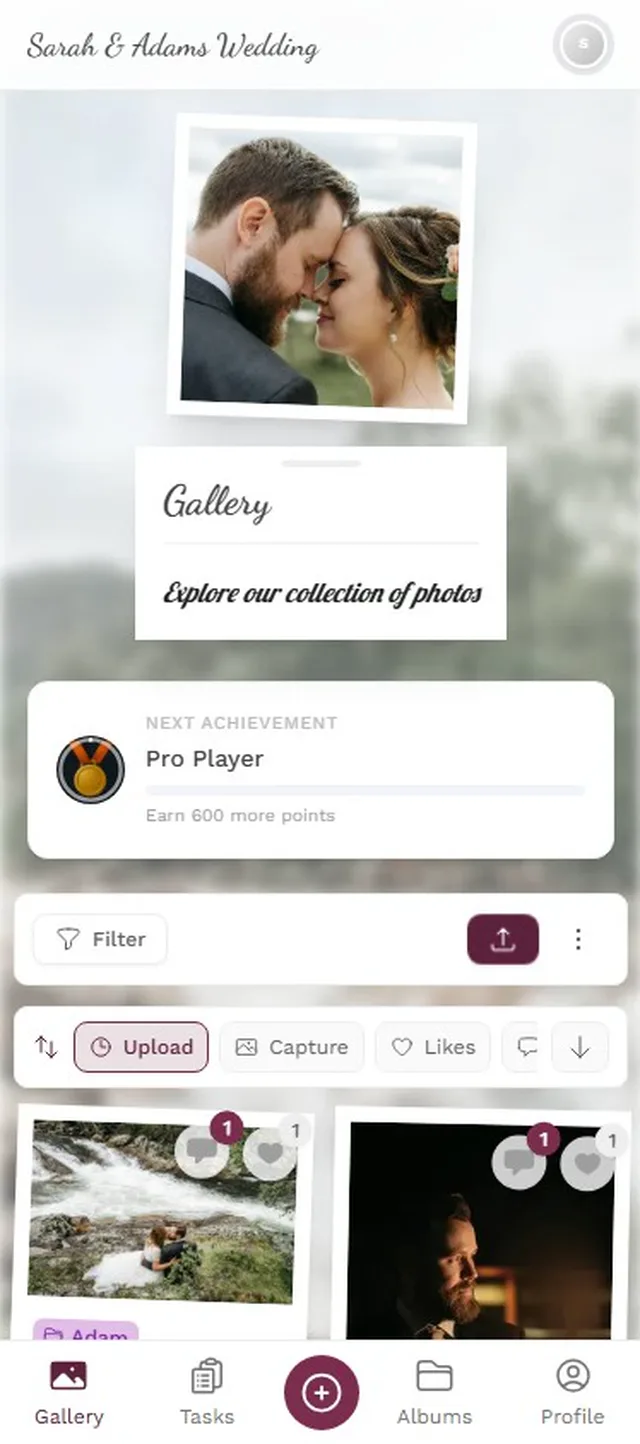
The movement is kept, and the tile gets a sparkle badge.
As usual – with motion photos switched on, or an animated GIF from the phone.
Opened in full view, the movement plays – for every guest, on any device.
Android motion photos · animated GIF, WebP and APNG · the still photo stays in full resolution
Spot the moving photos.
In the gallery, moving photos look like normal tiles with a sparkle badge. Open one and the movement plays.
- The sparkle badge marks the movement
- The movement plays in the full view
- The “Motion” filter shows only them
 Motion
Tap a tile with the sparkle badge.




That second only exists on one phone
Free
Motion Pictures is included in every plan — the free one too.
Create your event: moving photos are recognised automatically on upload – guests do not have to set anything.
- No App Required
- Setup in 5 Minutes
- 30-Day Money Back
What happens to moving photos elsewhere
- 1Who it's forGuests whose phones capture motion photos
- 2What happensMotion photos and GIFs keep their movement
- 3In the endPhotos that come alive in full view
More details
Many Android phones store a few seconds of movement with a photo – as a motion photo. Then there are animated GIFs, WebPs and APNGs. On upload this movement is often lost, because only the still image is kept.
Photogala recognises these files automatically and keeps the movement. In the gallery a badge shows which photos move; in the full view the movement plays. The still image stays in full resolution.
It is more than a gimmick. In group shots especially, the moment just after the click is often the honest one: when the pose drops and everybody starts laughing.
- Android Motion Photos
- GIF
- WebP
- APNG
Everything built in
- Movement on uploadRecognised and kept
- Visible in the galleryA badge on every moving tile
- Effort for guestsNone – upload as usual
- Still imageStays in full resolution
Motion picture questions
1Do guests have to change a setting?
2Does this also work with Live Photos from an iPhone?
3Can other people see the movement?
4Is the normal photo still there?
5Is there sound?
6Does it count double against my storage?
7Can I turn the movement off?
8Are motion pictures part of the download?
Goes well with
Ready to Get Started?
Create your event in minutes. No credit card required.