Song requests, straight to the DJ
Guests send their song from their phone – the DJ sees every wish live, newest first.
From the dance floor straight to the DJ.
Guests open the wish form through the event link, send a song, and it lands in the DJ’s list a moment later.
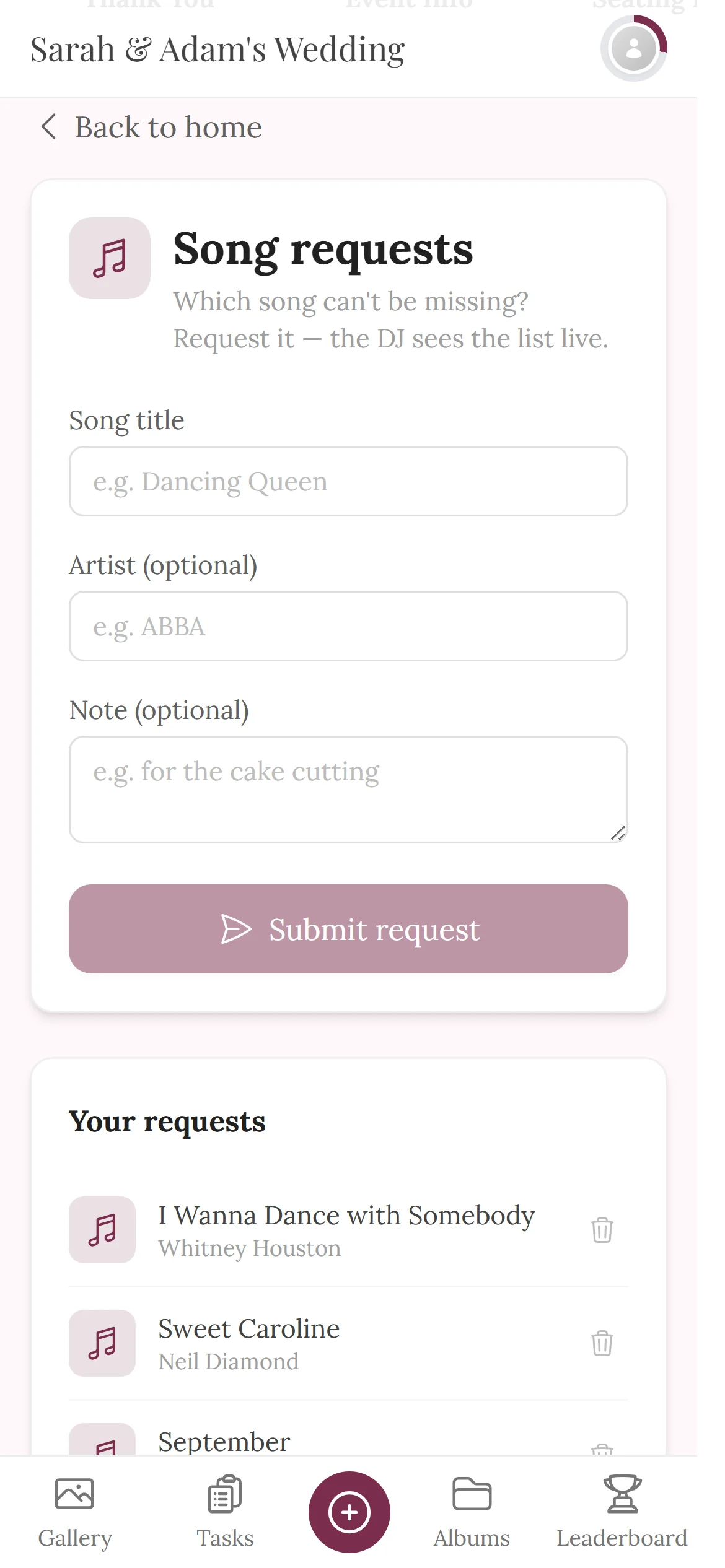
Song title, optionally artist and a note – then “Submit request”.
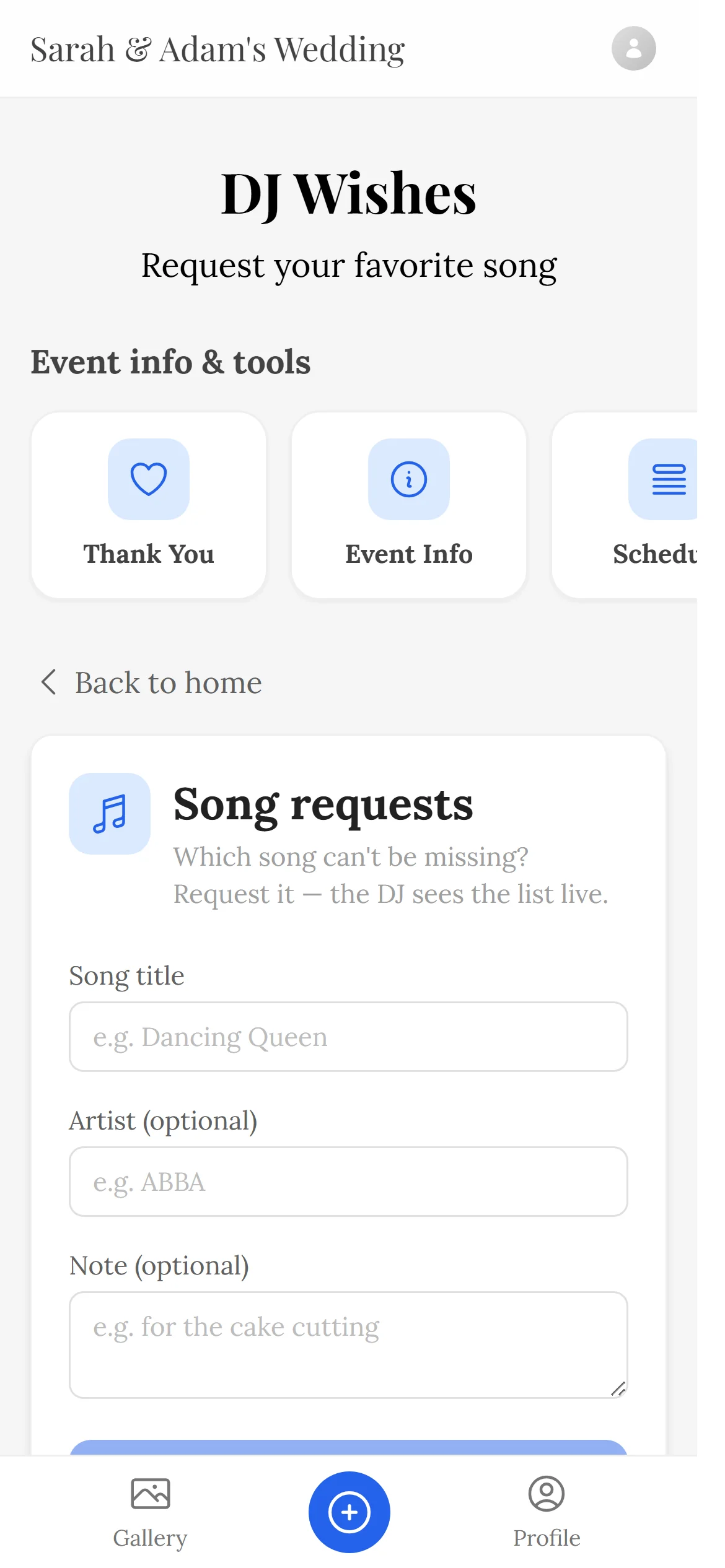
Same link or QR code as the gallery – the music requests sit right among the event tools.
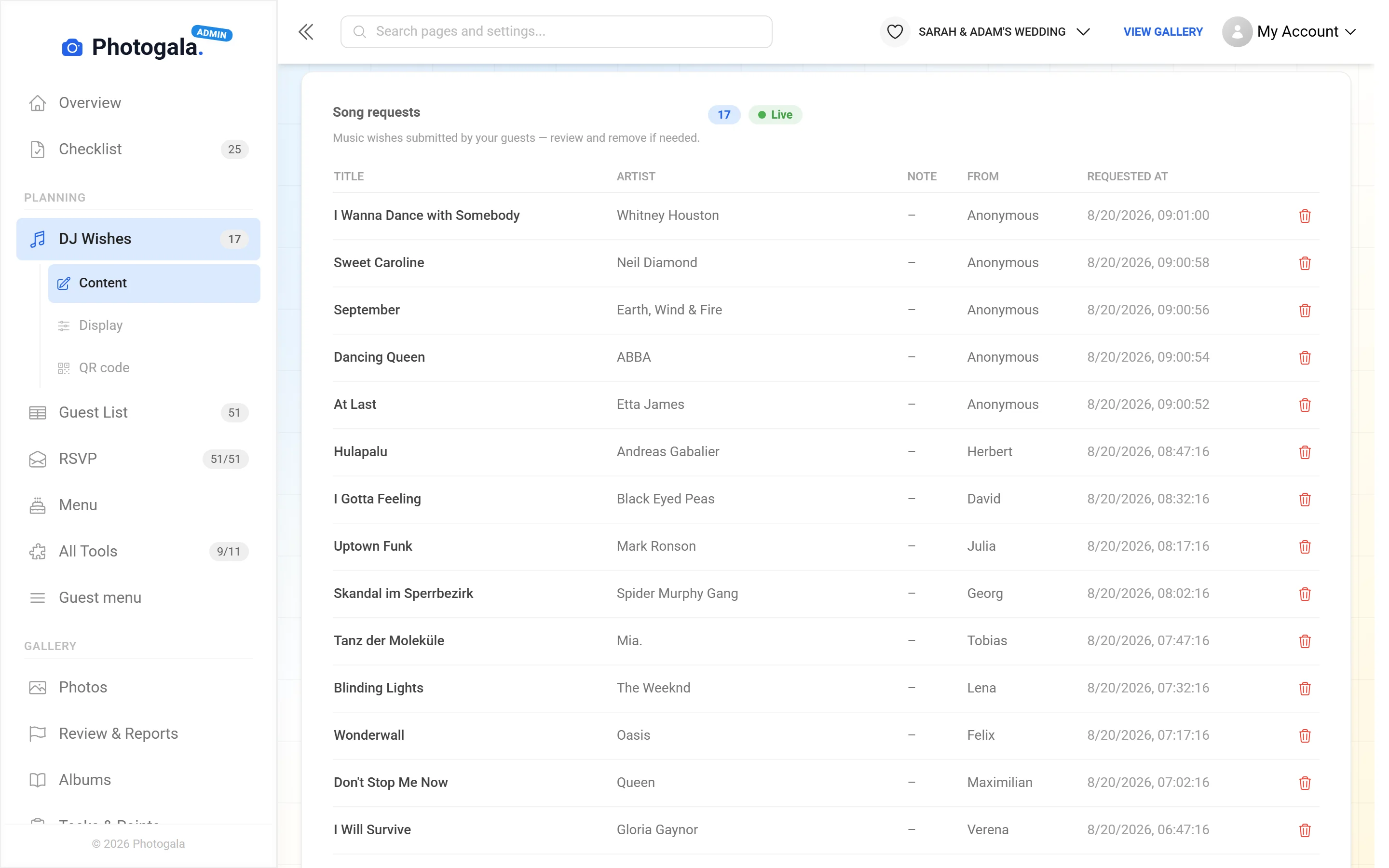
The list updates by itself, new wishes are marked – the DJ decides what fits.
Included in every package, even the free one · no app and no login for guests
Send a wish. Watch it arrive.
At the top what the guest sees, below it the DJ’s list. Pick a song and send it – just like at the party.
- Only the song title is required – artist and note are optional
- Each guest can send up to five wishes by default
- The list updates live – no reloading at the DJ booth
Pick a song and send it – just like a guest would.







Who walks to the booth tonight?
Free
Music Requests is included in every plan — the free one too.
Switch on music requests for free and put up the QR code – the DJ gets a live list instead of shouted requests.
- No App Required
- Setup in 5 Minutes
- 30-Day Money Back
A wish list that actually reaches the DJ
- 1Who it's forGuests on the dance floor – and your DJ
- 2What happensGuests request songs via QR code – no app
- 3In the endA live request list, newest first – for you or your DJ
More details
Every party has that moment when somebody walks up to the booth mid-transition to request a song. Half the requests get lost and the other half arrive three times.
With digital music requests, guests send their song from wherever they are standing. The list shows the newest requests at the top, and new ones appear live. On the DJ's own device this works with the moderator role, available from the Premium plan.
The DJ still decides what to play and when. Each guest can send a limited number of wishes, and anything that does not fit the evening can be removed from the list.
- Weddings
- Birthdays
- Group trips
Everything built in
Music request questions
1Does the DJ have to play every request?
2Do guests need an app?
3Can I rule certain songs out?
4Can guests see each other's requests?
5Does it work without a DJ?
6Can I collect requests in advance?
7Does it cost extra?
8Can requests be anonymous?
Goes well with
Ready to Get Started?
Create your event in minutes. No credit card required.