Your party on one card
After the party, the event statistics turn into a card to share: posts, guests, reactions and the highlights of the evening – plus every number as a table.
The party counts. You share.
During the party the event statistics collect posts, guests and reactions. Afterwards one click turns them into a card – and you take the rest with you.
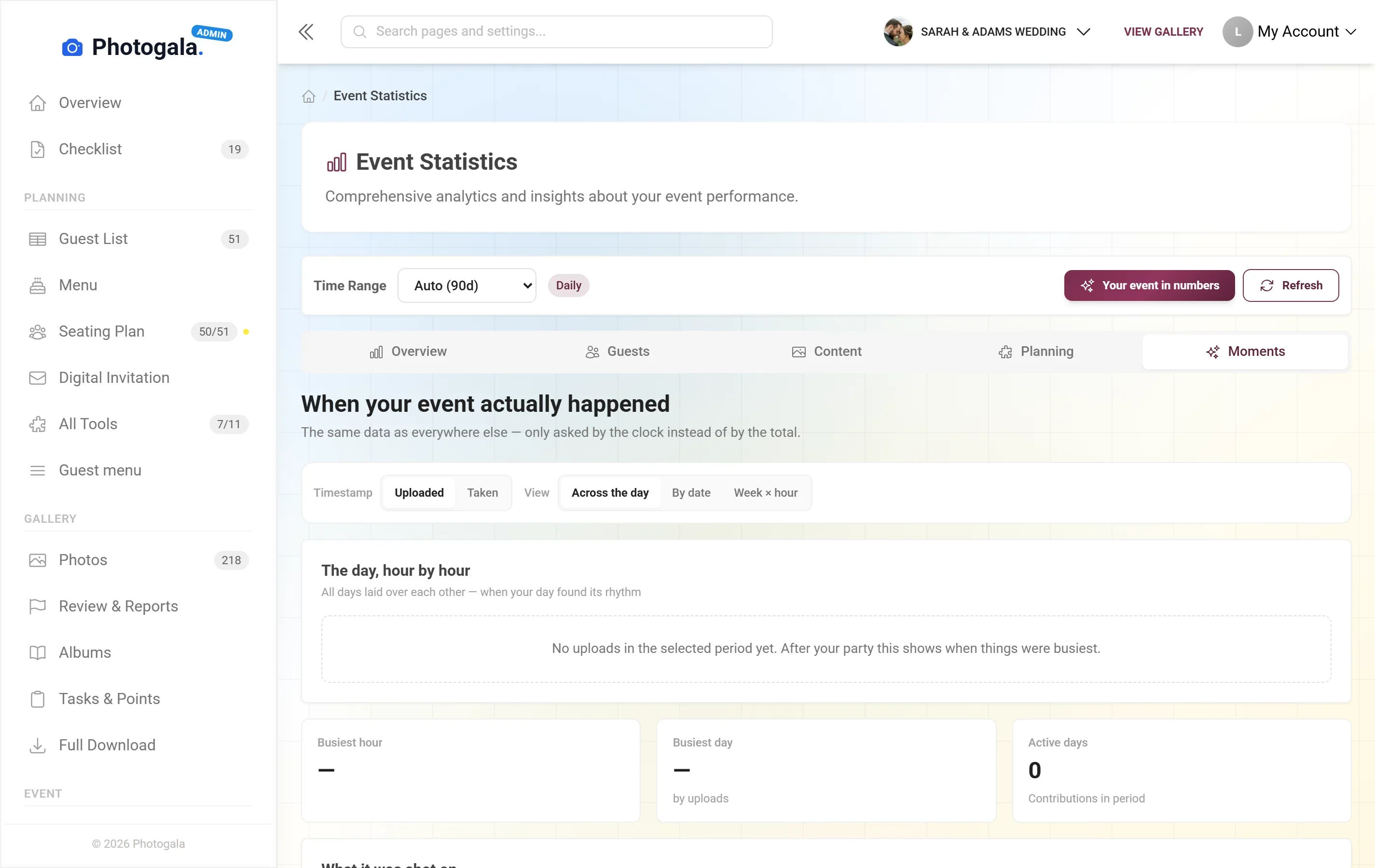
“Your event in numbers”: three big numbers and up to five highlights – as an image to save or share.
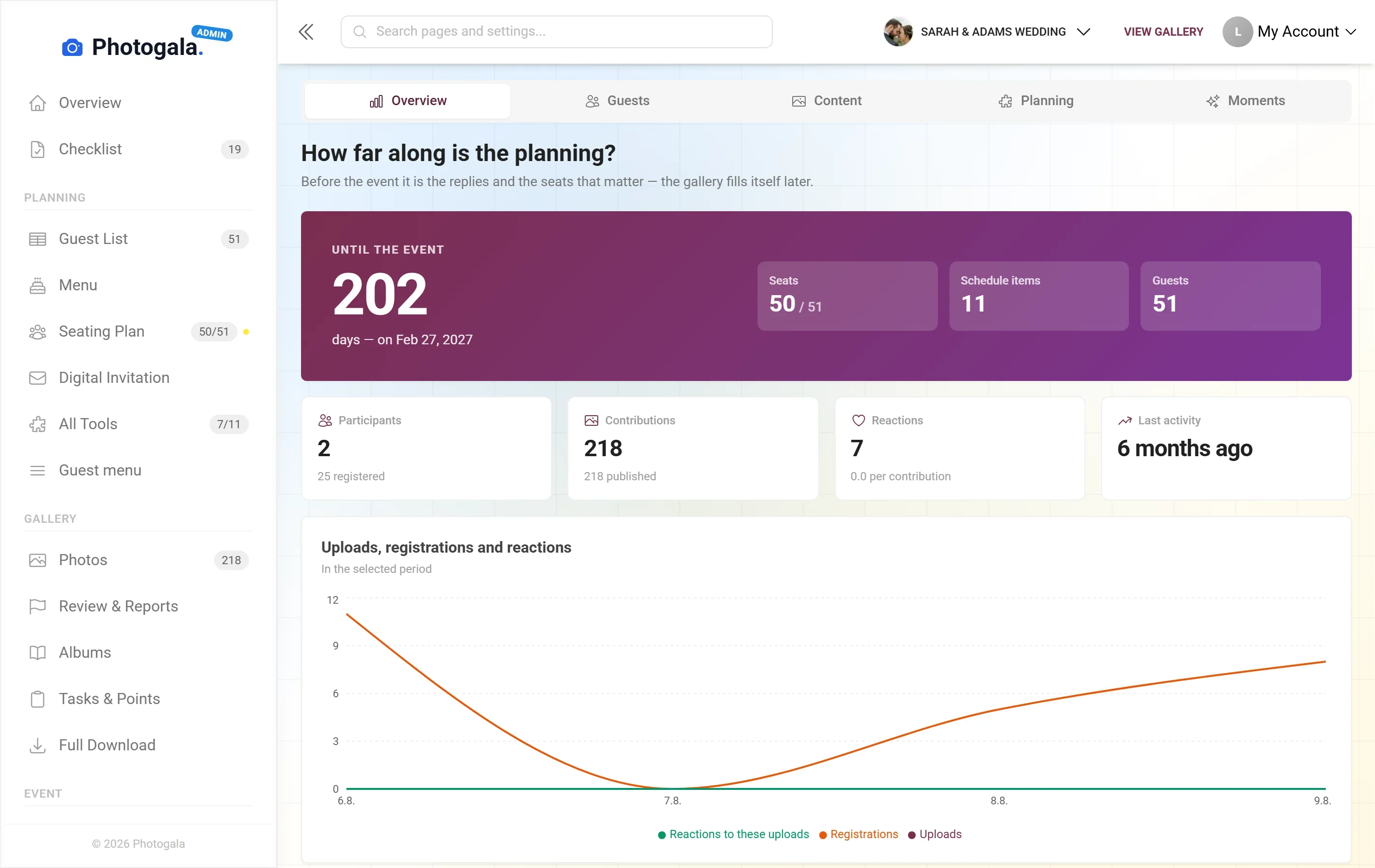
Posts, guests, reactions, the busiest hour – counted during the party, nothing to set up.
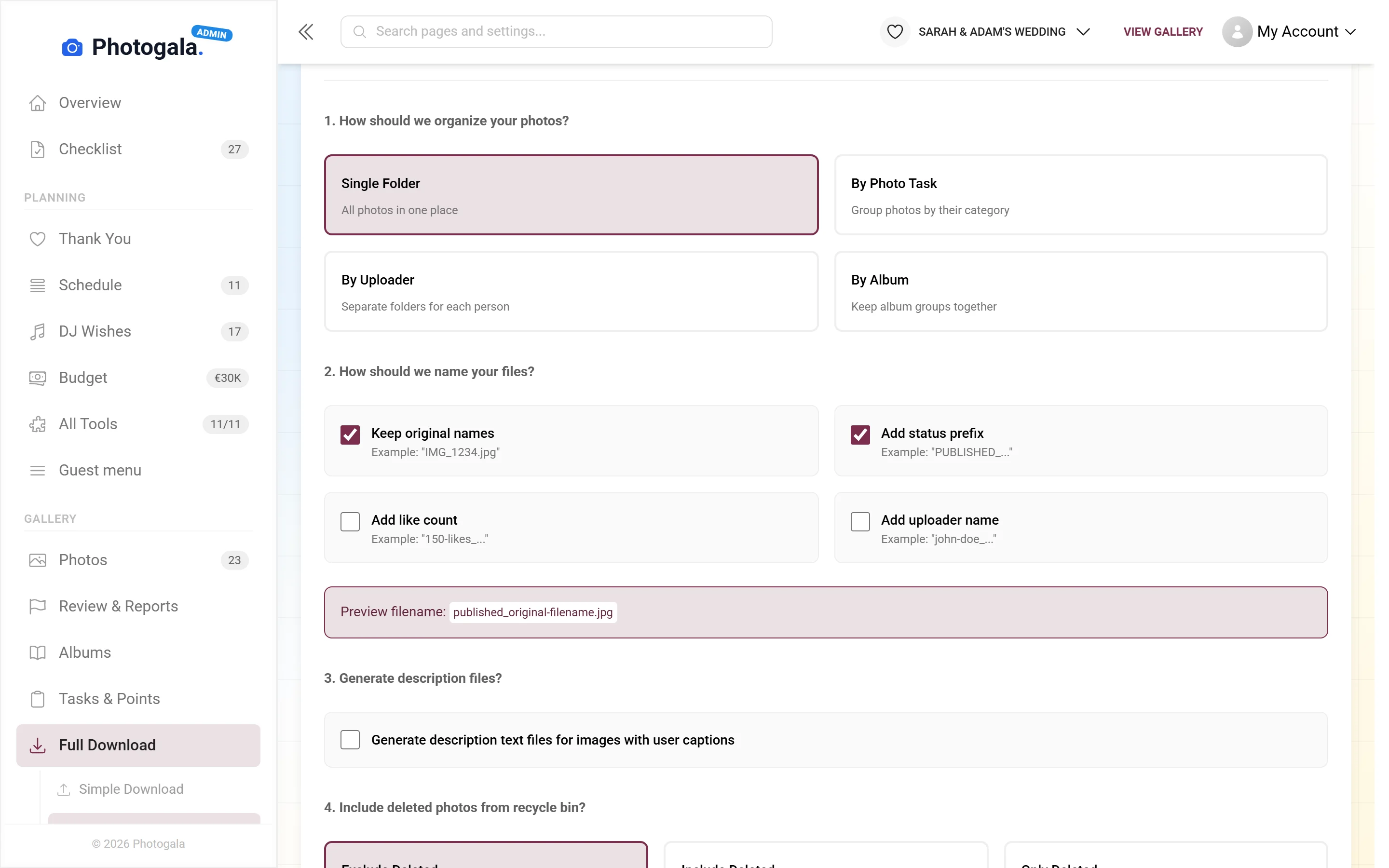
All numbers as Excel or CSV, and all photos as a ZIP – before the gallery expires.
Card and table in every event · full ZIP download from Plus
Your party on one card.
A rebuild of the real card with example values. Pick a party – the card shows only the highlights that apply.
- Posts, guests and reactions as big numbers
- Up to five highlights – only what really happened
- Numbers only, no photos – easy to pass on
5 highlights on the card – only what really happened at this party, five at most.







Three weeks later nobody opens the link
Free
Recap is included in every plan — the free one too.
Create your event for free – the card comes together from the party itself.
- No App Required
- Setup in 5 Minutes
- 30-Day Money Back
Why a recap is more than a number
- 1Who it's forHosts who want to sum up the night
- 2What happensTop photos, most active guests and numbers on one card
- 3In the endA recap image you can share
More details
After a party there is a lot of material and very little reason to look at it again. The gallery stays online, but nobody scrolls through eight hundred pictures three weeks later.
That gives you something to share — a last message to your guests, a report back to a client, or simply a memory of an evening that fits on one screen.
- Weddings
- Corporate events
- Birthdays
- Group trips
Everything built in
- EffortComes out of the event
- ScopeSelected highlights
- NumbersParticipation and reactions included
- Reason to open itSomething new after the party
Recap questions
1When should I share the recap?
2Can I influence the selection?
3Do guests see the full numbers?
4Are guests named?
5Can I keep the recap?
6Does it need an app?
7What if more pictures arrive later?
8Does the recap cost extra?
Goes well with
Ready to Get Started?
Create your event in minutes. No credit card required.