Room for everything else.
Hotel tips, the couple’s story, the rules of the game – write it once as a page, and guests find it in the gallery, each page with its own link and QR code.
Write, sort, share.
For everything that has no form of its own: the couple’s story, hotel tips, rules for the game after dinner.
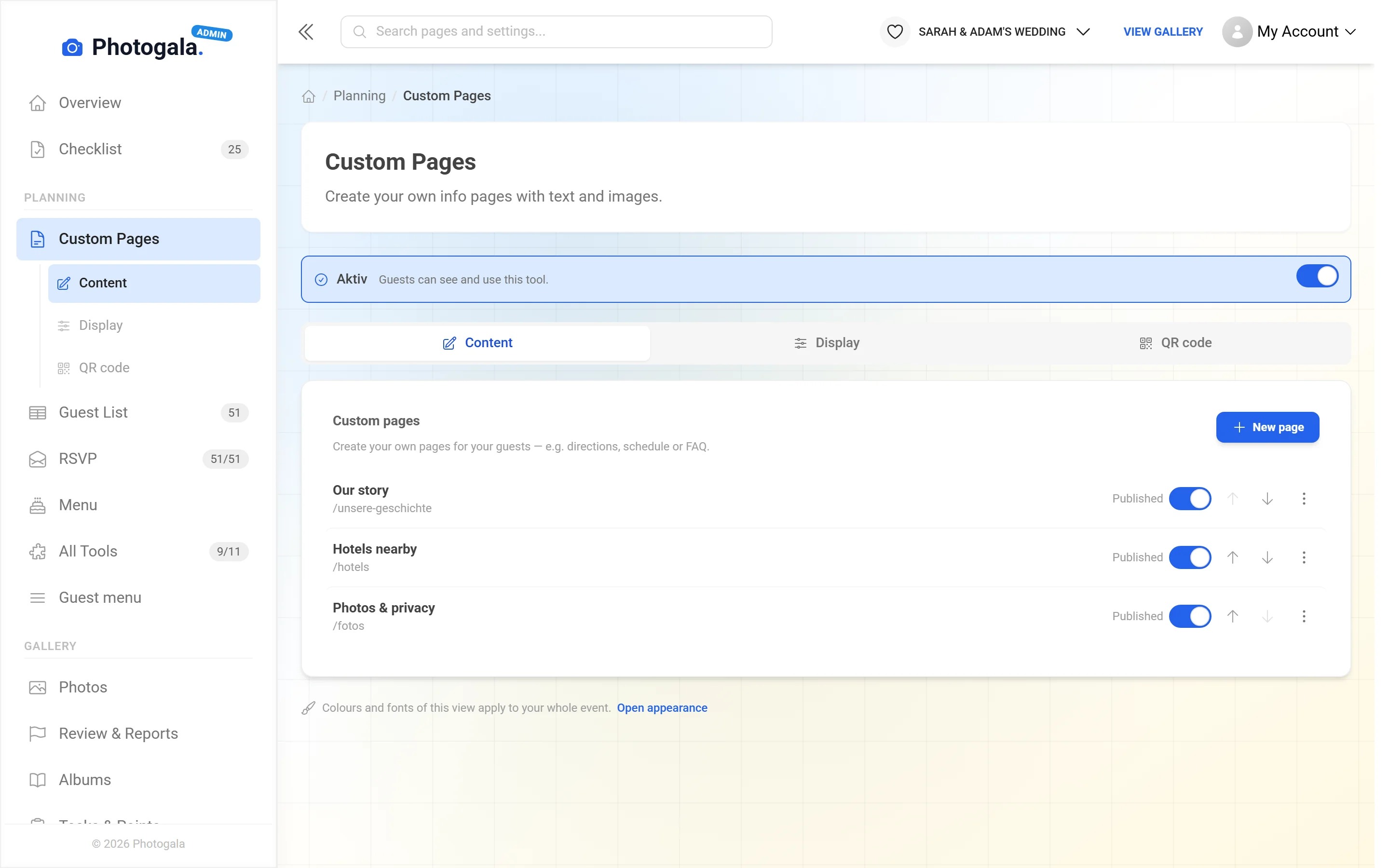
Set the order, publish now or later, link it in the navigation.
Title, formatted text, images and links – like a short blog post.
 Scan – straight to this page
Every page has its own link and QR code – for a sign on the table or at the hotel.
Change the text – everyone sees the new version, the link stays the same
You sort it. Guests see it at once.
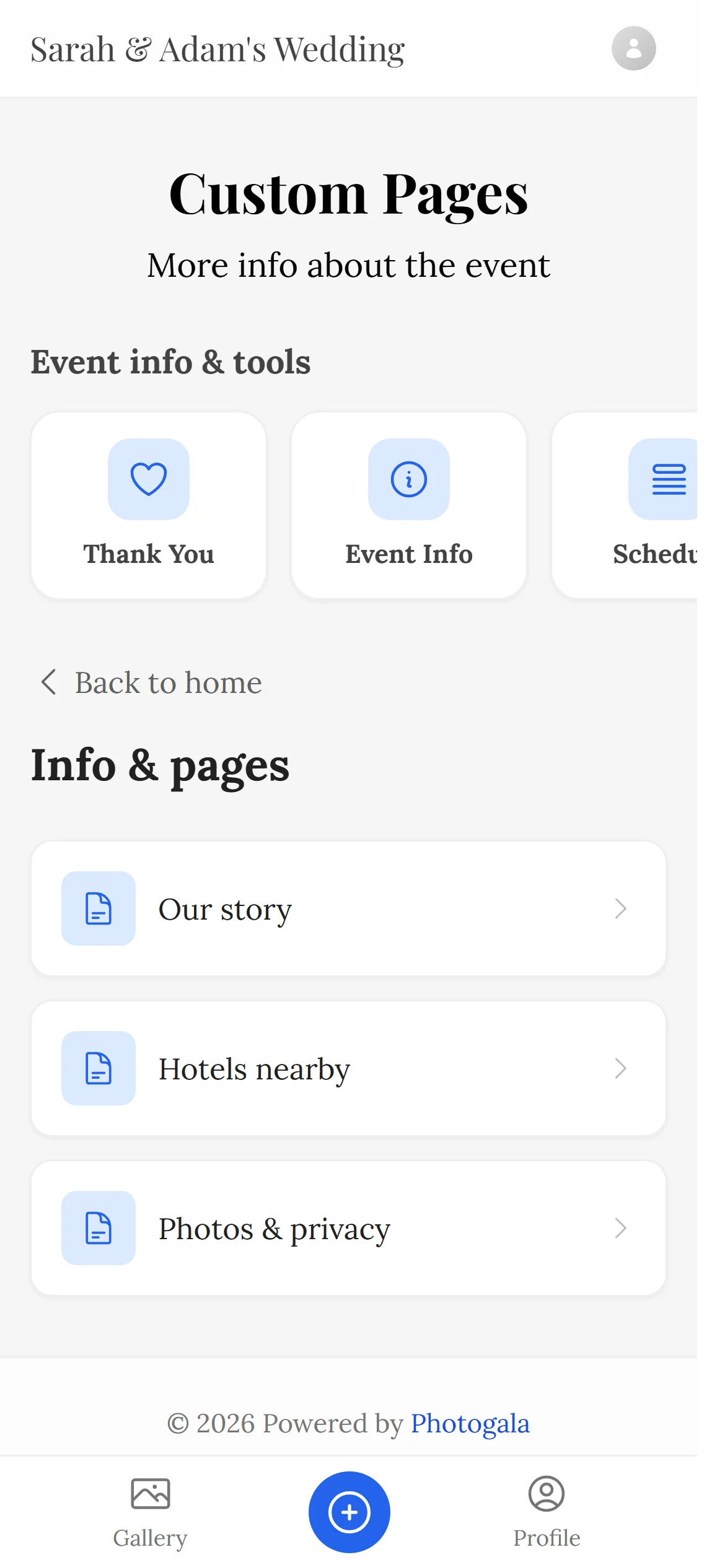
On the left the page list as in your admin area, on the right the guest view. Publish, reorder, link in the navigation – or add a new page.
- As many pages as you need – text, images, links, each with its own address
- Prepare as a draft, publish when the time is right
- Link a page in the navigation or give it its own QR code
- Our story/our-story
- Hotels nearby/hotels-nearby
- Photos & privacy/photos-privacy
- Our story
- Hotels nearby
- Photos & privacy
Scan – straight to this page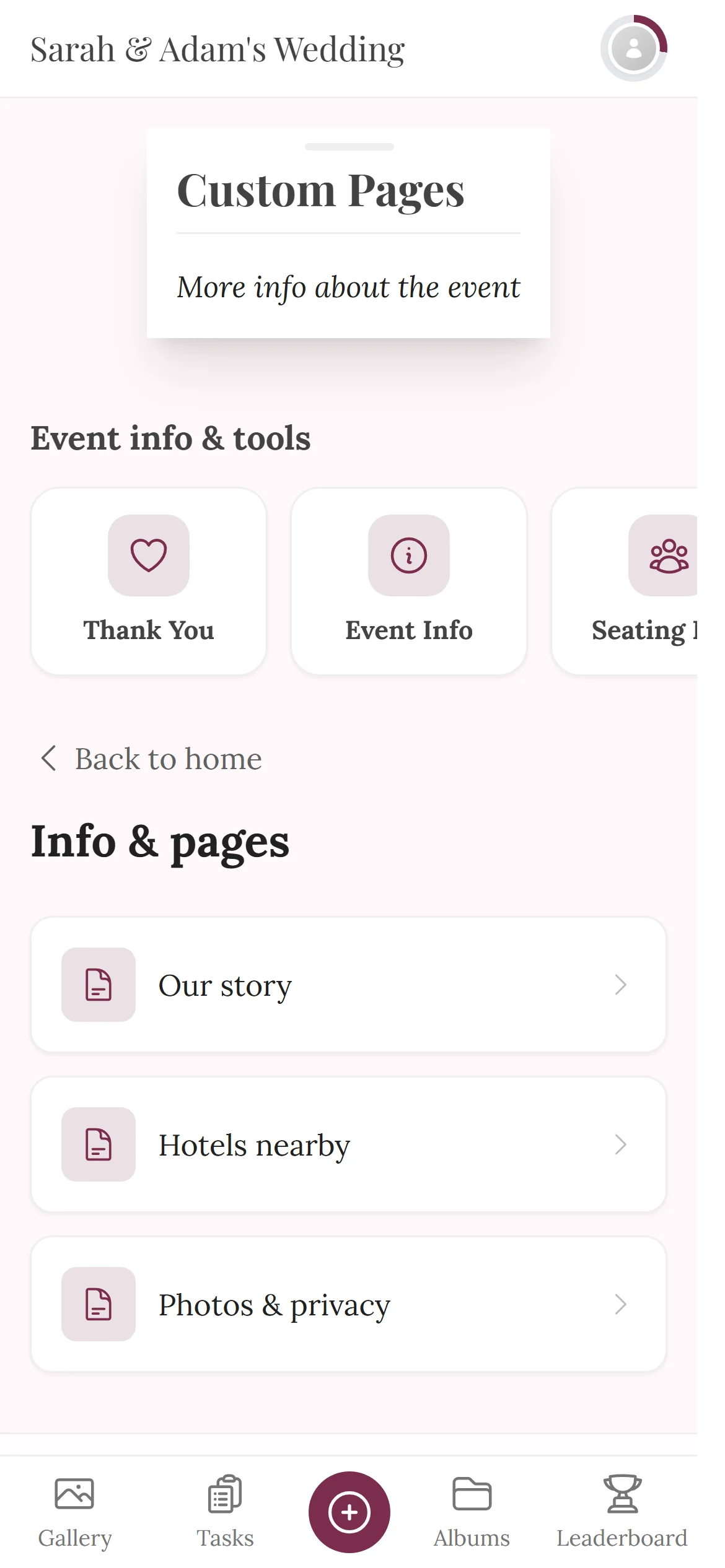
A printed sign for every page
Design a QR poster for any page in the Design Studio – for the hotel lobby, the parking lot or the gift table. Guests scan it and land directly on that page.
See the print templatesHow your pages look
Real views from the demo wedding.
1 / 3
All pages in one list
Publish, reorder, edit, share – every page with its own address.







The PDF sits in a downloads folder
Free
Custom Pages is included in every plan — the free one too.
Create your event and write your first page – text, images and its own QR code.
- No App Required
- Setup in 5 Minutes
- 30-Day Money Back
The open space in your event
- 1Who it's forHosts who don’t want to answer the same question ten times
- 2What happensYou write the info once as its own page in the gallery
- 3In the endGuests find the hotel, directions and game rules themselves
More details
Every event has content no form anticipates. Directions to the hotel, the rules of the game after dinner, a few words about somebody who is missing, or simply the story of how two people met.
Custom pages exist for exactly that. Create as many as you need, fill them with formatted text and images, and decide where they appear in your guests' menu.
Each page gets its own link and QR code, so you can point people at one specific topic without making them navigate the whole gallery.
- Weddings
- Corporate events
- Birthdays
- Group trips
What custom pages do
A text field would be too little and a page builder too much. This sits in between.
As many pages as you like
One is rarely enough. Create as many as your event needs and name them however you want.
Formatted text
Headings, paragraphs, lists and links. Even longer texts stay readable instead of turning into a wall.
Images in the text
Put photos between the paragraphs — a floor plan of the venue, or a picture of the people involved.
Control the order
You decide the order pages appear in the menu and which one people see first.
Control visibility
Pages can be prepared quietly and published only when the moment comes.
Its own QR code
Every page can be shared on its own — handy for a notice that should lead to one topic only.
Everything built in
Custom page questions
1How many pages can I create?
2Can guests read them without an account?
3Can I include images?
4Can I prepare a page and publish it later?
5Does each page have its own link?
6Can I change the order in the menu?
7Are the pages multilingual?
8What do people typically use this for?
Goes well with
Ready to Get Started?
Create your event in minutes. No credit card required.