Everything your guests need to know
Directions, parking, dress code and contacts on one page – guests look it up themselves instead of asking you.
Write it once. Everyone finds it.
You fill in the page in the admin area, guests open it from the gallery’s home page – on the morning of the party too.
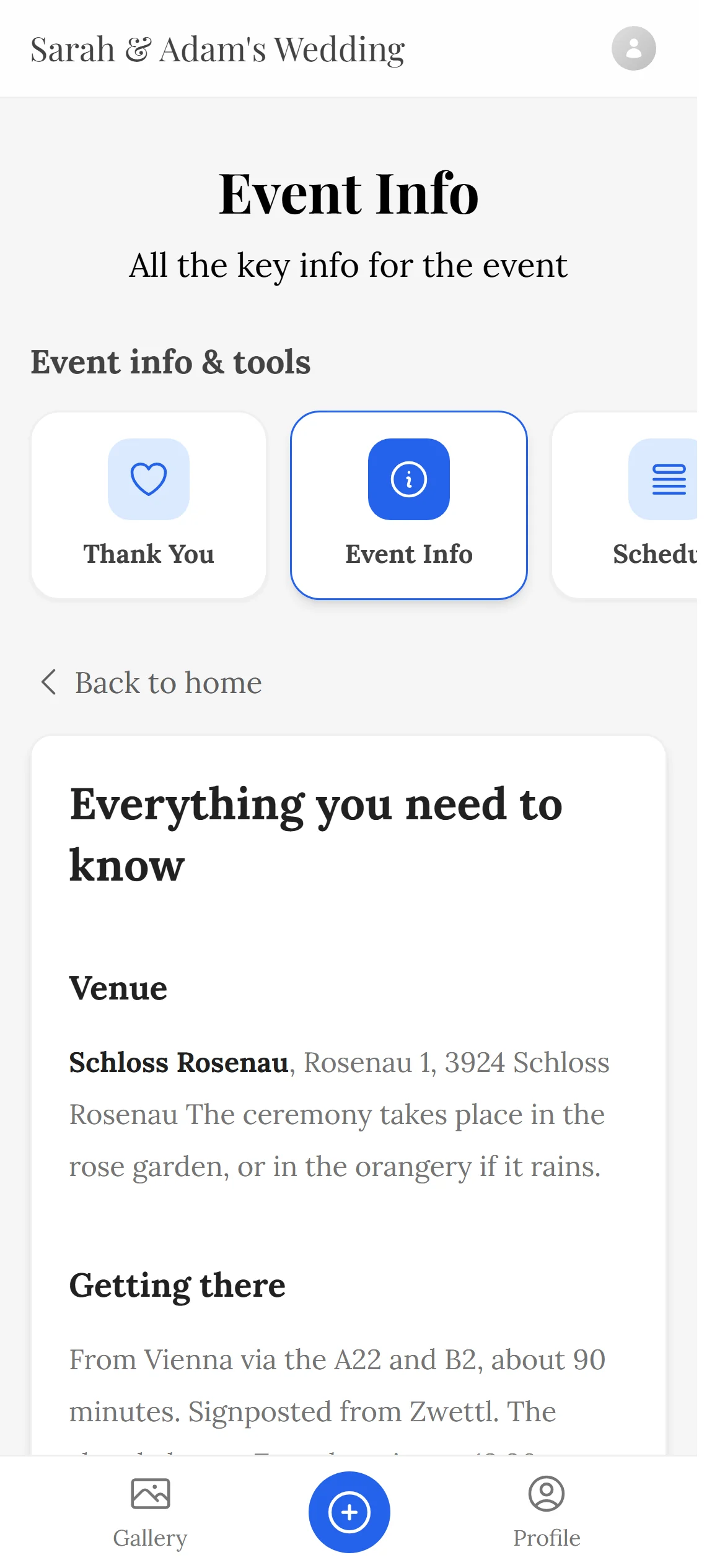
The info sits on the gallery’s home page – same link or QR code as for the photos.
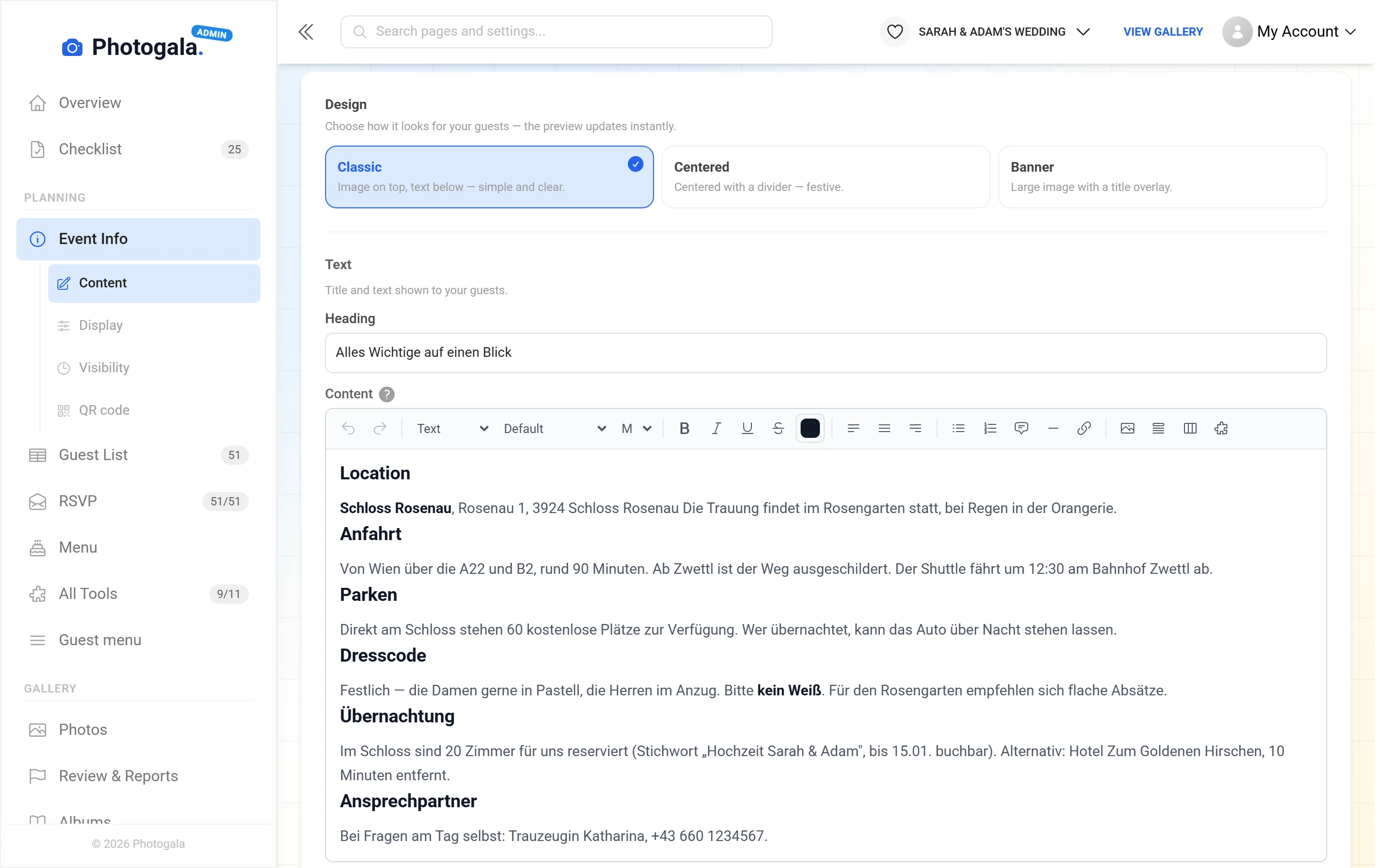
Location, directions, parking, dress code – as sections in the editor, with a design of your choice.
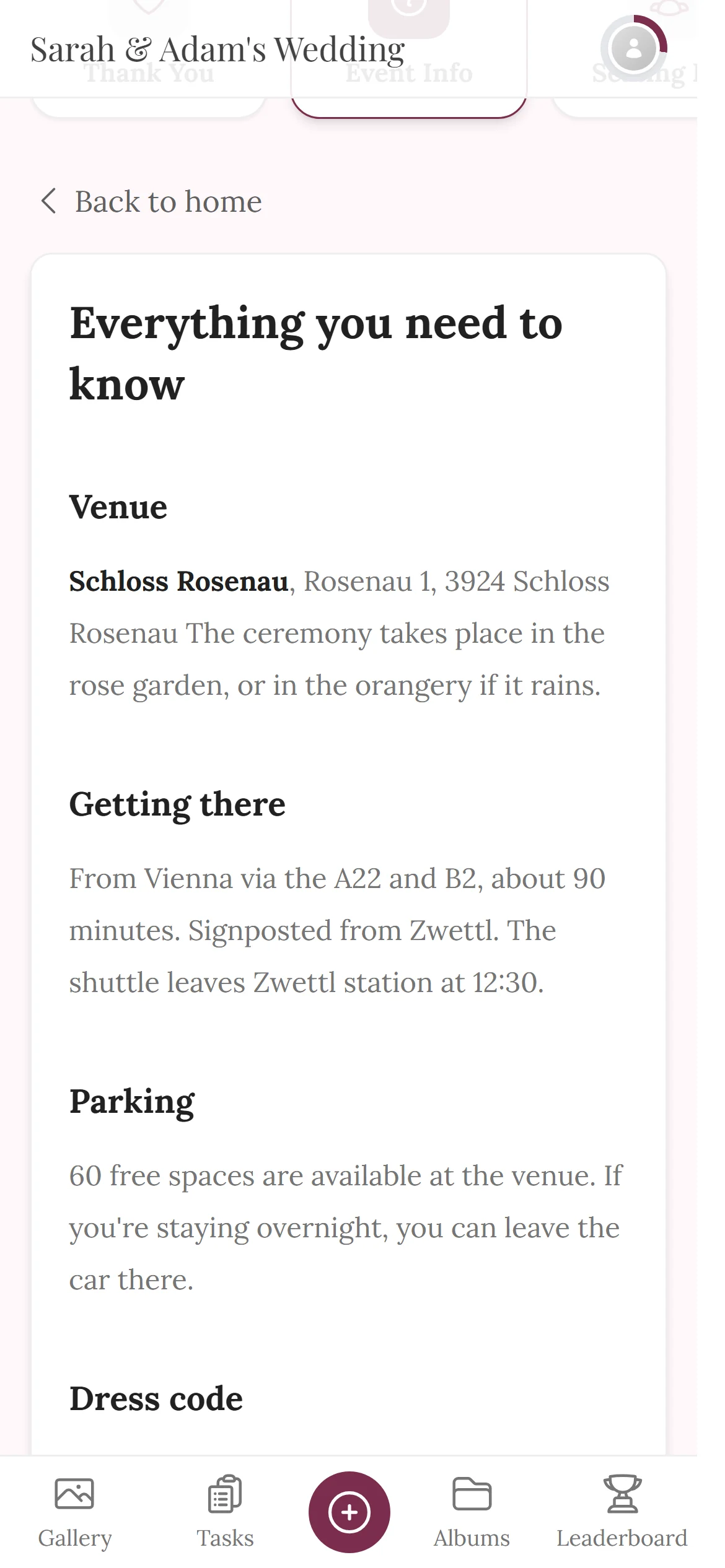
Guests read the answer themselves instead of asking you – and see changes as soon as you save them.
Included in every package, even the free one · no app and no login for guests
Ask a question. The page answers.
Pick what a guest wants to know – the section with the answer lights up. Then move the shuttle and watch a single line change.
- As many sections as you need – with lists, links and images
- Changes apply for everyone who opens the page afterwards
- Optionally visible only from or until a date you choose
Plans change? You correct one line instead of messaging everyone.







Someone will be looking for the address
Free
Event Info is included in every plan — the free one too.
Create your event for free and fill in the info page – one link that is still right on the morning of the party.
- No App Required
- Setup in 5 Minutes
- 30-Day Money Back
The page every question leads to
- 1Who it's forEvery guest – from the invitation to the big day
- 2What happensAddress, directions, dress code & more on one page
- 3In the endFewer questions, because everything is in one place
More details
Months pass between the invitation and the party, and in that time the details disappear. The address is in a message from February, the dress code was discussed on the phone, and only the person who happened to ask knows where to park.
Event info gathers all of it in one place people can find again. Guests open it through the same link as the gallery and the invitation — including on the morning of the party, when it suddenly matters.
And because the page is yours, you can add to it whenever you like. If the meeting point changes you fix one line instead of messaging sixty people.
- Weddings
- Corporate events
- Birthdays
- Group trips
Everything built in
Event info questions
1What belongs on the info page?
2Can guests see it without an account?
3Can I change the details later?
4Can I include images?
5Is it available in English too?
6How do guests get to the page?
7Can I create several info pages?
8Can people who weren't invited see it?
Goes well with
Ready to Get Started?
Create your event in minutes. No credit card required.