Glossary
Here you’ll find short, easy explanations of the terms around your event – sorted by topic. You don’t have to memorize anything: just drop by whenever something is unclear.
Around your event
Section titled “Around your event”Event – Your celebration in Photogala, such as a wedding, birthday or company party. Each event has exactly one gallery.
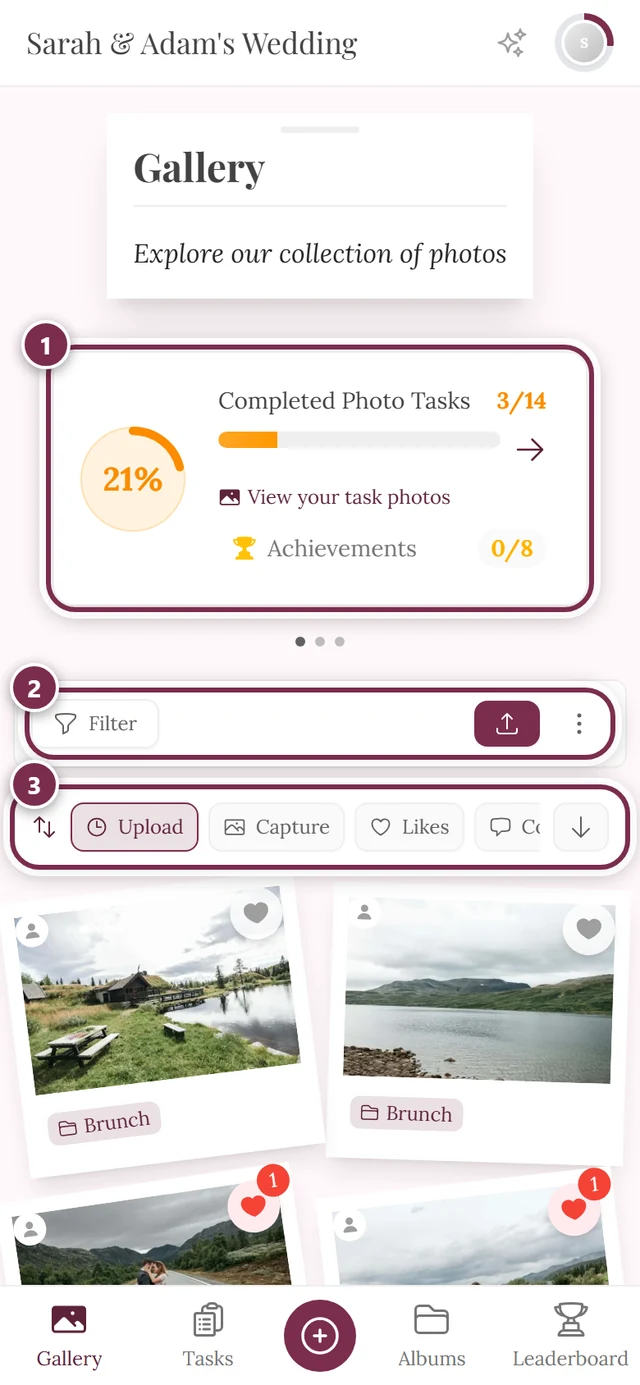
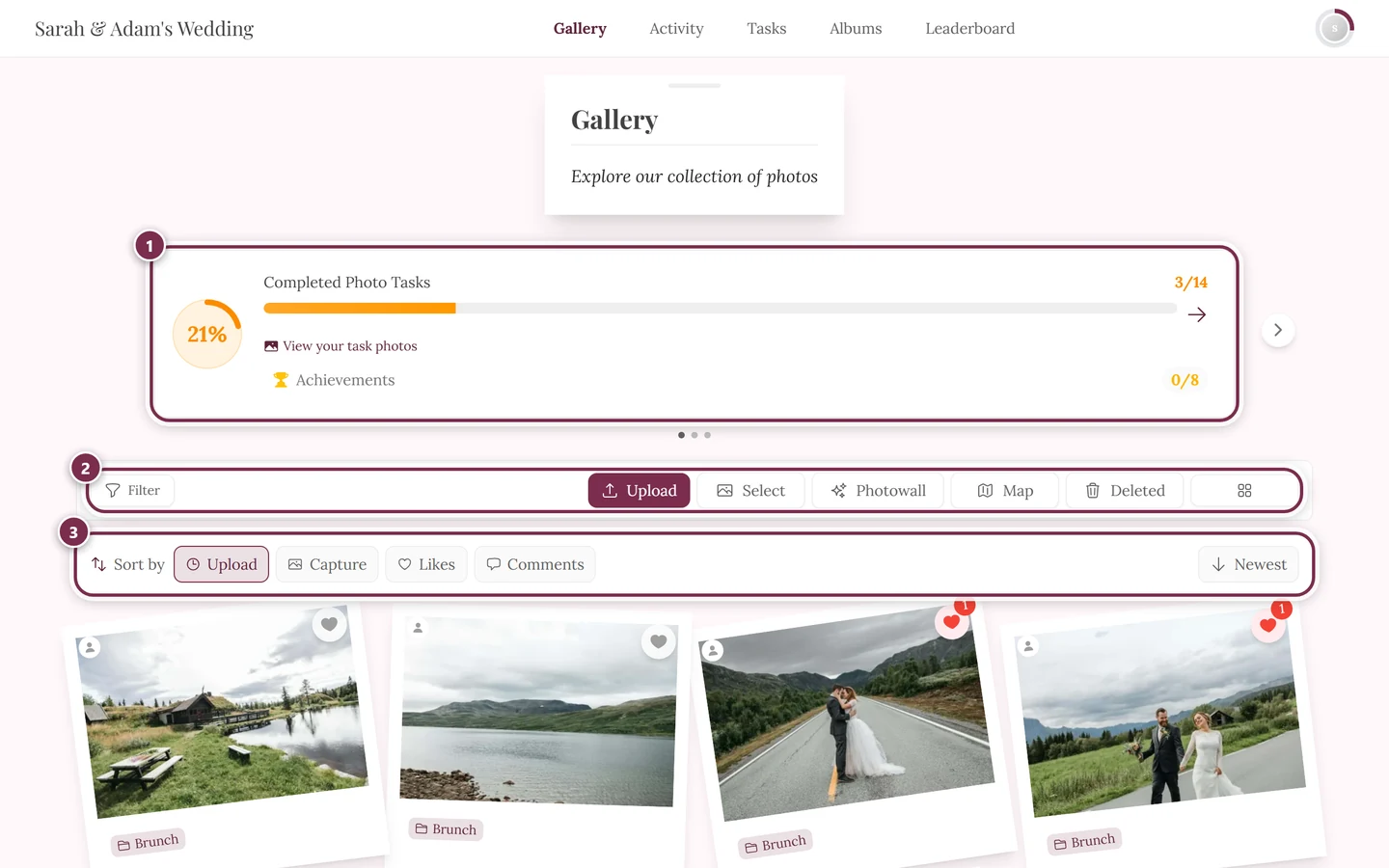
Gallery – The shared place where all the photos and videos of your event are collected. Anyone with the link or the QR code can open it and join in.
Joining – Opening a gallery and taking part. Usually your name and a tap on “Continue to photos” are enough; protected events need an access code. Joining an event walks through it in detail.
Event link / slug – The personal web address of your gallery, for example photogala.net/@anna-tom-wedding. The short, readable part (@anna-tom-wedding) is the slug.
QR code – A small square pattern you scan with your phone camera to jump straight to the gallery – no need to type a link. The host designs and prints QR cards in the Design Studio.
Guest vs. account – As a guest you join without signing up and upload photos. With your own account your contributions stay linked across devices and are easier to find again. More under Account & sign-in.
Magic link – Instead of a password, Photogala emails you a one-time link. Clicking it signs you in.
Taking part
Section titled “Taking part”Upload – Adding your photos or videos to the gallery. See the uploading guide for how it works.
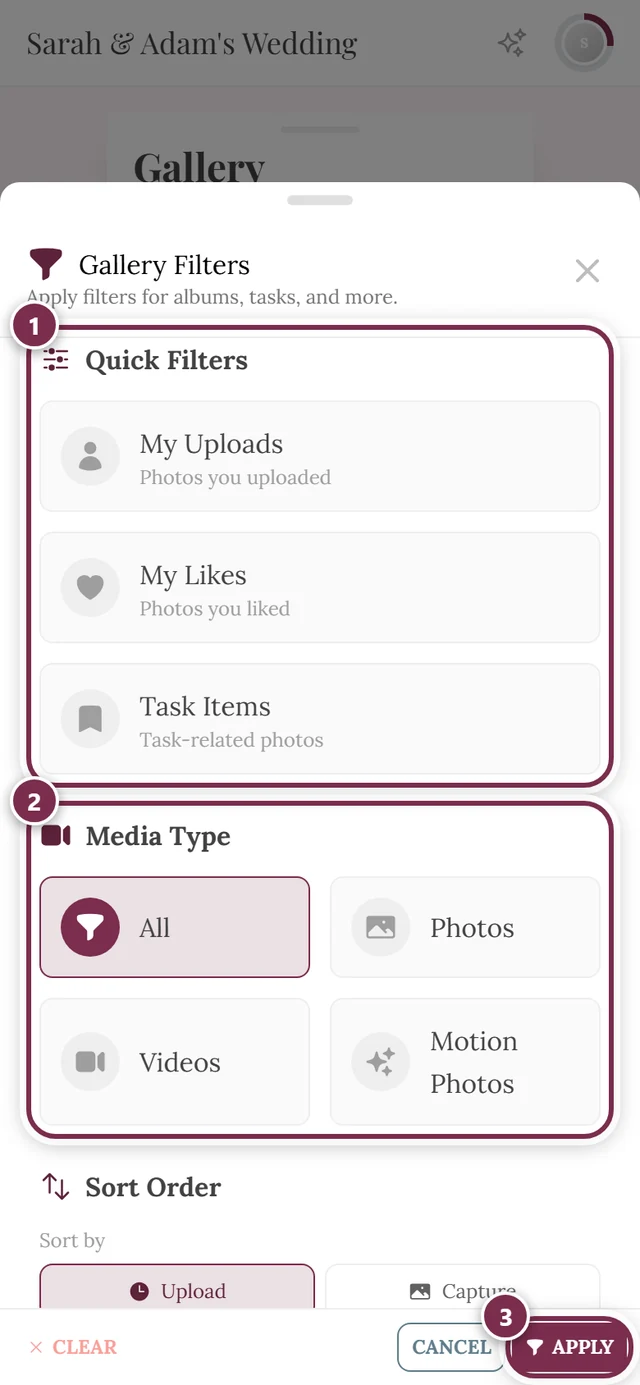
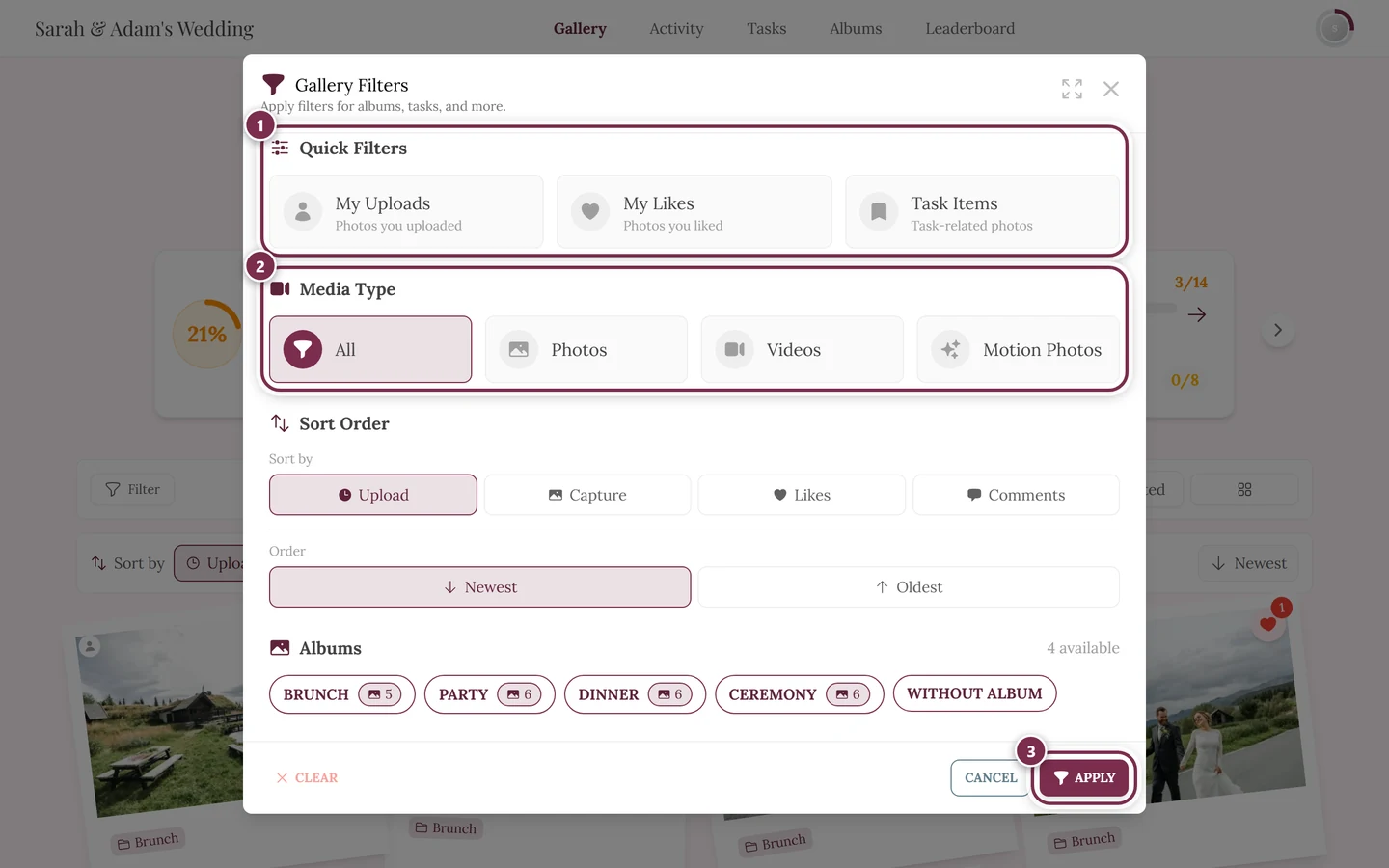
Motion picture / live photo – A media type of its own, next to photo and video: Live Photos from iPhone, Motion Photos from Samsung and Google – and animated GIFs. The gallery filters call it Motion Photos, the admin area Live photos, and the event features list it under Videos & Motion Pictures. Such files contain a still image and a film track, so a separate processing step handles them in the background – apart from photos and videos. Expect them to stay “processing” a little longer than a plain photo after upload. Details under Can I upload videos?
Like – A heart to show which photos you like. Works by double-tap, via the heart icon, or by right-click on a computer. Details under Likes & comments.
Comment – A short message under a photo, so you can get into conversation.
Reply – A response directly to an existing comment. Replies are shown nested under the original comment.
@Mention – Putting an @ before a name in a comment addresses that person directly – they get notified about it.
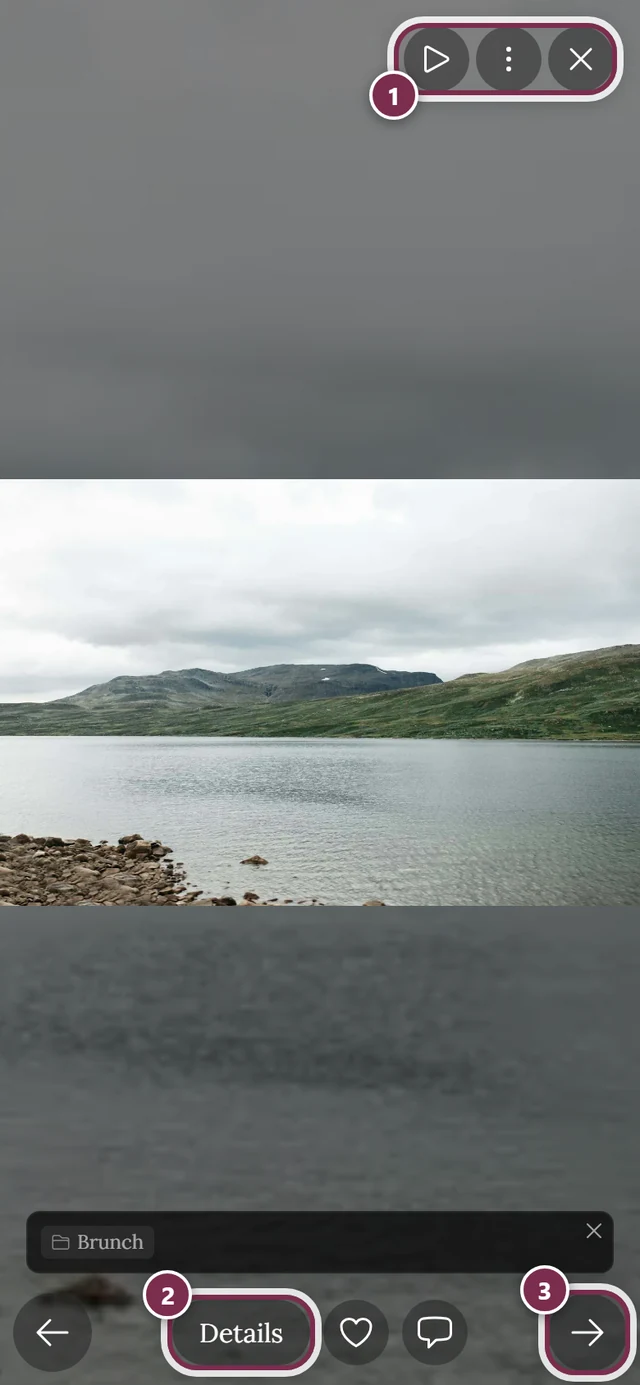
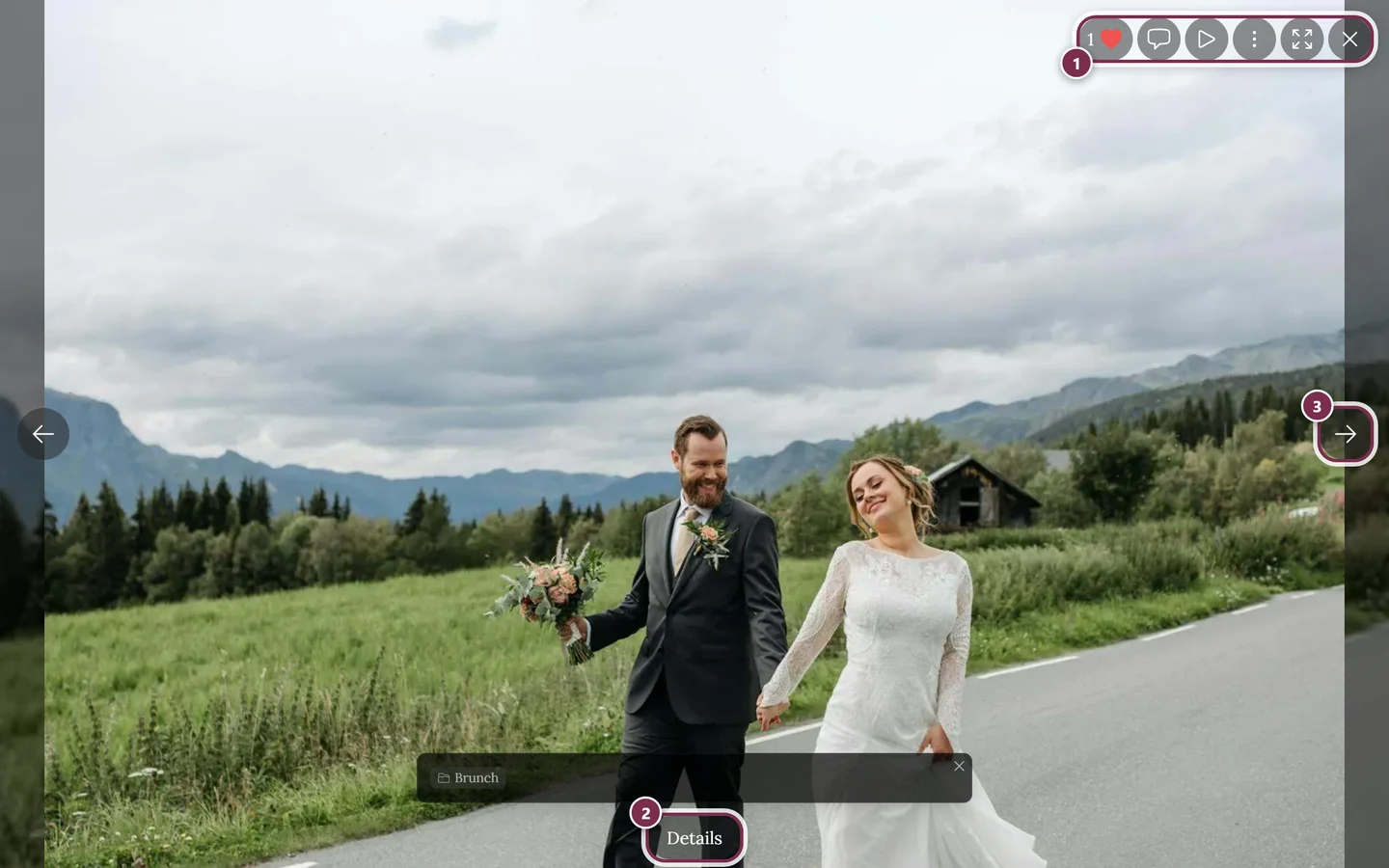
Slideshow / fullscreen – The large single view of a photo. Here you can swipe, zoom, like, comment, download and start autoplay. The slideshow guide explains every function.
Album – A subgroup of photos within the gallery, for example sorted by part of the programme or theme, so related pictures are easier to find.
Activity feed – A chronological overview of what happened most recently in the event: new uploads, likes, comments and achievements.
Tools & planning
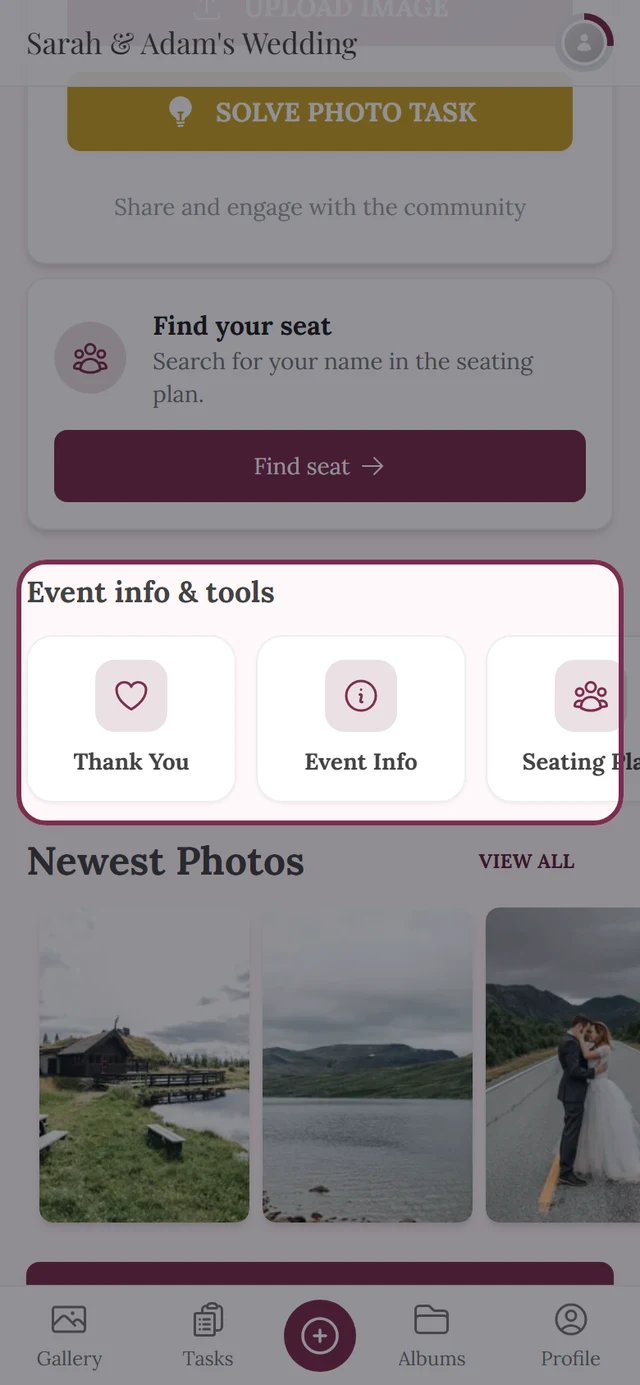
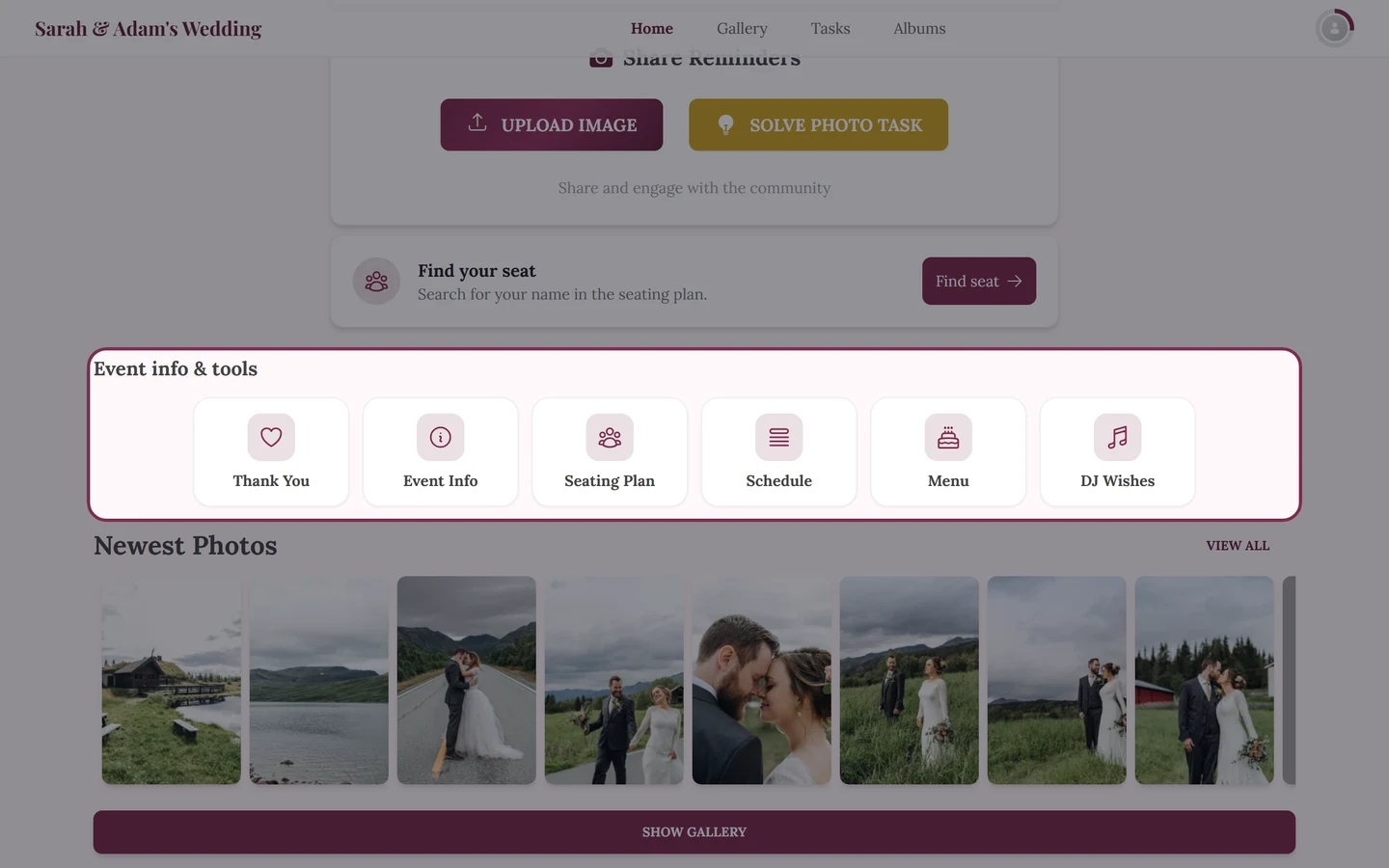
Section titled “Tools & planning”Tool / tooling – The umbrella term for the building blocks a host can switch on for an event: schedule, menu, seating plan, guest list and so on. In the admin area they all live under Tooling, sorted into the three groups Planning & organization, Info for your guests and Atmosphere & afterwards. Every tool is enabled and filled individually; anything that isn’t active doesn’t exist for guests. Overview: Tools at the event (guests) and Tooling – Overview (hosts).
Widget – The tile a tool uses to advertise itself right on the event home page, instead of only sitting in the tool bar. The switch is called Widget on the home page; the widget only appears once the tool actually has content. Five styles are available for its look – Classic, Elegant, Minimal, Bold and Soft. See Tooling – Overview.
Digital invitation – A designed invitation page of its own, with countdown, venue, schedule, dress code and RSVPs, sent out as a link or QR code. By default it stays out of the gallery’s tool bar and carries no gallery navigation – the host can deliberately add it in the Display tab, though. Guests: The digital invitation · hosts: Digital invitation.
Save the Date – The smaller of the two scopes of the digital invitation: names, date and countdown only – meant for early on, when the venue and schedule aren’t settled yet. Its counterpart is called Full invitation and shows every further section (venue, schedule, dress code, accommodation, gifts, RSVP). You can switch from one scope to the other at any time without rebuilding the invitation.
RSVP – The reply form where guests accept or decline online, add companions, pick their meal and name any dietary needs. The answers land in the guest list automatically. Guests: Accept or decline · hosts: RSVP.
Guest list – The central table of all guests with reply status, contact, meal choice and seat. It is the source for the seating plan and the meal counts, and it never leaves the host. See Guest list.
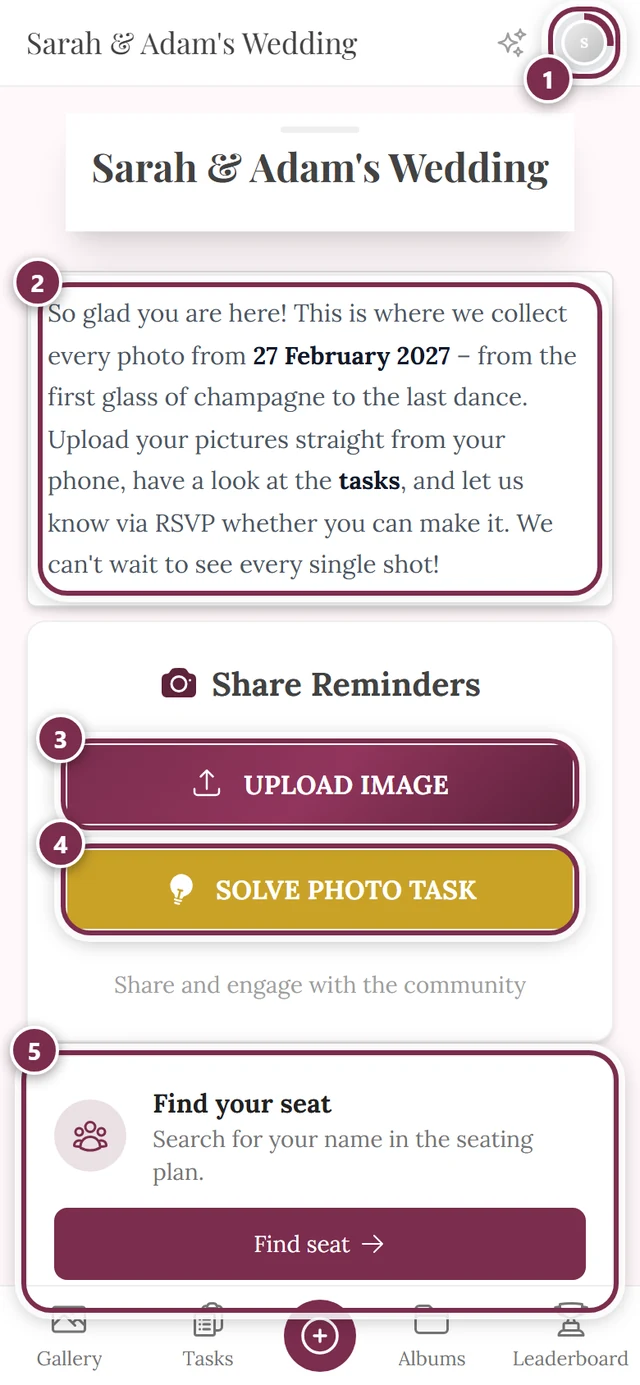
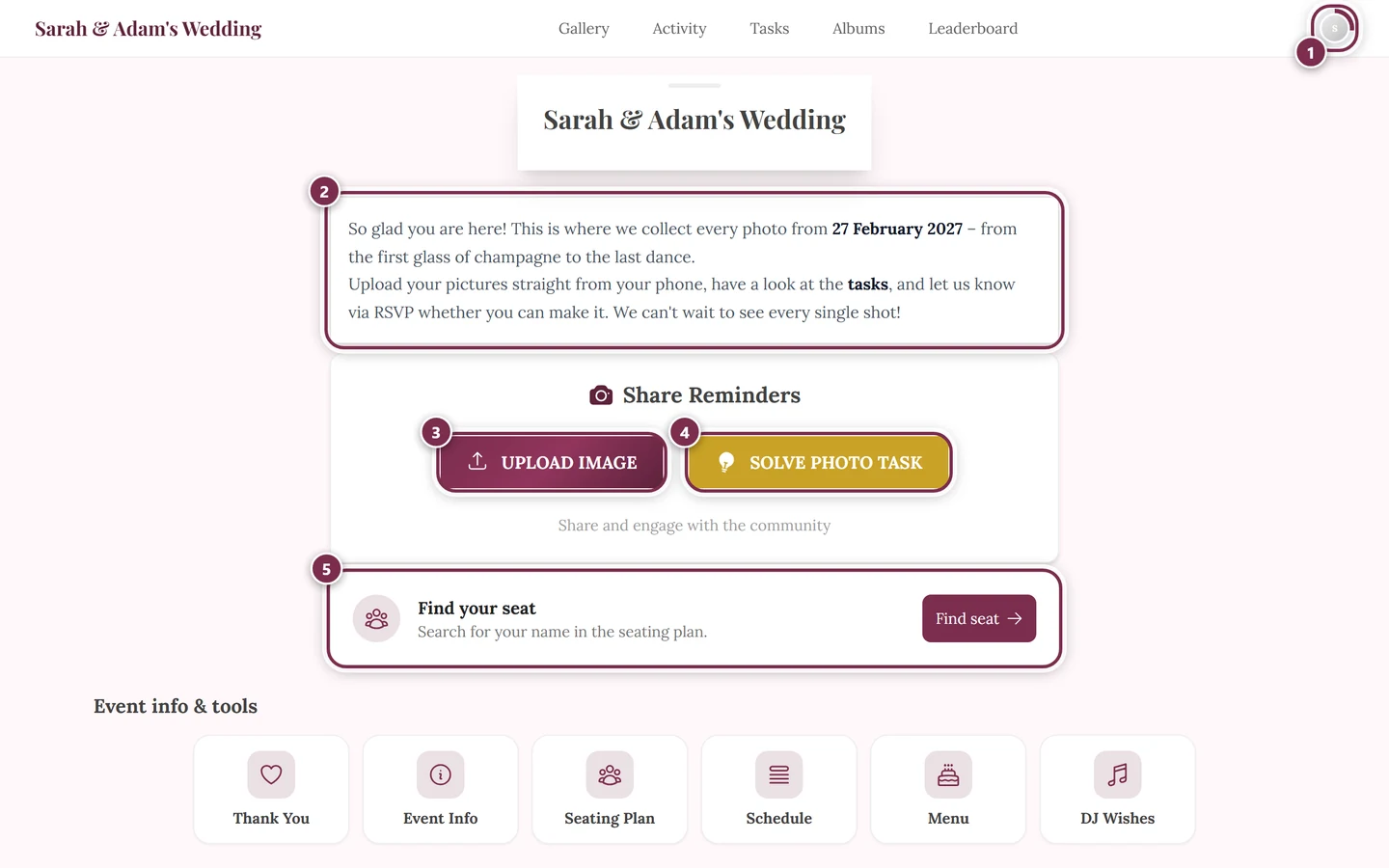
Seating plan – Tables, seats and room objects in a drawn plan. Guests search it for their name and are shown their table and seat. Guests: Find your seat · hosts: Seating plan.
Seating wish – The guest’s wish: when replying to the invitation they name up to three people they’d like to sit next to (switch Ask for seating wishes in the RSVP). A wish is not binding – it shows up in the seating planner as a suggestion, and the host decides whether to act on it.
Seating rule – The host’s instruction: two guests should share a table – or explicitly should not. Rules are taken into account when seating automatically, and a broken rule is flagged by the planner as Violated seating rules.
Place card – The printed card at the table setting showing a guest’s name. It is created as a print template in the Design Studio and filled from the guest list, so you design it once and print it for everybody. A QR code on it can bring the guest straight into the gallery under their real name.
Table number – The printed sign on the table showing its number or name – the second printed companion to the seating plan. It is created as a print template too and takes the table labels from the plan. Both are covered by Seating Plan – Illustrated view, export & print.
Menu – The food and drinks at your event, grouped into courses and with dietary notes. Guests read it in the gallery; in the RSVP they pick their dish from it. See Menu.
Schedule – Your event’s schedule as a list of programme points with times, visible to all guests. It can span several days and feeds the programme section of the seating plan and the invitation. See the schedule tool.
DJ wishes – The tool for song requests: guests add songs, host and DJ watch the list live. Guests: Song requests · hosts: DJ wishes.
Event info – Important notes for guests – directions, parking, dress code – right on the event home page or as a page of its own. See Event info.
Thank you – The message after the event: a personal text with a photo that the host can schedule to appear. See Thank you.
Custom pages – Freely written info pages with text and images, for everything that has no tool of its own. They can additionally be placed in the gallery navigation. See Custom pages.
Play & rewards
Section titled “Play & rewards”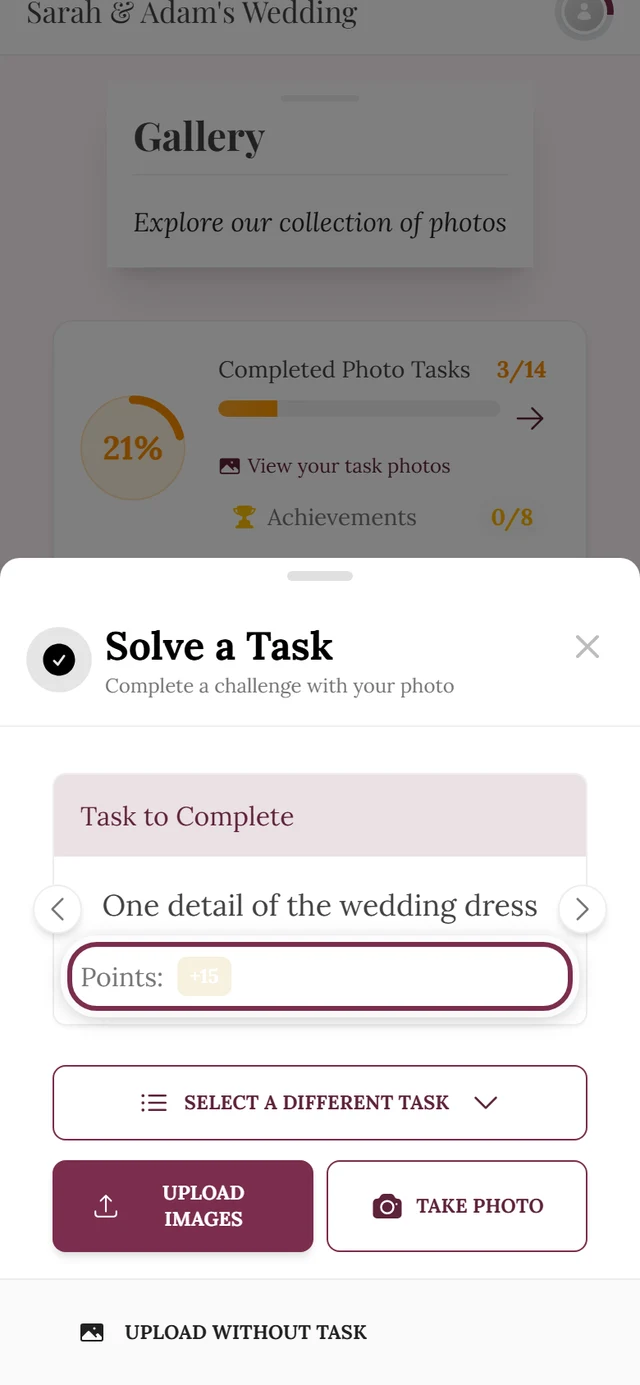
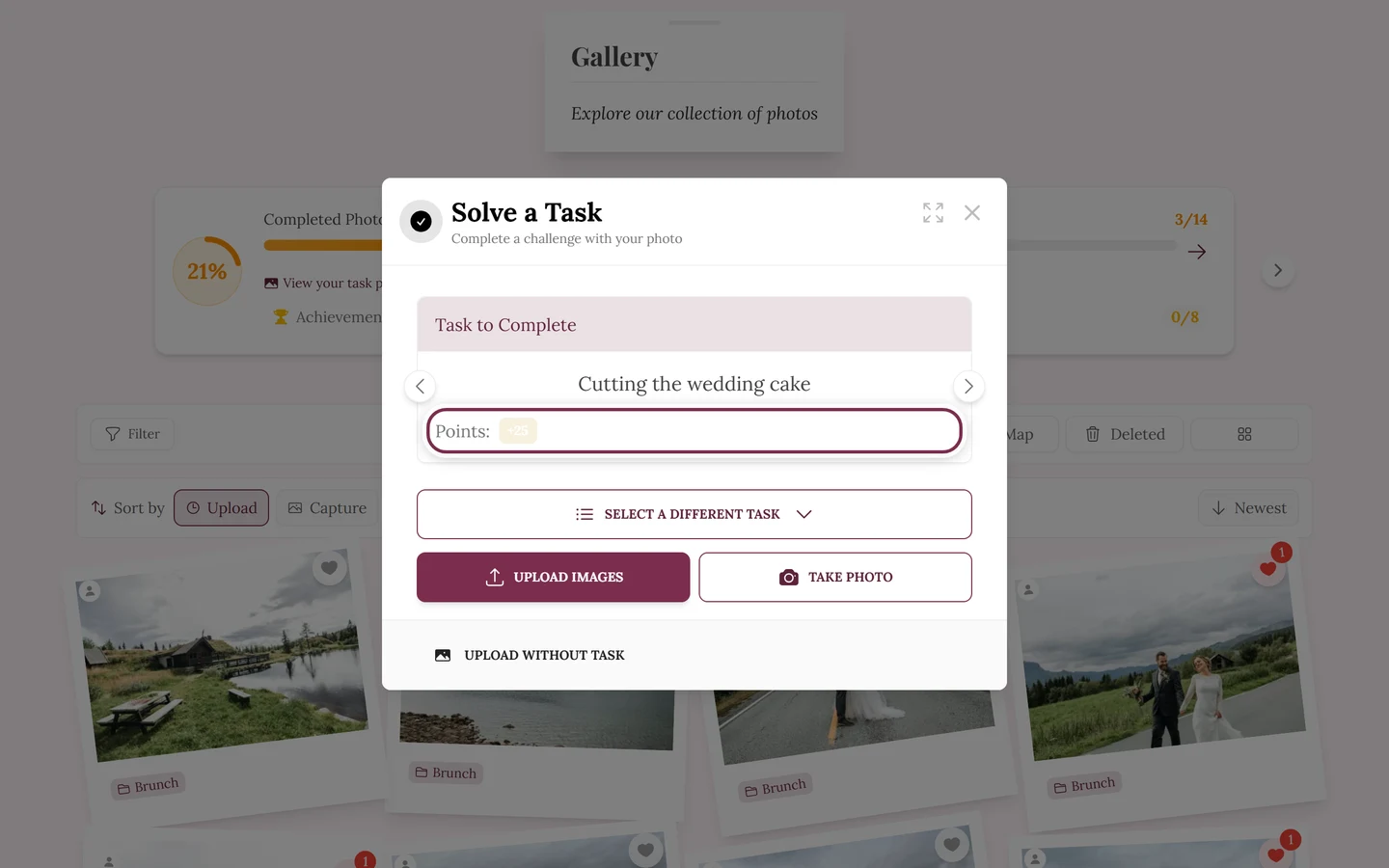
Task – A small photo task set by the host, for example “Take a photo of the cake being cut”. It adds variety and often points. Everything about it under Challenges & tasks.
Task, challenge or photo idea?
Section titled “Task, challenge or photo idea?”Those are four words for the same thing – don’t go looking for several features. In the admin area it is consistently a task (Manage tasks, Add task), and in the gallery you tap Solve Task too. After a successful upload the app talks about photo ideas (“Next photo idea”), while product pages and print templates say Photo Challenges. We call it a task throughout these docs – that’s the word you meet most often while using the app.
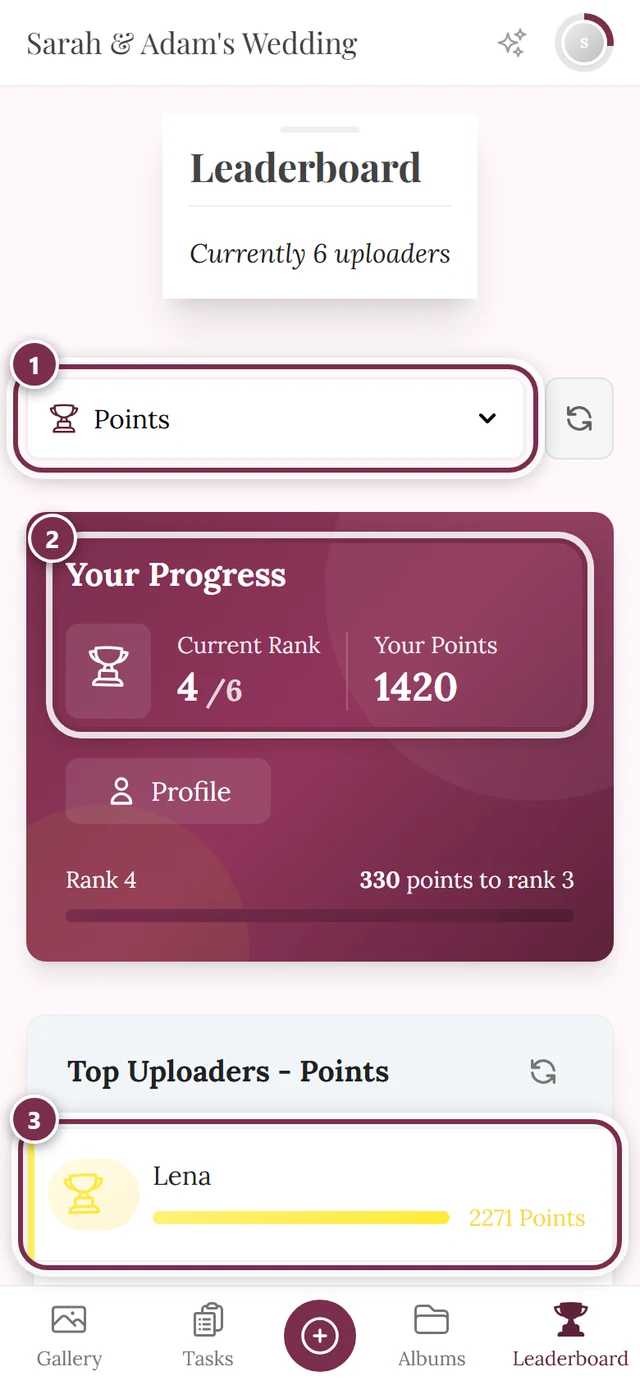
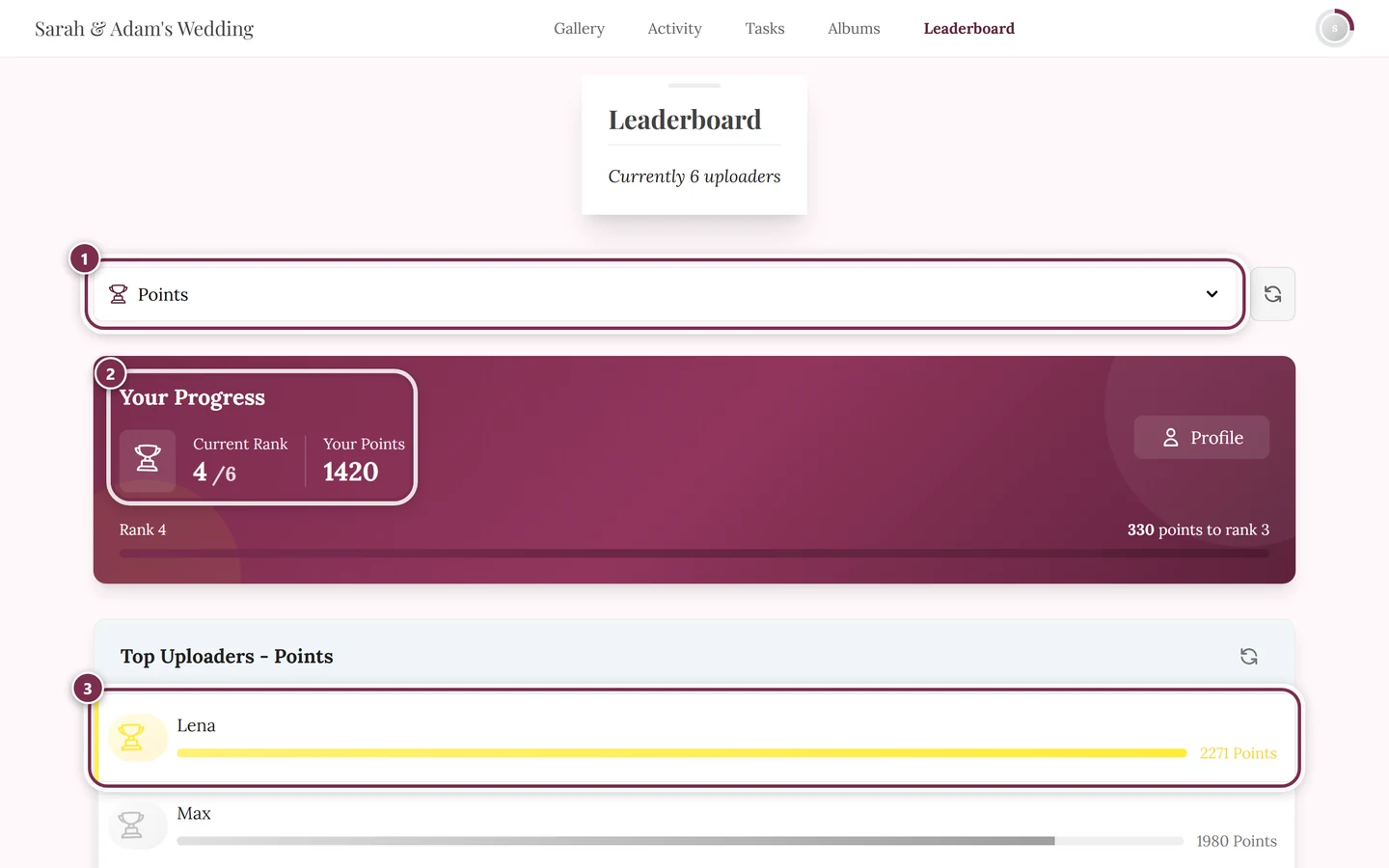
Points – You earn them by uploading photos, completing tasks or unlocking achievements. They show how active you are at the event.
Achievement – A small badge for taking part, for example for your first photo or for solving a task. Achievements make joining in more playful.
Leaderboard – Shows who has collected the most points and adds a bit of friendly competition. Has to be enabled by the host.
Winner mode – The feature that turns the running leaderboard into a final result and crowns winners – split by category, so it isn’t just one single person who wins. With it off, the leaderboard stays a leaderboard without winners. See Crowning winners & handing out prizes.
Freezing the standing – The moment the score is fixed. Without freezing, the result would keep shifting later because guests delete or add photos. The host can set a moment in advance (Freeze the standing on) or tap Freeze now at the award ceremony; from then on guests see the final result instead of the live leaderboard. The complete standing is always frozen – everyone who doesn’t win a prize still sees their place.
Real reward – An actual prize (e.g. a free drink) the host offers for certain achievements. See Redeeming real rewards for how to claim and redeem one.
Confirmation code – A code in the format XXX-XXX you get when redeeming a real reward. The host verifies it and hands you the reward. Leaderboard winners get a code of their own, which the host checks under Verify code – see How do I claim my prize?
Inventory – The available quantity of a real reward. Once the stock runs out, it can no longer be redeemed (∞ = unlimited).
People & roles
Section titled “People & roles”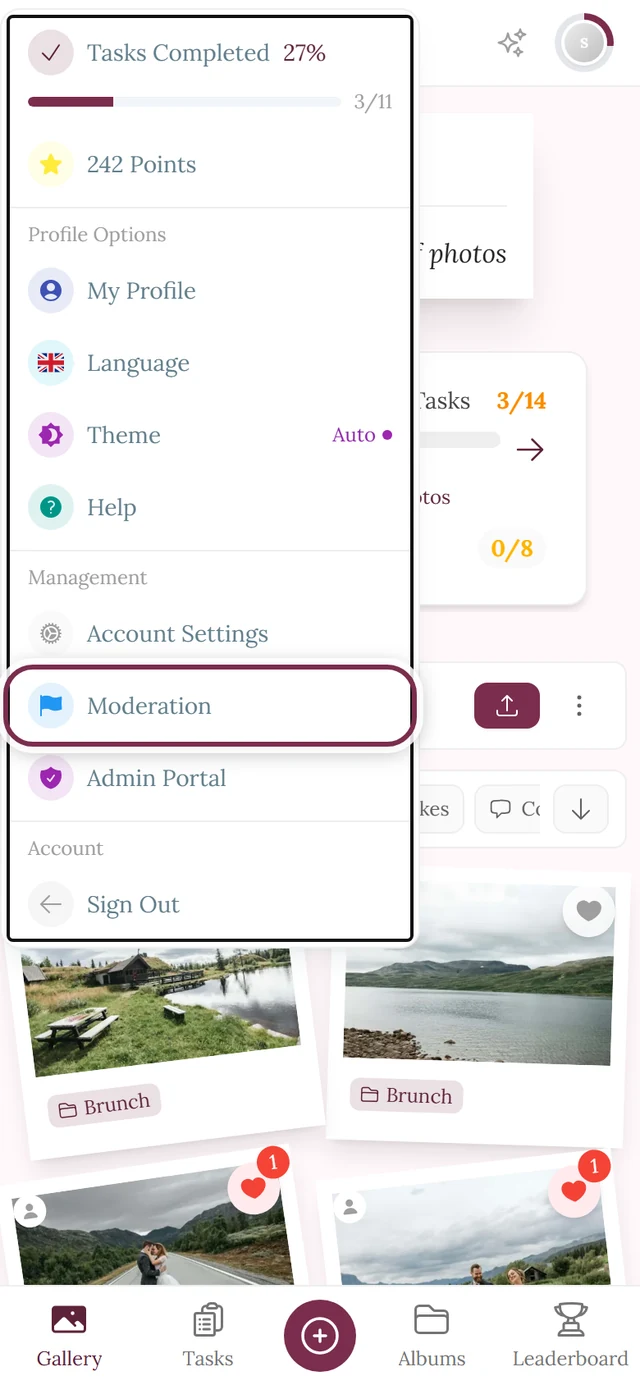
Host – The person who creates and manages the event. They have full access to all settings and the admin area.
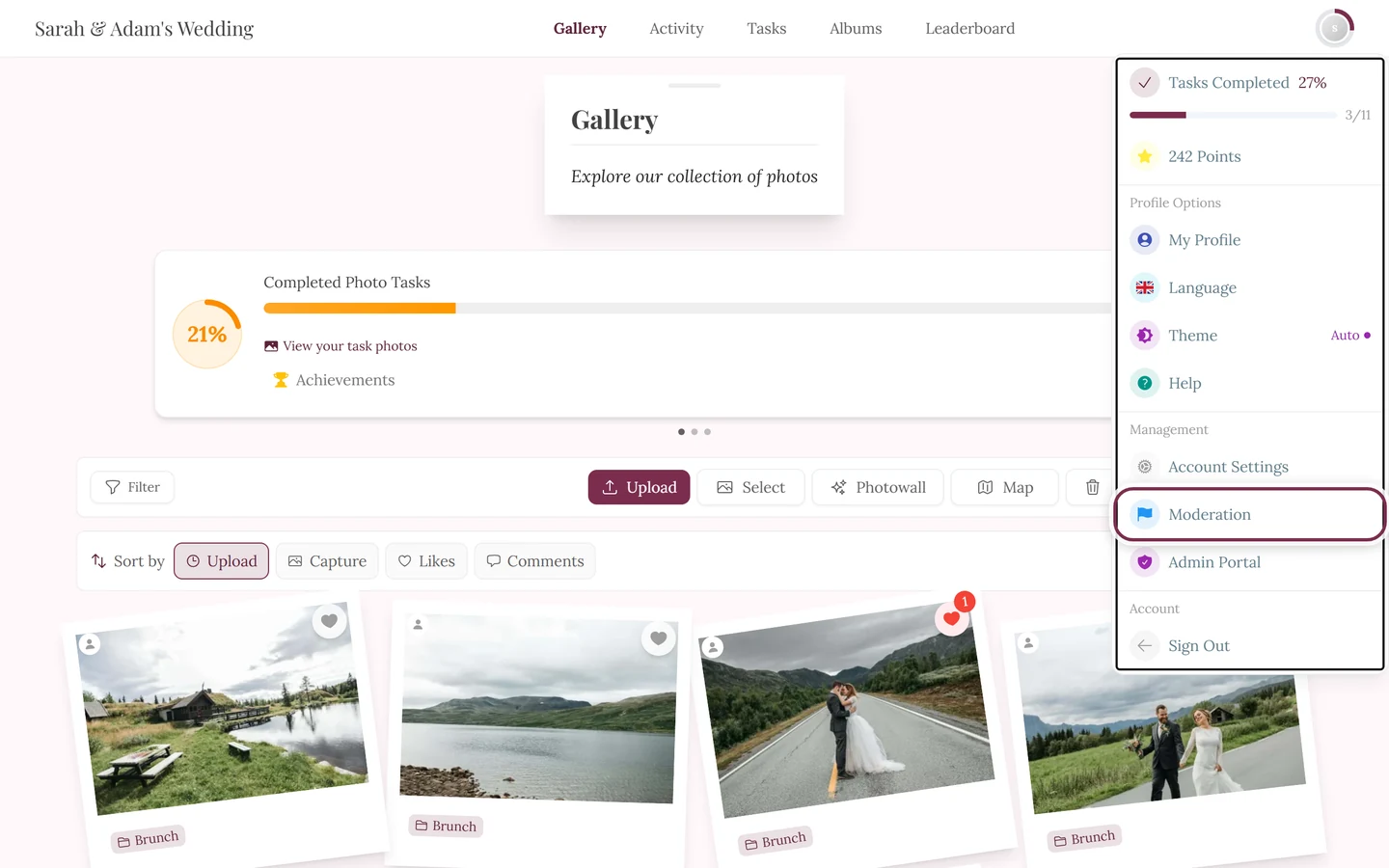
Moderator – A trusted person who can review and hide content during the party, but doesn’t change core settings.
Admin – A role with extended rights, almost like the host. Given to close co-hosts.
Role – Defines what someone may do: guest, moderator or admin. The host assigns roles under Roles & permissions.
Finding & sorting
Section titled “Finding & sorting”Face search – Quickly finds all photos showing a particular person. You tap a face in the face picker; you can also opt yourself out.
Selfie search (“Find me”) – You take a quick selfie and Photogala shows you all the photos you appear in. See Finding photos of you.
Face recognition – The technology in the background that detects and groups faces in photos. It’s the basis for face and selfie search. The host can turn it on or off.
Map – Shows photos at the place where they were taken. For travel events you can trace the “journey” this way.
Smart album / rule album – An album that fills automatically with photos matching set rules (e.g. a particular person or a time span). The counterpart to a manually filled album.
Cover – The preview image of an album or event. The focal point lets you set which part of the image appears as the preview.
Metadata / details (EXIF) – Extra info about a photo such as capture time, camera model or location. In the slideshow you find it under “Details”.
Safety & privacy
Section titled “Safety & privacy”Moderation – The host (or a moderator) reviews content and can hide or remove it if needed, so the gallery stays pleasant for everyone.
Report – If you find an unsuitable photo, you can report it. The report goes to the moderation area for review. See Reporting content.
Approval / pre-moderation – When enabled, new uploads only appear after the host has approved them.
Unpublishing – Taking an already visible photo back out of the gallery without deleting it. It stays intact and can be published again at any time.
Automatic unpublishing – When the content filter is on, the AI decides on its own: harmless photos are published, anything judged unsuitable is unpublished automatically – before a human ever sees it. For AI-checked content the manual moderation step is skipped. Whoever uploaded gets a notification (“Your photo was unpublished”) and can talk to the host if the filter got it wrong. See My photo isn’t showing up and AI processing.
Access code – A code that protects a private gallery: only those who know it can join.
Content check / NSFW filter – An automatic check that flags potentially inappropriate images. The interface calls it the Content Safety Filter and offers four protection levels: Relaxed, Moderate, Strict and Very Strict.
Banning / restricting – The host can revoke further participation from people who repeatedly cause trouble. See Restricting people.
Recycle bin – Deleted photos land here first and aren’t gone for good right away. Guests have their own recycle bin for the media they deleted themselves, the host has one for the whole event. See Restoring deleted photos.
Grace period – The time a deleted item sits in the recycle bin and can still be brought back. It lasts 30 days; after that the items are removed permanently and not even the host can restore them. Emptying the recycle bin by hand shortens the period to right now. See Recycle bin & restoring.
Storage period / term – Indicates how long your event’s gallery stays online. After it ends the gallery is offline for guests and can only be brought back for a limited time, then the photos are permanently deleted – make a backup beforehand. See Plan & term.
Archive – The low-cost way to keep a gallery online for another year after the party: viewing, downloading, liking and commenting still work, while new uploads, the photo wall and new guests are paused. The archive is not a backup. See Archive – keep it for less.
Subscription / automatic renewal – If you switch it on, you pay automatically every year at the same price as a manual renewal, and the gallery stays online without a break. You can cancel any time on the Plan & term page. Without this checkbox every purchase is a one-time payment. See Yearly payment (subscription).
Presentation & tech
Section titled “Presentation & tech”Photo wall – A live view where new photos appear one after another, often on a big screen or projector at the event, so everyone sees the pictures in real time. See Live photo wall.
Live upload – Photos from a photo booth or camera land in the gallery automatically and instantly, without manual uploading.
Bulk download / ZIP – Downloading many photos at once as a single packed ZIP file. For guests via multi-select, for hosts bundled under Backing up all photos.
Design Studio – The area where the host designs and prints QR cards, posters, place cards, table numbers and invitation designs. See Design Studio.
Progressive web app (PWA) – Photogala runs in the browser, yet you can still put it on your phone’s home screen. From then on the gallery starts like an app: its own icon, its own window, no address bar. No app-store installation is involved, and nothing is added that you don’t already have in the browser. Your browser offers the option itself (on iPhone via the share menu, on Android via the browser menu). On galleries with a custom domain or a partner brand, adding to the home screen is deliberately not offered. Step by step: Can I install Photogala as an app?
Custom domain – Your own web address for the gallery (instead of photogala.net/@…), e.g. photos.our-wedding.com. See Custom domain.
Branding / white-label – Adapting the logo, colors and name so the gallery fits the event or brand and the Photogala name recedes into the background.
Brand (partner) – Not to be confused with the branding of a single event: a brand is a partner’s identity – name, logo, colors, domain and legal texts – under which they create galleries for their customers. Every event of that partner inherits it, and their customers never get to see Photogala. In the partner area this lives under Brand & Domain. See Reseller basics.
Setup link – How a customer takes over a prepared event: the partner creates a setup link and emails it, or shares it themselves. The customer opens it, redeems it and ends up with a ready-made gallery in the partner’s branding – without setting anything up. The status is trackable (available, sent, redeemed). See Reseller basics.
Notification – A hint (via the bell icon) when something happens for you: a new comment, a like, an achievement or a reward.
Premium feature – A feature that requires a paid plan (e.g. real rewards or a custom domain).