I'm attending several events
A wedding in May, a company party in June, a birthday in autumn — several galleries at once is perfectly normal. They just work differently from what you might expect.
Every event stands on its own
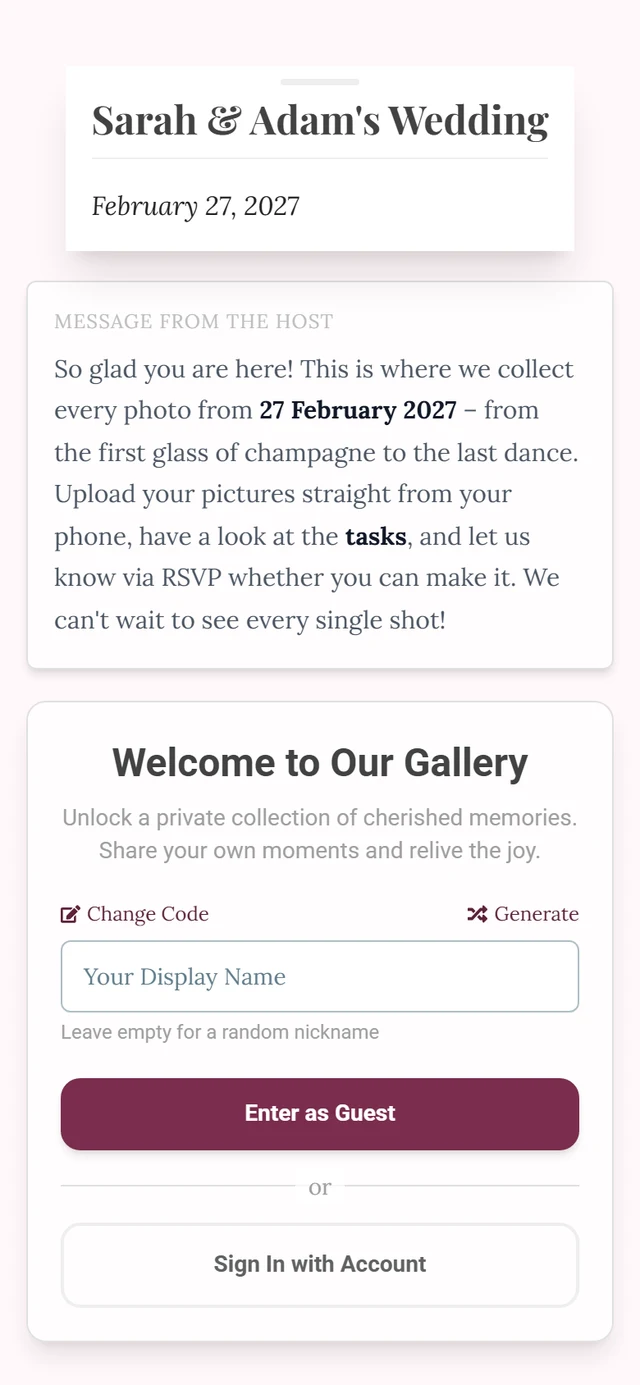
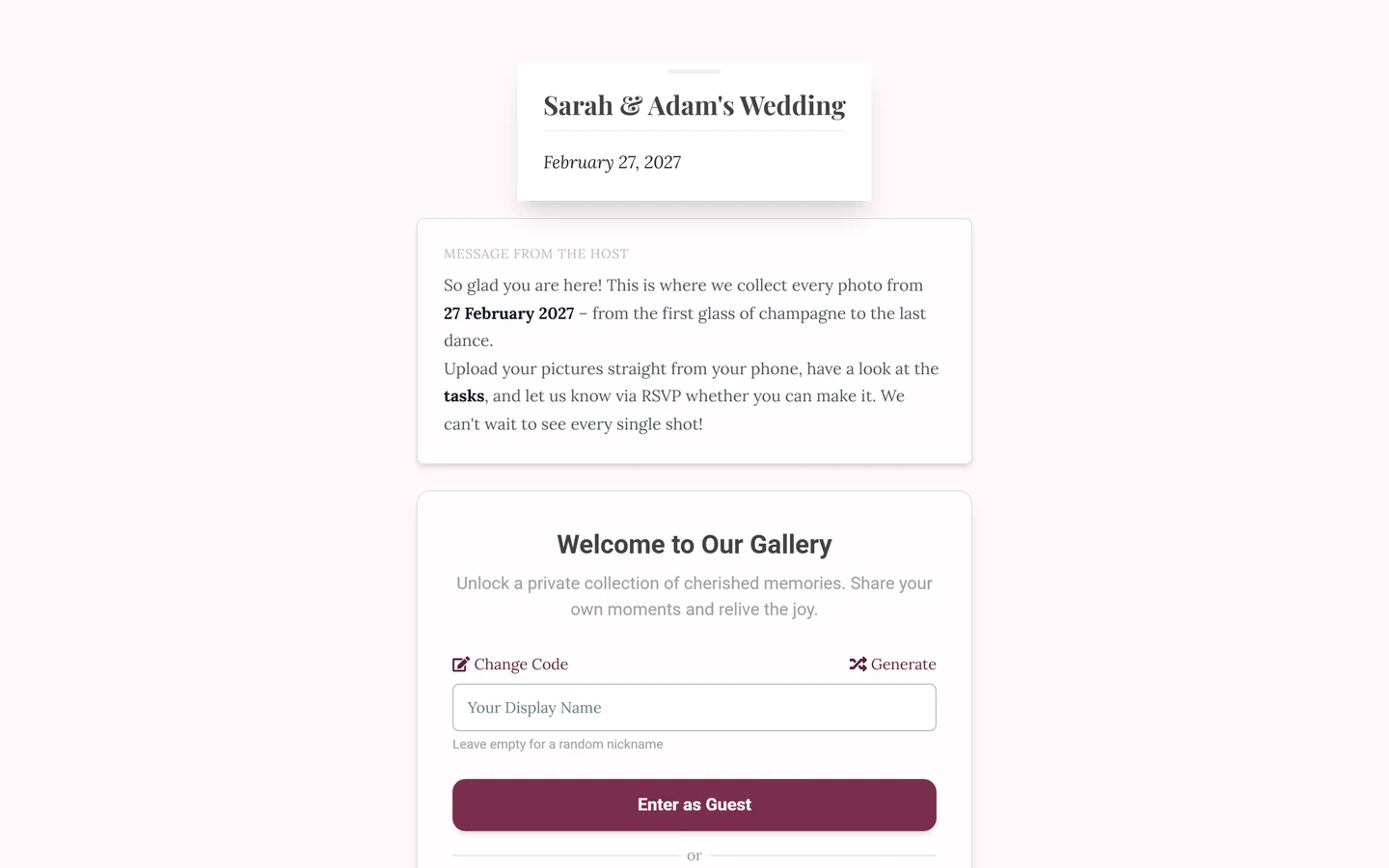
Section titled “Every event stands on its own”- Every event has its own address. The link to the wedding doesn’t lead to the company party.
- Every event has its own session. Being inside one gallery doesn’t open the other.
- There is no event switcher in the gallery: from inside, you can’t hop to another event.
- There is no event search. You can’t find an event by its name — without a link or QR code you can’t get in. That’s deliberate: it keeps private galleries private.
So you don’t lose anything
Section titled “So you don’t lose anything”- Bookmark it the first time you open a gallery. On a phone, “Add to Home Screen” works too.
- Send the link to yourself — a message to yourself, a note, the calendar entry for the event.
- Photograph the QR code if it’s on a poster or a card.
What an account changes
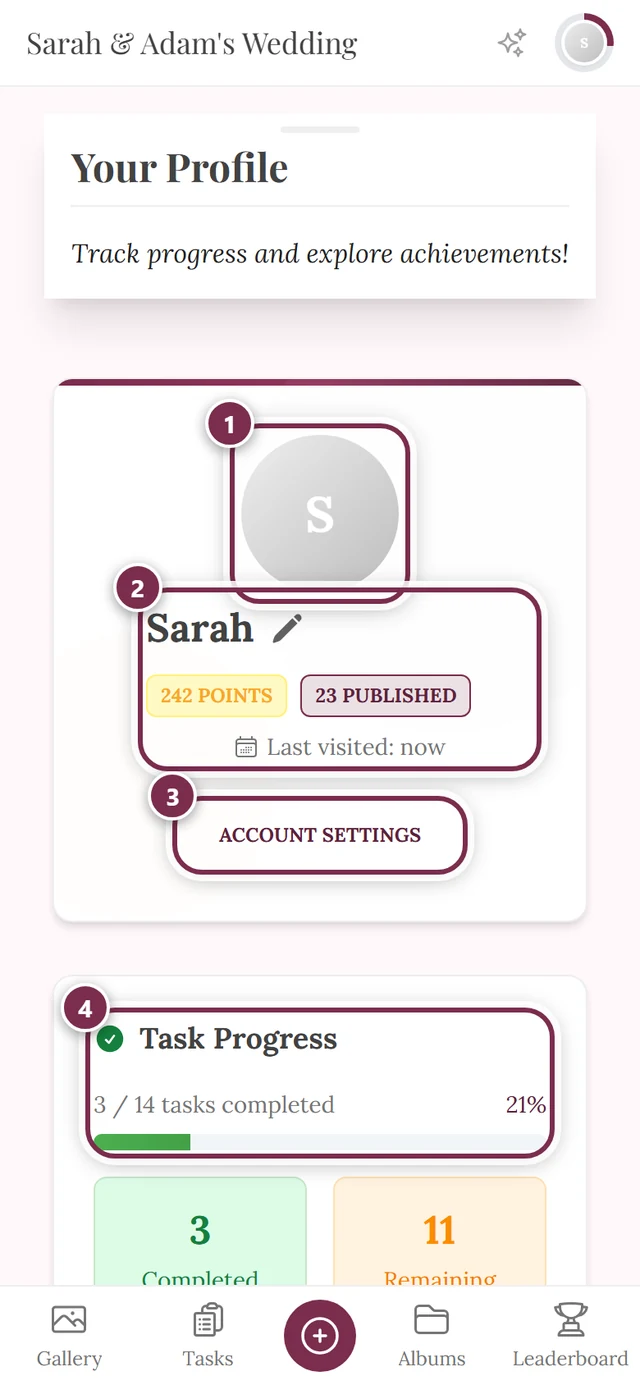
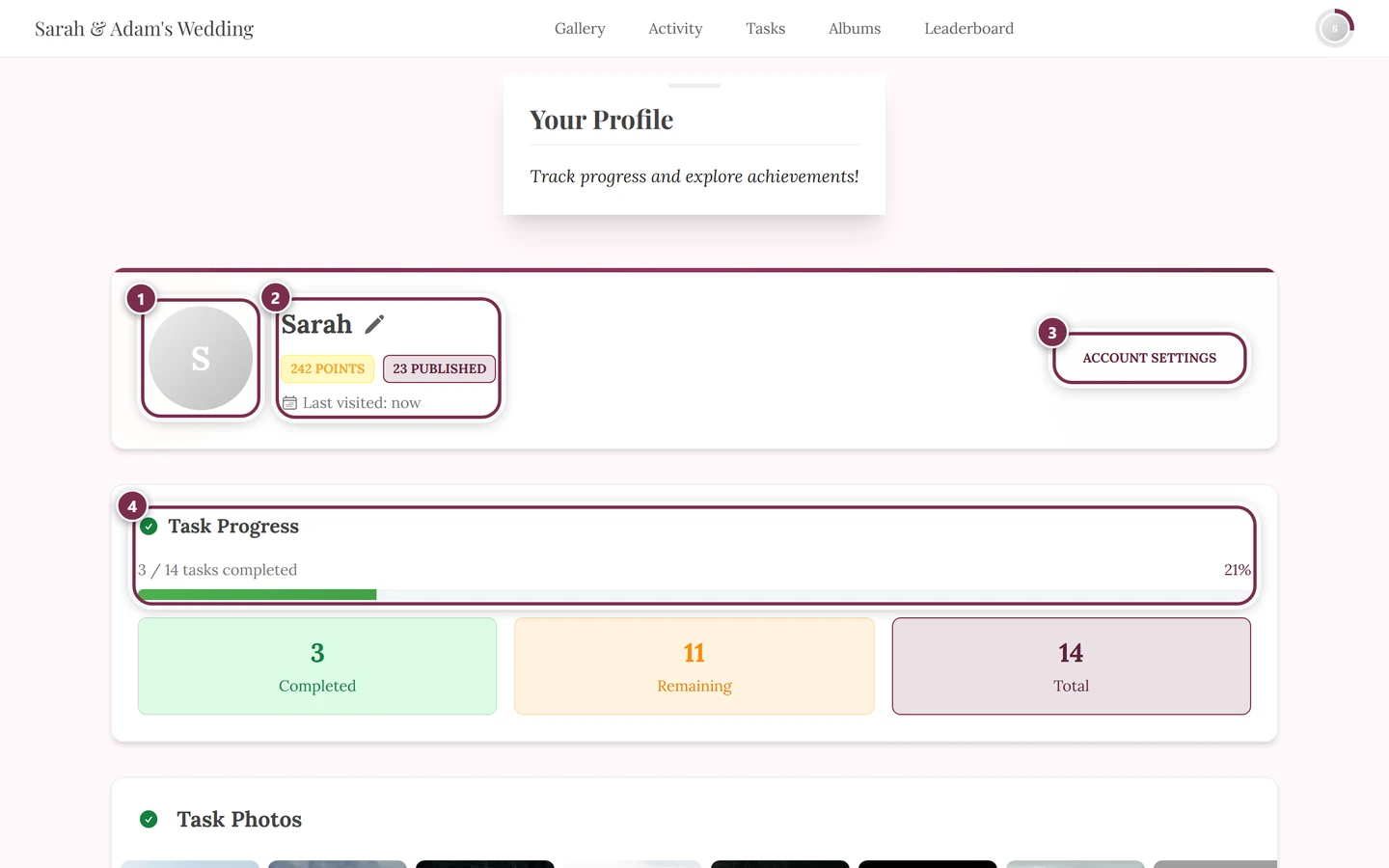
Section titled “What an account changes”With an account you stay the same person across devices: you sign in on the new phone and your contributions, points and achievements are still yours. Without an account your guest session is tied to exactly one device and browser — on the tablet you are somebody else.
But: nickname and points apply per event. They don’t travel with you.
- You can go by a different name at the wedding than at the company party.
- Points, achievements and leaderboards are counted separately per event. Whoever tops one gallery starts from zero in the next.
More on this in Guest or account.
If you ended up in the wrong event
Section titled “If you ended up in the wrong event”Check the address in your browser bar — every event has its own identifier there. Just open the link of the event you want; the other gallery is unaffected.