Forgot your password?
Two very different things get mixed up here: the event’s access code and the password of your account. Start with the first one – that is the more common case.
Cannot get into the gallery? Then it is the access code
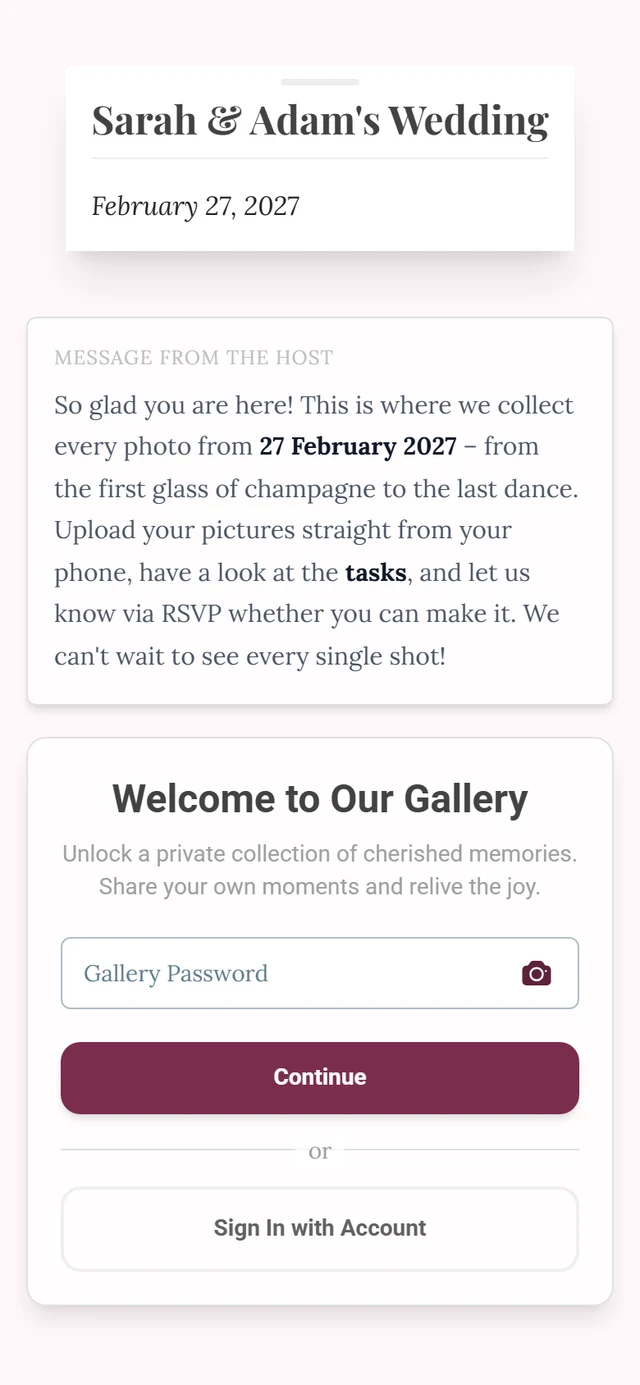
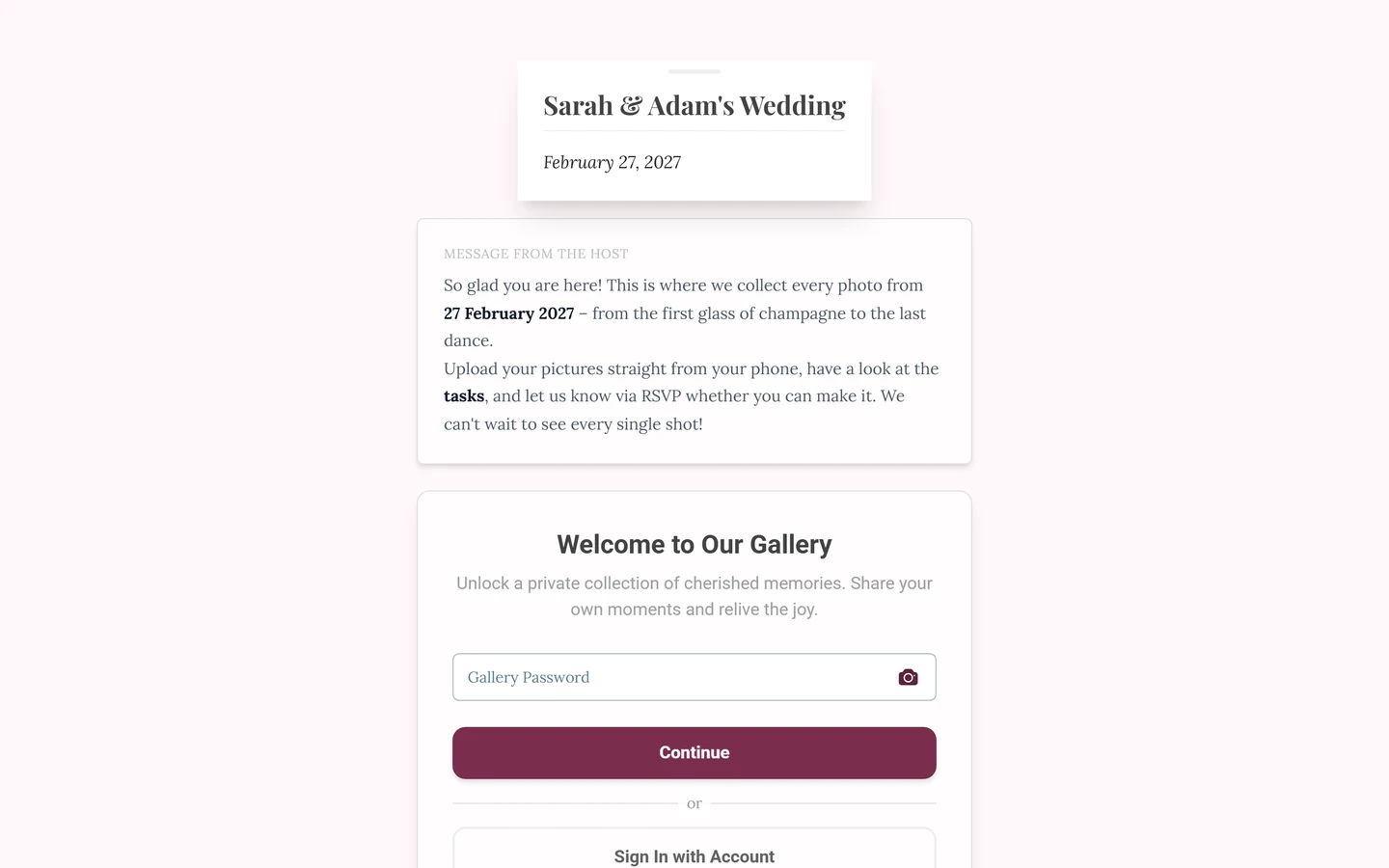
Section titled “Cannot get into the gallery? Then it is the access code”If the join screen asks for a code, that is not your account password. The organizer sets this code for their event.
- We cannot send it to you. Ask the organizer – the code is often printed on the invitation, a place card or a sign.
- It is often already in the link or QR code. When you open the organizer’s link, the code is checked in the background and stripped from the address bar. An empty field after the click is therefore normal.
- Seeing “Invalid password”? Watch out for capitalisation and hyphens – codes often look like
happy-moment-123.
Everything about joining is covered in Joining an event.
Reset the password of your account
Section titled “Reset the password of your account”-
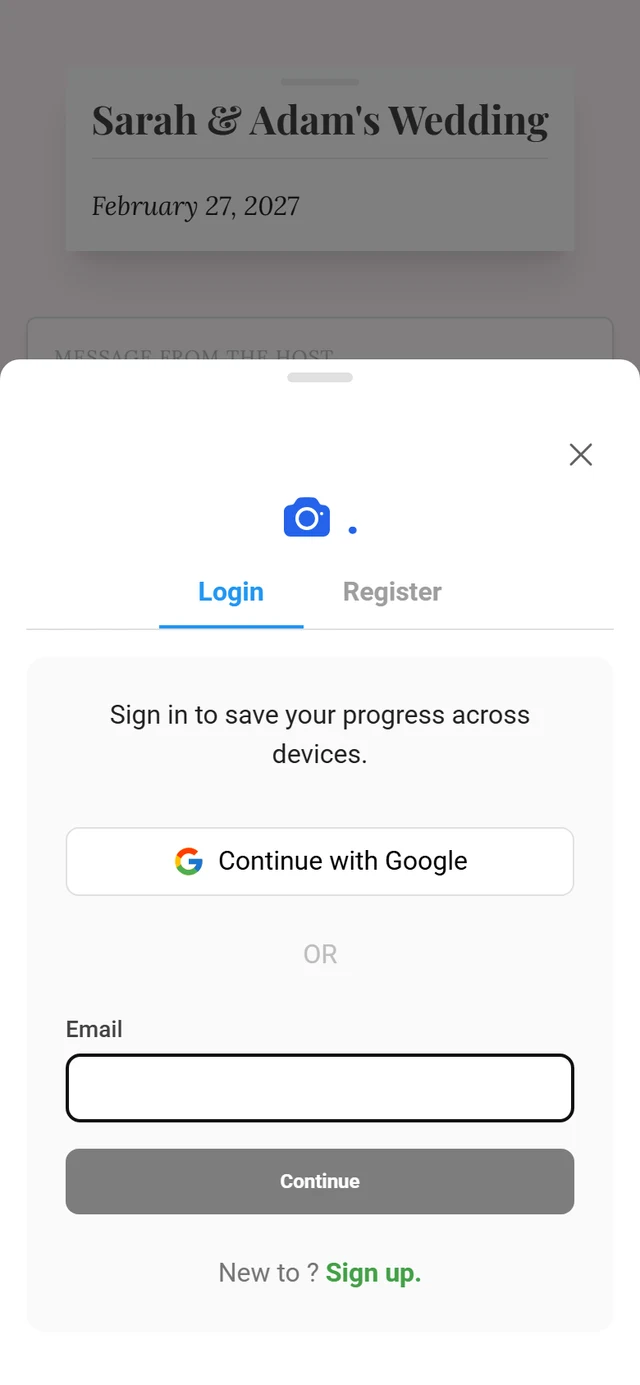
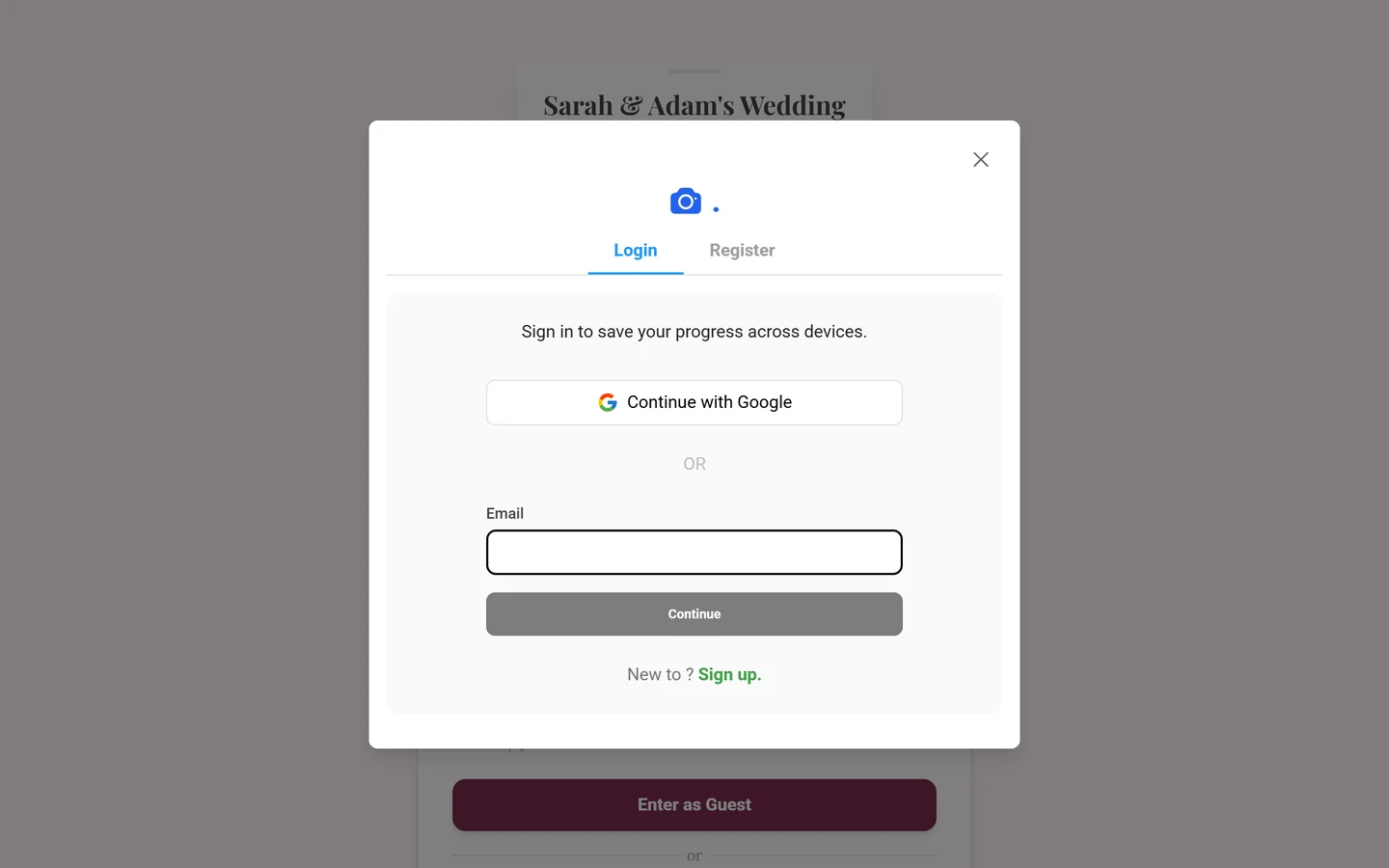
On the sign-in page, enter your email and tap Continue.
-
When the password field appears, tap Forgot password? below it.
-
Request the email with Send Reset Link and set a new password through that link.
Just in case, check your spam folder too.
Do you even have a password?
Section titled “Do you even have a password?”After you tap Continue, the sign-in decides how things go on – you cannot pick the route yourself:
- Account with a password – the password field appears, with Forgot password? underneath.
- Account without a password – a login link is emailed to you automatically, with the note “Check your inbox”. There is nothing else to request.
- Account with Google – you see “Use your social login”. Forgot password? does not help here because there is no password at all: sign in through Google.