The invitation link now shows the gallery
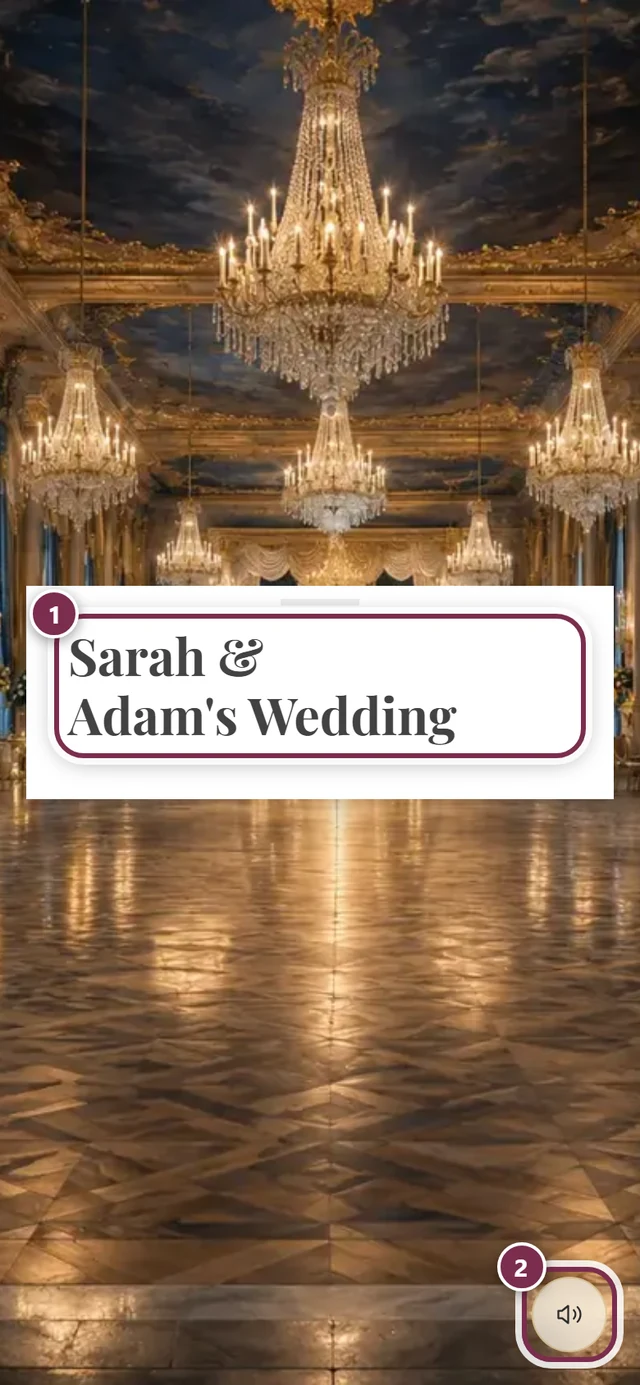
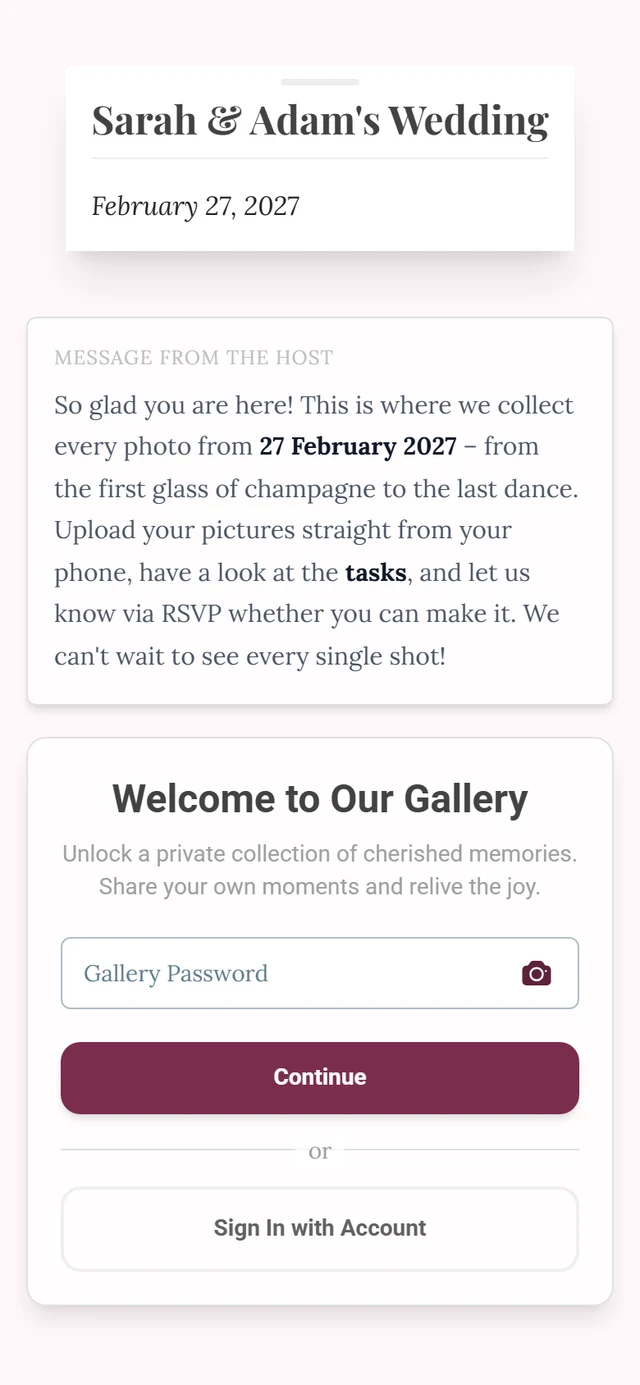
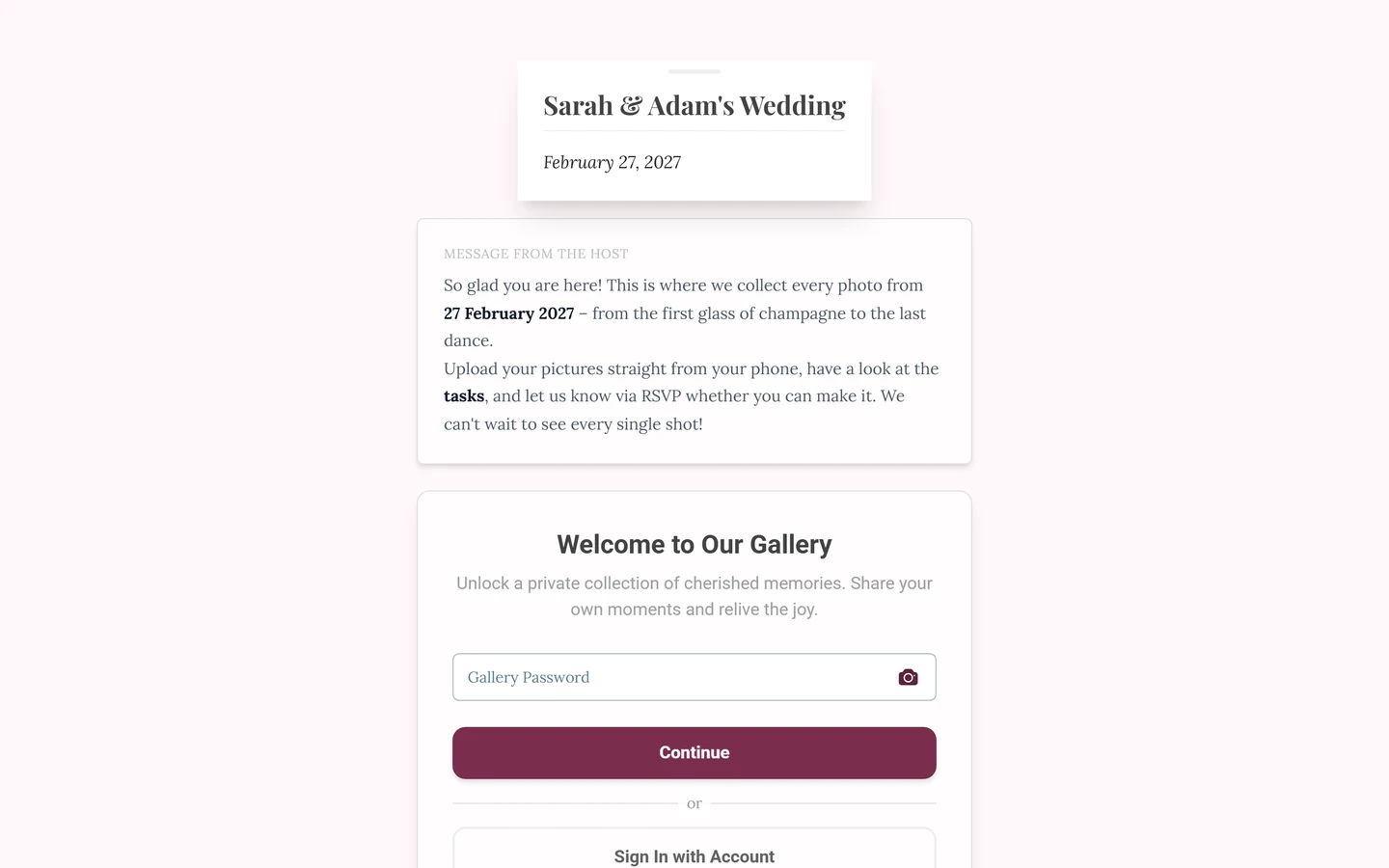
The link isn’t broken. The digital invitation always has its own address at /invite. On top of that, your host can set the plain event link to show the invitation as well – and hand over to the photo gallery on the event day. One single address then carries the whole event: the invitation first, the photos from the party on.
The switch is off by default
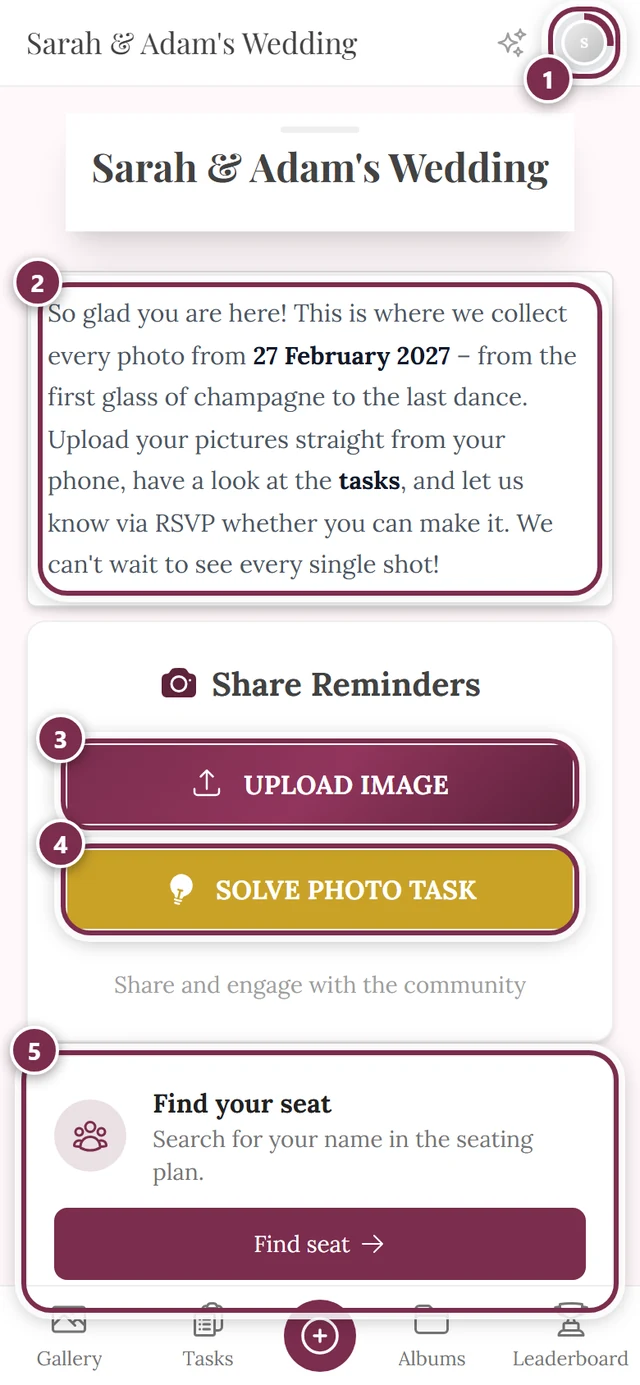
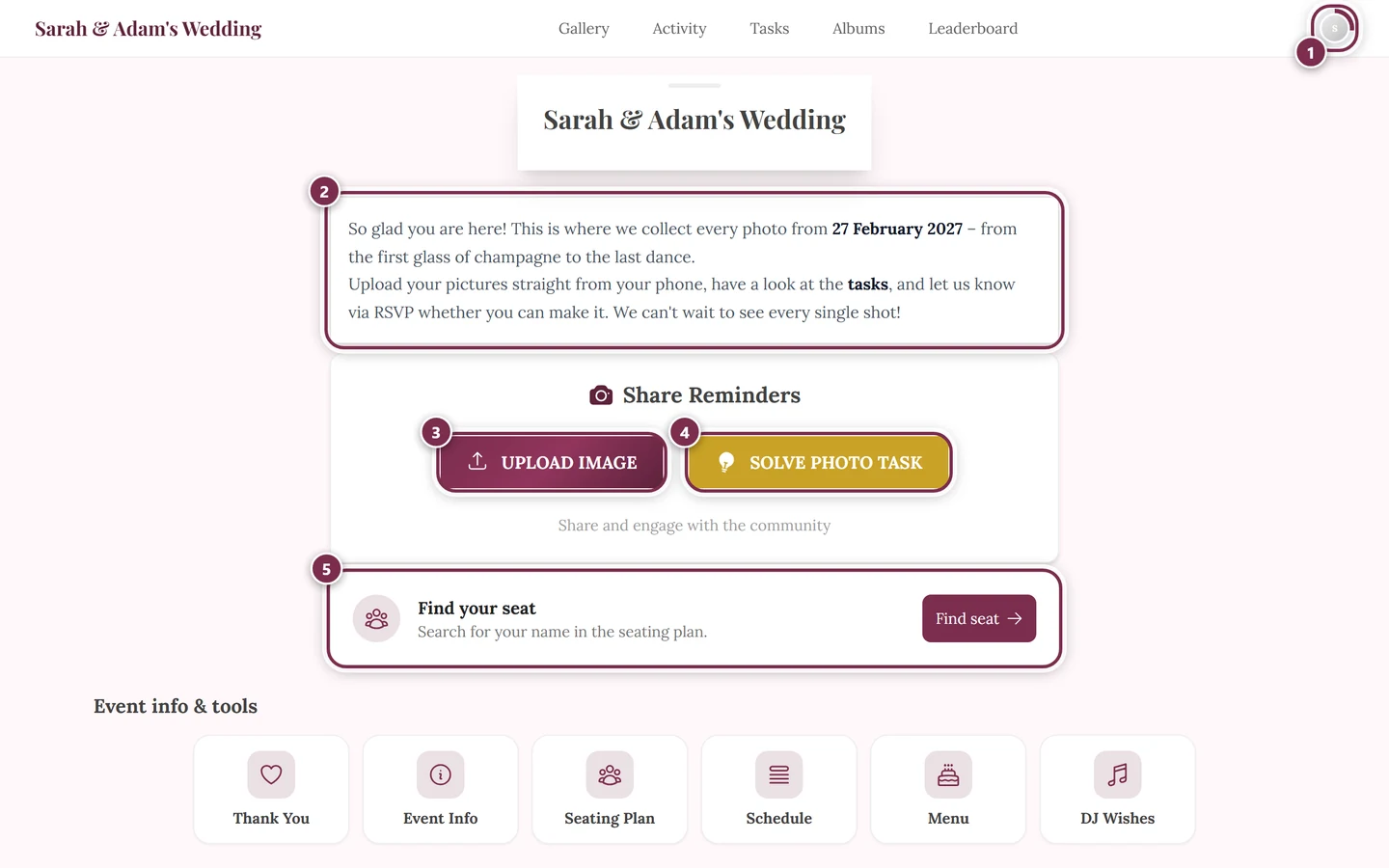
Section titled “The switch is off by default”Without the host doing anything, nothing changes: the event link leads to the event home page with the gallery, and you reach the invitation through the link or QR code you were sent, or by adding /invite. Only once the host turns on Event link shows the invitation does the redirect happen.
What the switch depends on
Section titled “What the switch depends on”Only the bare event address is redirected – the link with nothing appended to it. What you see there is decided by a second setting on the host’s side:
- Only until the event day – the default. Up to the day before, the address shows the invitation; from midnight on the event day it shows the gallery. Your own device’s clock decides.
- Permanently – if the host turns that second option off, the event link keeps showing the invitation, even long after the party.
- No date on the event – then there is no day to hand over on, and the link keeps showing the invitation too.
The switch treats everybody the same: guests, event admins and the host themselves. It does not depend on whether your device has opened the event before, and not on whether you are signed in. On two devices you see the same thing.
In these cases nothing is redirected at all:
- The host has switched the digital invitation off, or their plan doesn’t include it. Then there is nothing to show.
- The address has something after the event – gallery, a tool, a single photo.
- You open the address with
?view=home(see below).
Getting back to the invitation
Section titled “Getting back to the invitation”Add /invite to the event address. The invitation stays reachable as long as the host leaves it switched on – long after the event day, too.
Whether there is also a menu entry for it is up to the host. Normally the invitation does not sit in the tool bar, because it’s the page you receive by link or QR code; but the host can deliberately add it there, and place it as a card on the event home page as well.

The other way round – I want the gallery but get the invitation
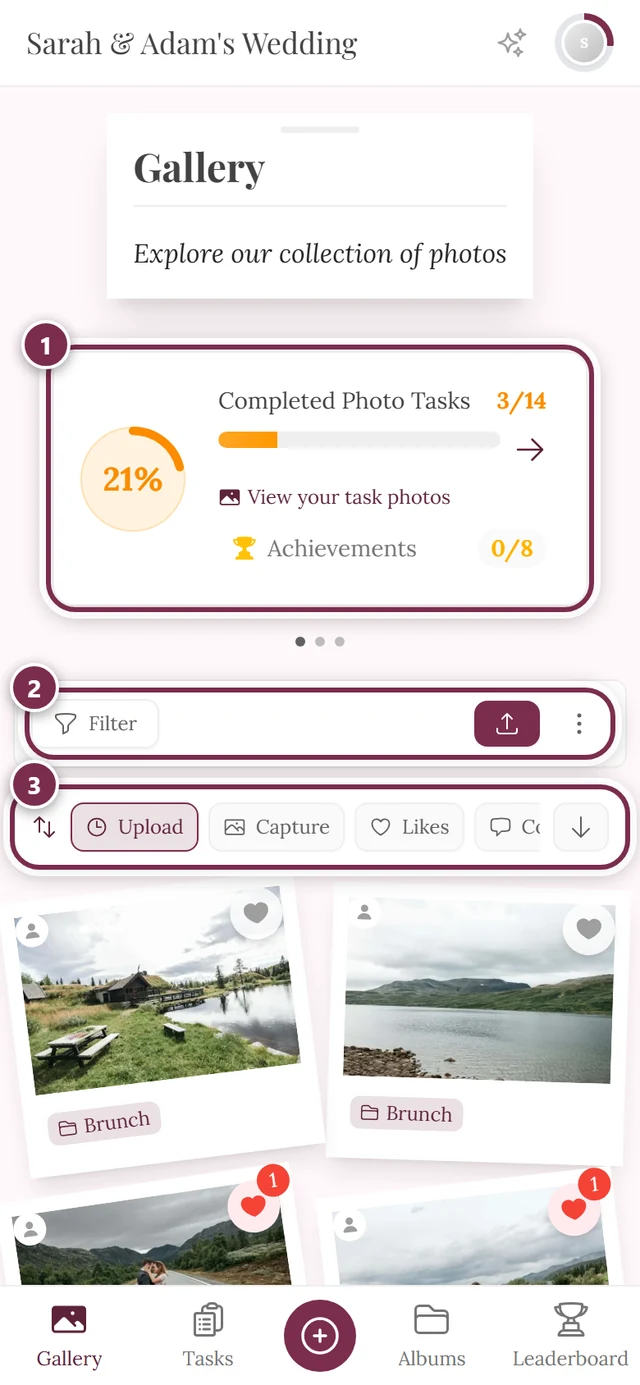
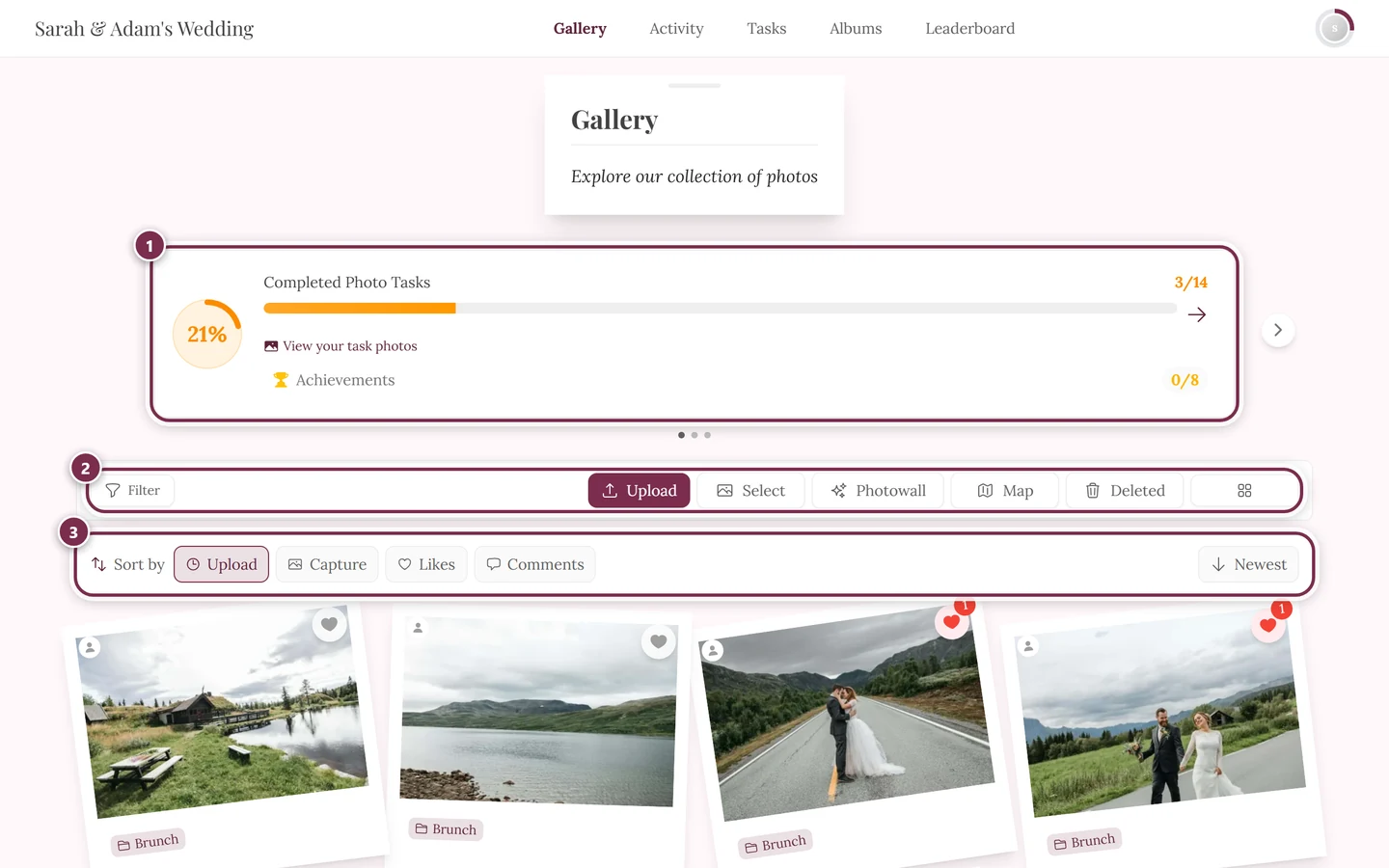
Section titled “The other way round – I want the gallery but get the invitation”Add ?view=home to the event address. That turns the redirect off for this one visit and takes you straight to the event home page.
Troubleshooting
Section titled “Troubleshooting”The invitation says it is currently unavailable. The host hasn’t published it yet or has switched it off again. On a fully private event it isn’t reachable either.
The event day is here and I still see the invitation.
Then the host has turned Only until the event day off, or the event has no date on it. You can still get to the gallery: add ?view=home to the event address.
After the switch to the gallery I’m asked for a password. The invitation is deliberately reachable without signing in, while the gallery behind it can be protected. Ask your host for the link with the password built in, or for the password itself.
One guest sees the invitation, I see the gallery.
Then you didn’t open the same address: one of you probably has a link with something appended – straight to the gallery, to a tool, or with ?view=home.
Related pages
Section titled “Related pages”- The digital invitation – what’s on the invitation and what you can do right there.
- Accept or decline (RSVP) – your reply, straight from the invitation.
- Tools at the event – why the invitation normally doesn’t appear in the tool bar.
- Scanning & using the QR code – if the scan itself won’t work.