My photo isn't showing up
You uploaded a photo, but it isn’t appearing in the grid? In the vast majority of cases it simply isn’t finished yet – and in the remaining cases you’ll be told.
It’s still being processed
Section titled “It’s still being processed”Right after an upload this is the most common reason. Freshly uploaded media is prepared before it shows up in the gallery as normal.
- An orange section Media Processing appears above the gallery with the text “2 Media Files are currently being processed”.
- Expand it and you see the state per file: Processing or NSFW Check.
- Once everything is done the section disappears by itself and the photos are there. You don’t have to do anything.
Motion pictures and GIFs take longer
Section titled “Motion pictures and GIFs take longer”Live photos, motion photos and animated GIFs go through their own processing: one file becomes a still image plus the moving part. That takes longer than a normal photo – a few minutes of patience is normal here.
It’s waiting for approval
Section titled “It’s waiting for approval”If the event uses pre-moderation, your photos only become visible once the host has reviewed them.
- How long that takes depends on when they check the new contributions.
- Your photo isn’t lost – it’s in the queue and appears automatically once approved.
The AI content filter took it out of the gallery
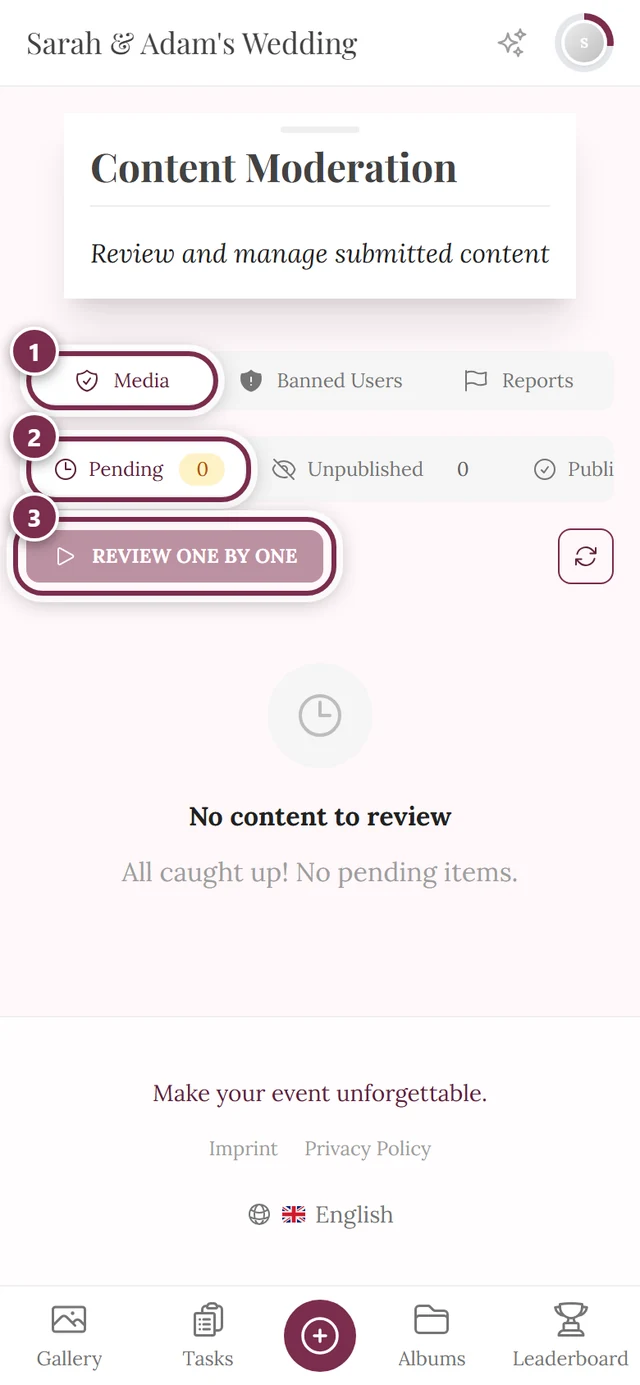
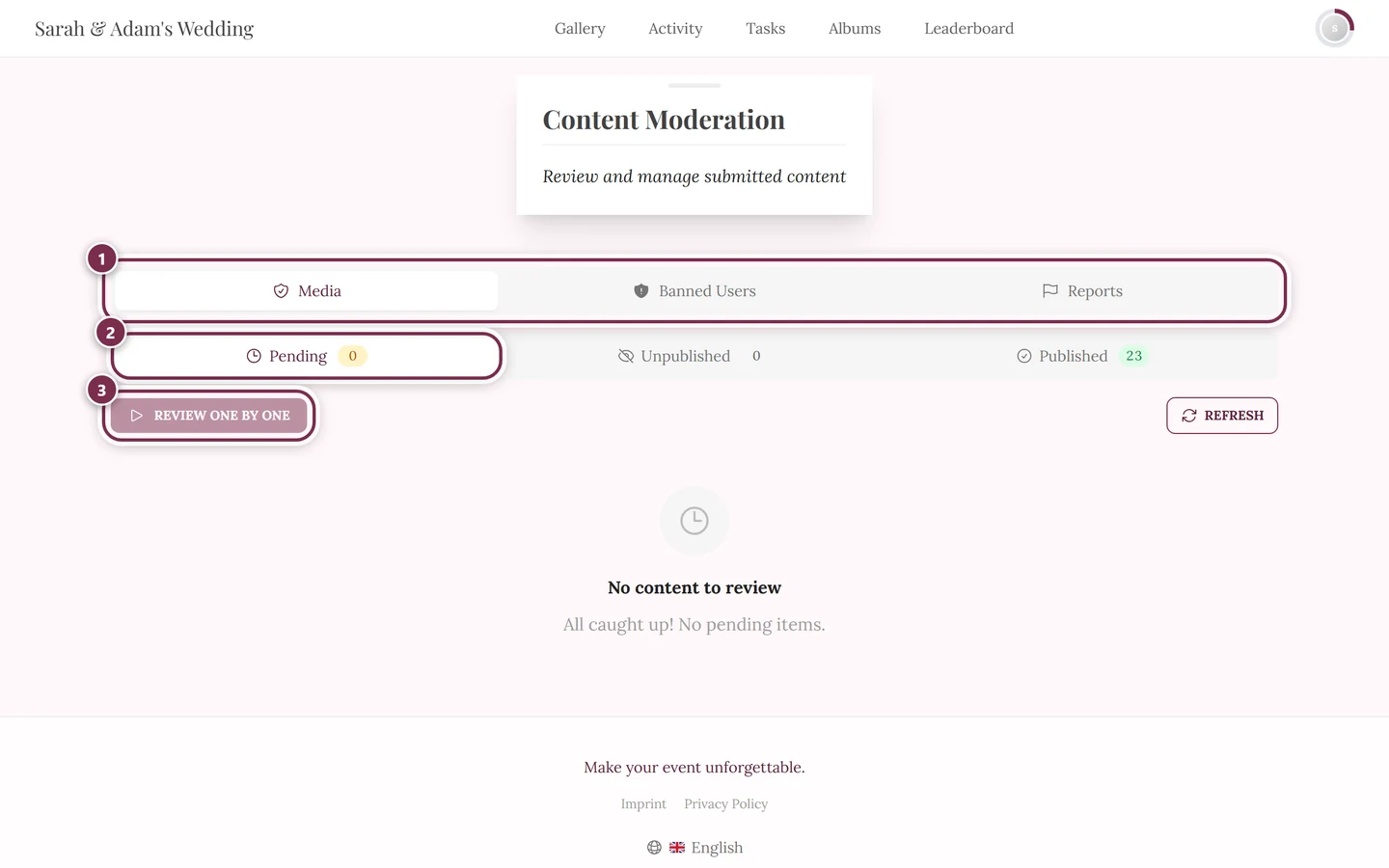
Section titled “The AI content filter took it out of the gallery”When the content safety filter is active, the AI checks every photo automatically. Important to understand: the filter doesn’t hold a photo in a queue – it automatically takes it out of the gallery and never publishes it in the first place.
- For exactly these items the host’s manual approval is skipped – they go unpublished without that intermediate step.
- Other uploads aren’t affected: with pre-moderation off they appear immediately, with pre-moderation on they wait for review as usual.
- If your photo is harmless, let the host know. They see it in moderation and can publish it.
You are notified when something is rejected
Section titled “You are notified when something is rejected”You don’t have to guess whether your photo made it:
- If it was rejected, you get the notification Your photo was rejected.
- If it was pulled afterwards, it reads Your photo was unpublished.
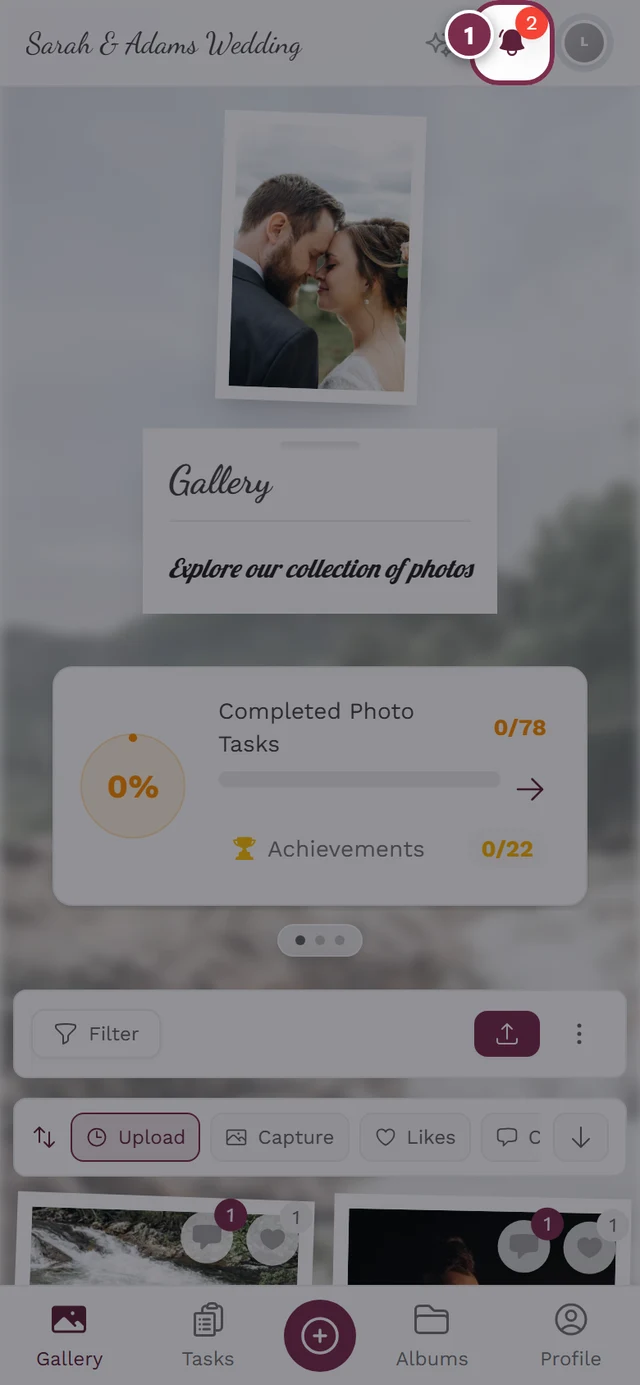
- You’ll find both under the bell icon, see Notifications.
If no such notification arrives, your photo wasn’t rejected – then it’s one of the other reasons on this page.
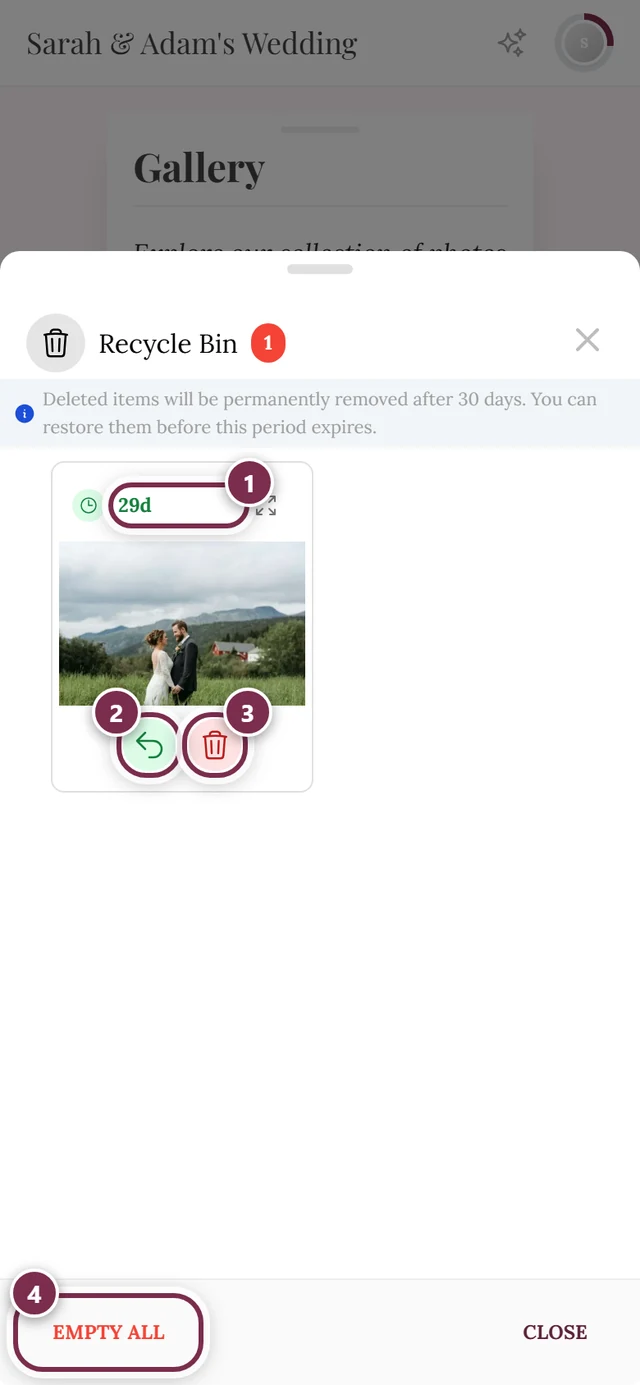
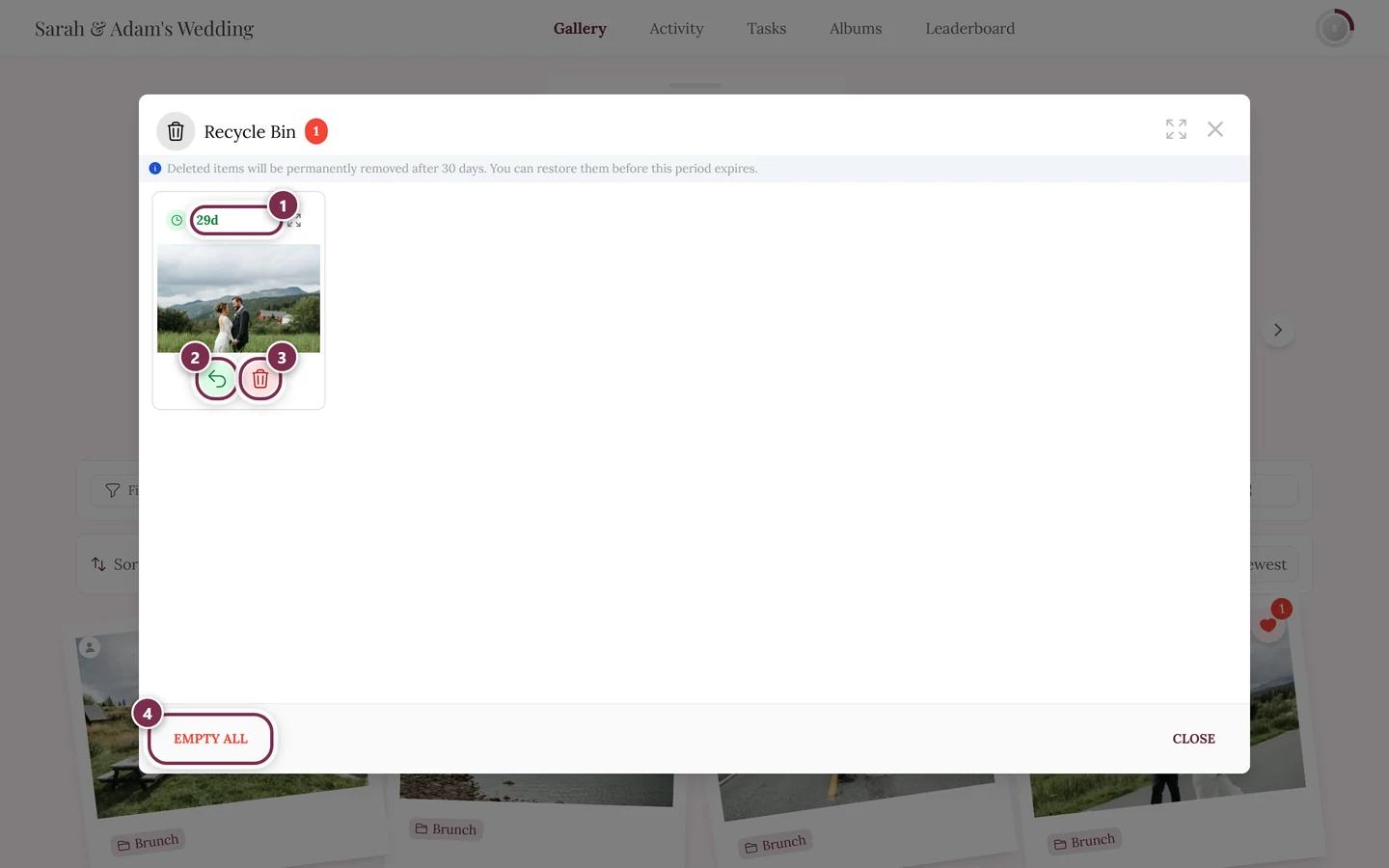
It’s in your recycle bin
Section titled “It’s in your recycle bin”Deleted photos aren’t gone right away, and you have a recycle bin of your own – you don’t depend on the host for this.
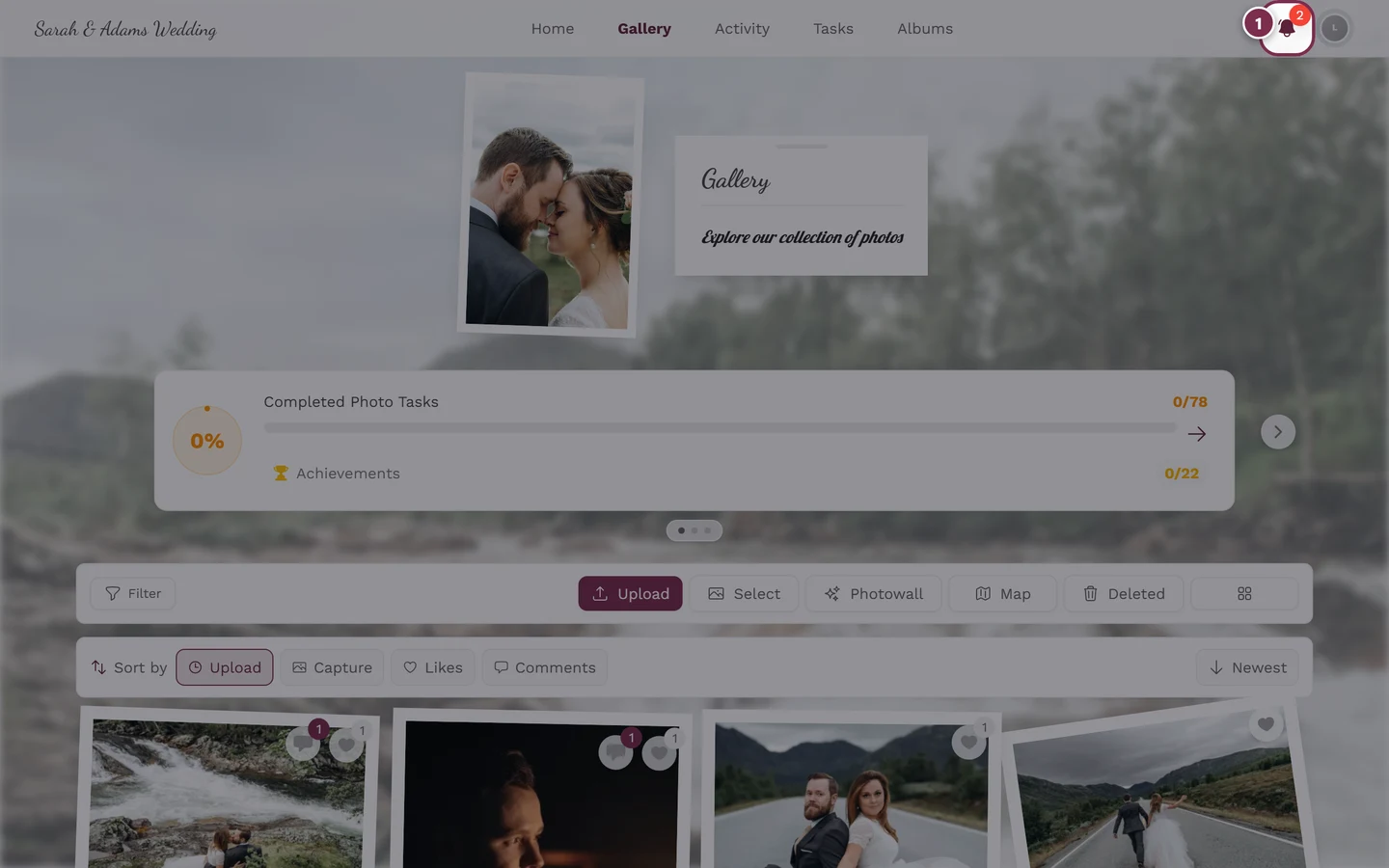
- On a computer: in the toolbar above the gallery, select Deleted.
- On a phone: in the toolbar menu, select Recycle Bin.
- Pick the photo and tap Restore – it moves back into the gallery.
- Deleted media stays there for 30 days, after that it is removed permanently.