What happens to my data?
In short: the organizer of your event decides about the gallery and its content. Photogala runs the technology on their behalf – storage period, visibility and features such as face recognition are their settings, not ours.
What data comes up at all
Section titled “What data comes up at all”- Your name in the event – either a nickname you pick when joining, or your registered account with its email address.
- The photos and videos you upload – including the image information stored inside the file, such as capture time, camera model and, if your device records it, the place the shot was taken.
- Your activity in the event – likes, comments, solved tasks and points collected.
What you can handle yourself
Section titled “What you can handle yourself”- Delete your own photos. Your uploads are yours, you can remove them one by one – see How do I delete my own photo?
- Remove your selfie and face data. If you used the people search, you delete your selfie together with the face data computed from it – see Face recognition & privacy.
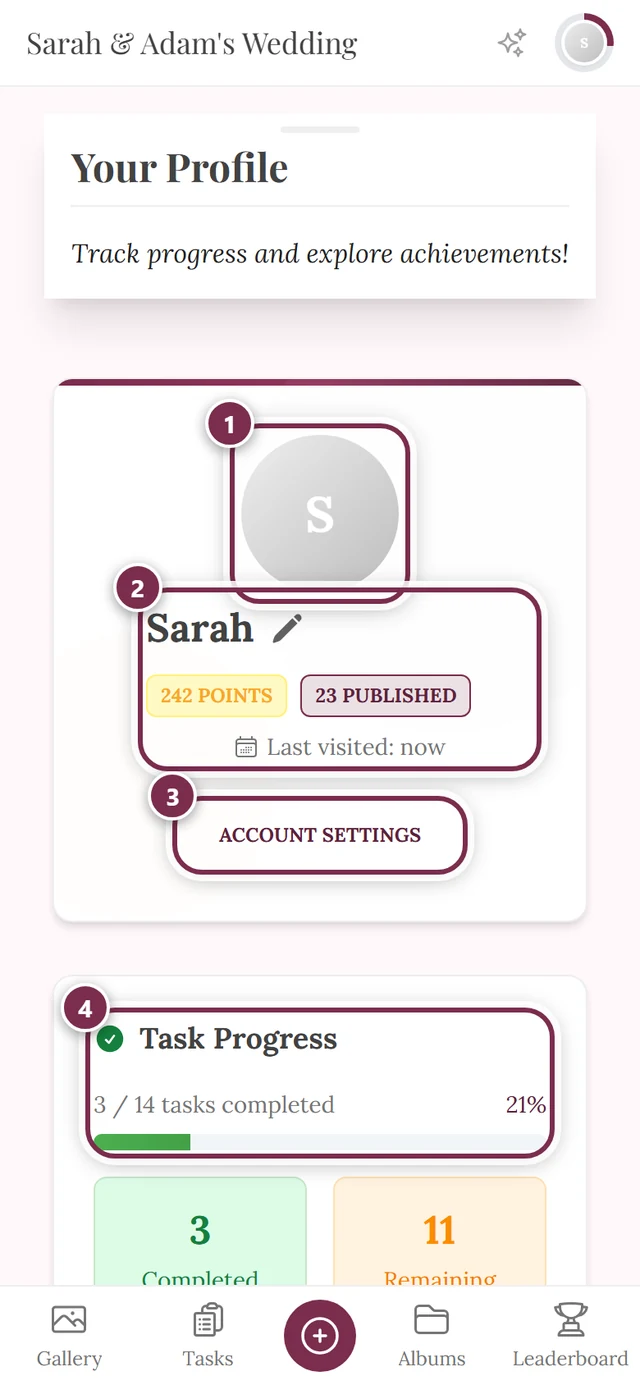
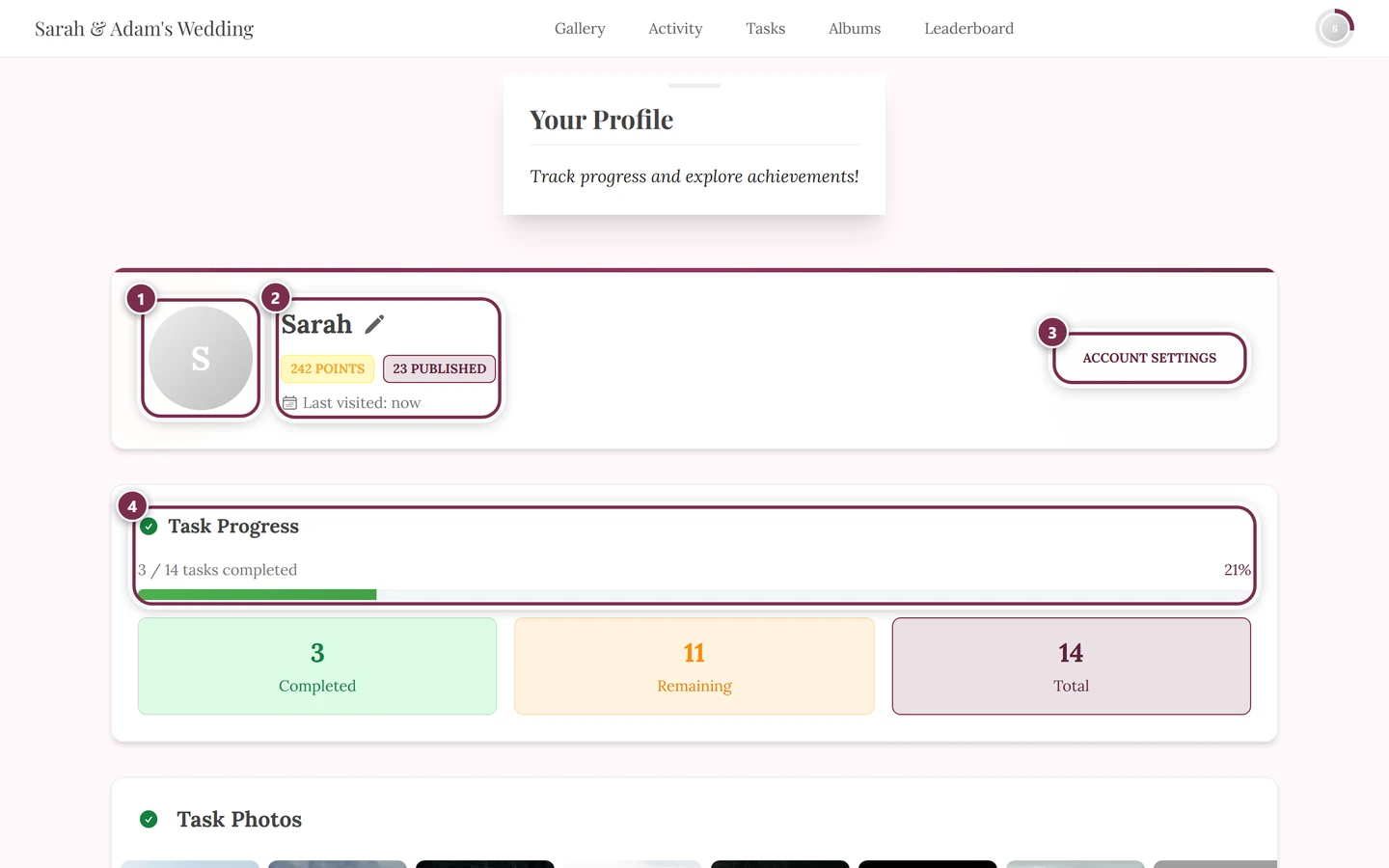
- Delete your account. Registered users delete their account for good in the account settings – see How do I delete my account or my data?
What only the organizer can do
Section titled “What only the organizer can do”- Tell you what is stored about you.
- Photos by other guests that show you. You can only delete your own uploads. For someone else’s shot, use the reporting route in the gallery or ask the organizer directly – see Your privacy.
- Object to automatic face recognition across the whole event.
You will find their contact details in your event’s legal pages – they also state who is responsible for the processing and what rights you have.
When the storage period ends
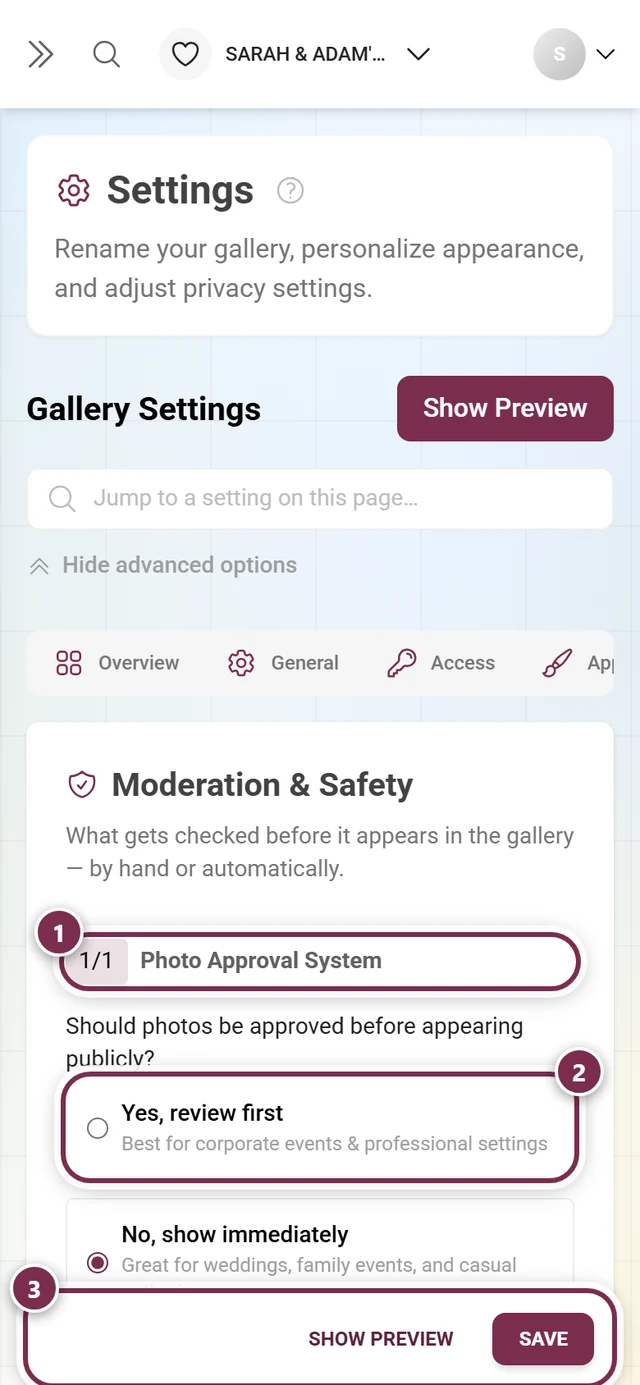
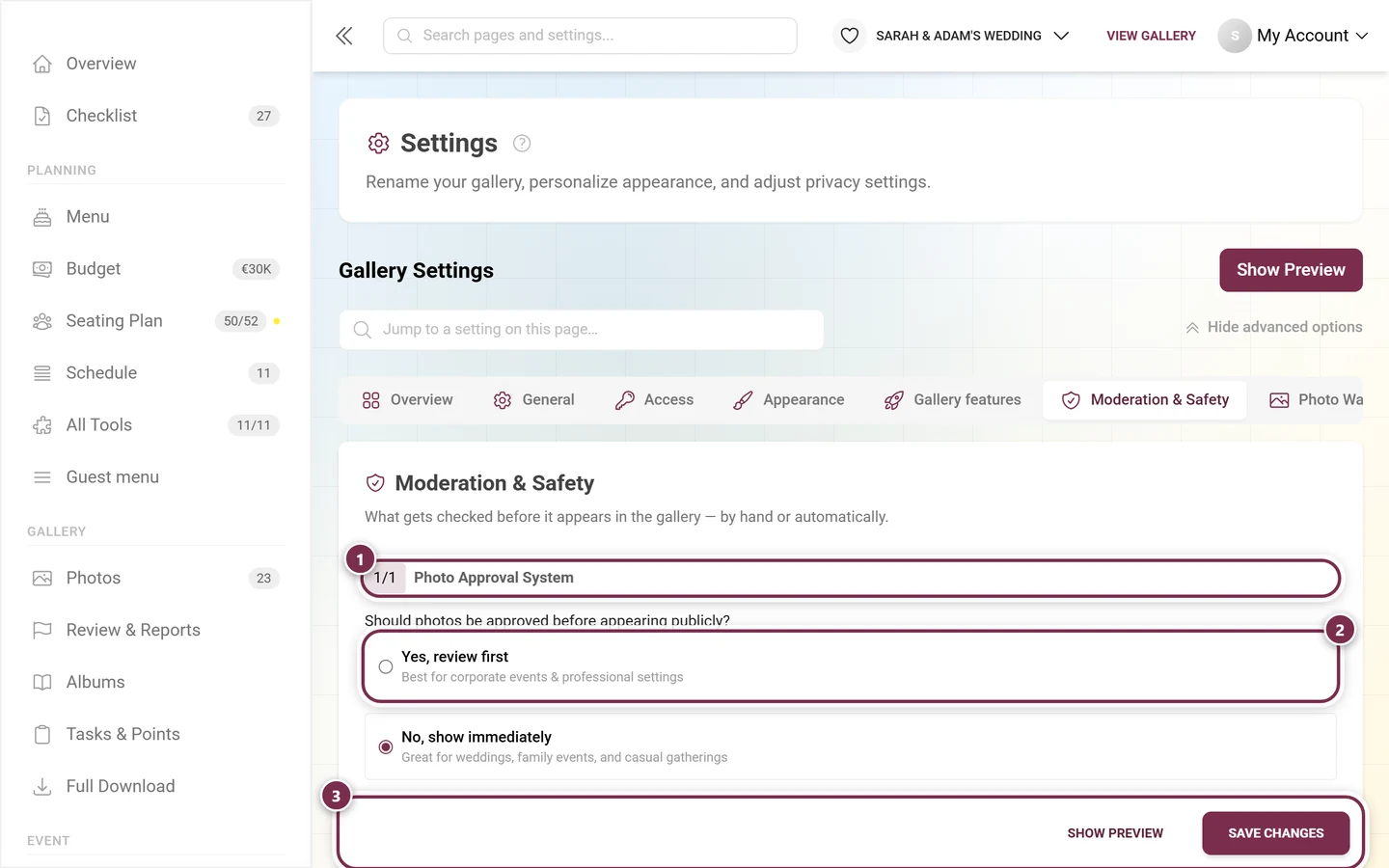
Section titled “When the storage period ends”Every event is online for a limited time only. Once that period is over, the gallery is closed to guests; after a grace time the content is permanently deleted. Before that, the organizer can renew or keep the gallery online for less in the archive. How long that is, the organizer decides – details in How long do photos stay online?
Related pages
Section titled “Related pages”- Your privacy – the detailed guide with every route
- How do I delete my account or my data?
- Face recognition & privacy
- How long do photos stay online?