Why do I have to type my name to RSVP?
Because a name picker would give the guest list away. If you arrive through the generic RSVP QR code, you type First name and Last name yourself – there is no list to click, and that’s on purpose.
The reason
Section titled “The reason”Every guest gets the same generic QR code, often printed on the invitation card. If a name menu sat behind it, anyone who scanned the code could read who else is invited – neighbours, ex-partners and colleagues included.
That’s why the guest list never leaves the server. You type your name, the matching happens on the server, and all that comes back is your own reply. There is no way to query the list through the form.
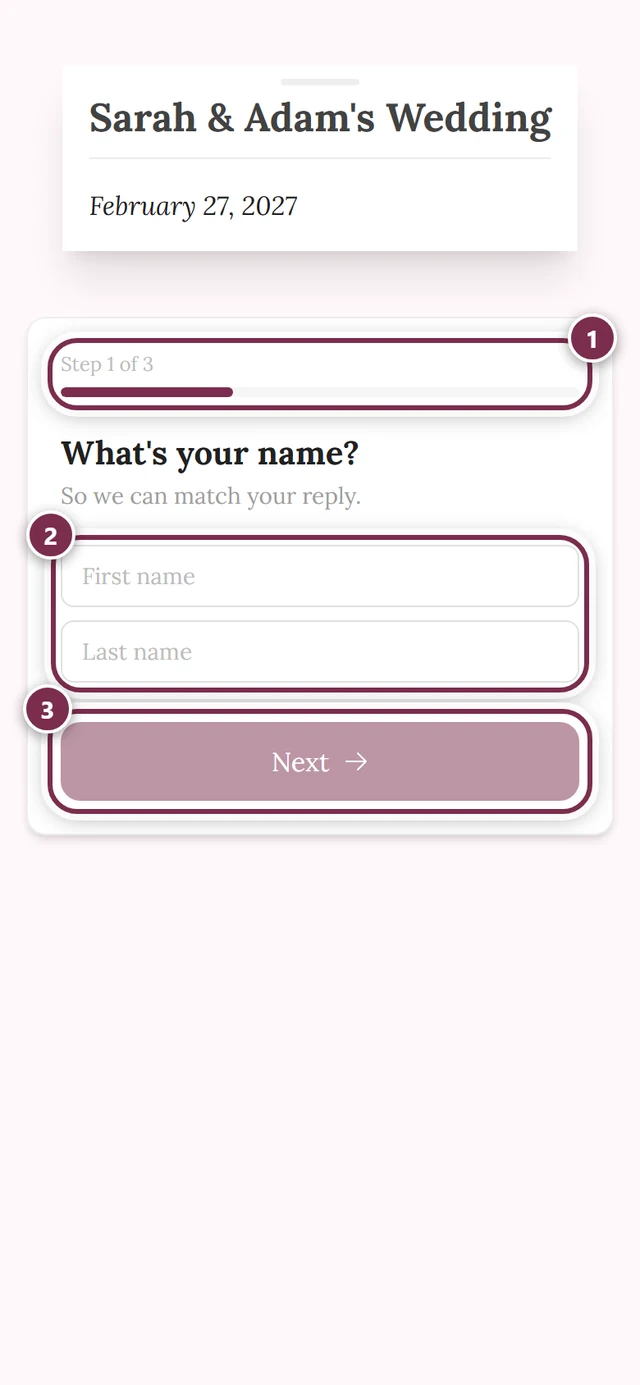
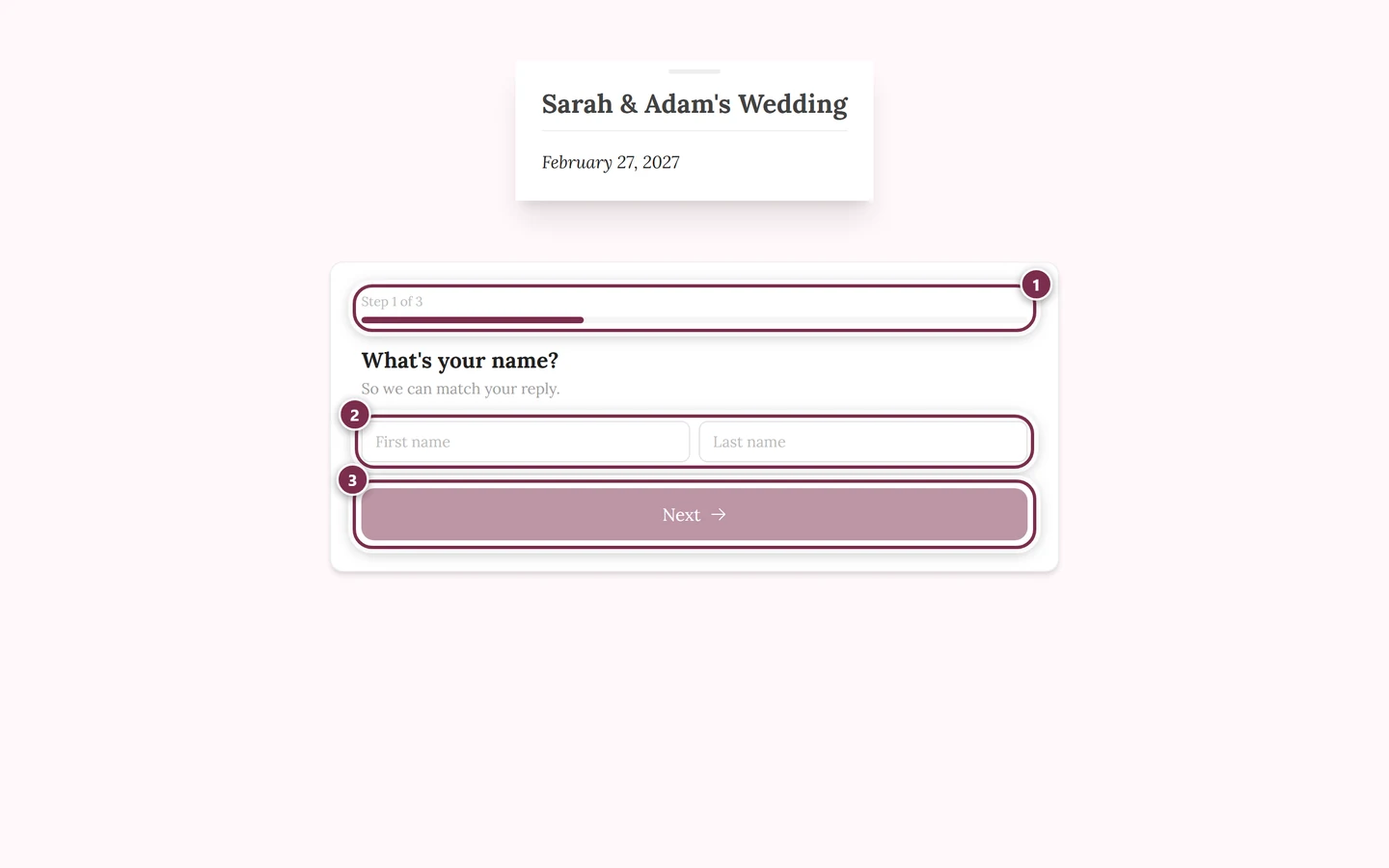
How exactly do you have to type?
Section titled “How exactly do you have to type?”Upper and lower case don’t matter, and neither do extra spaces. Everything else is compared strictly – there is deliberately no fuzzy matching, because it could be used to probe the list. For the match, each of these counts as two different names:
- Müller and Mueller
- Toni and Anton
- Anna-Lena and Anna Lena
- a maiden name and a married name
So type it exactly the way the host has you on file – usually that’s the name on the invitation.
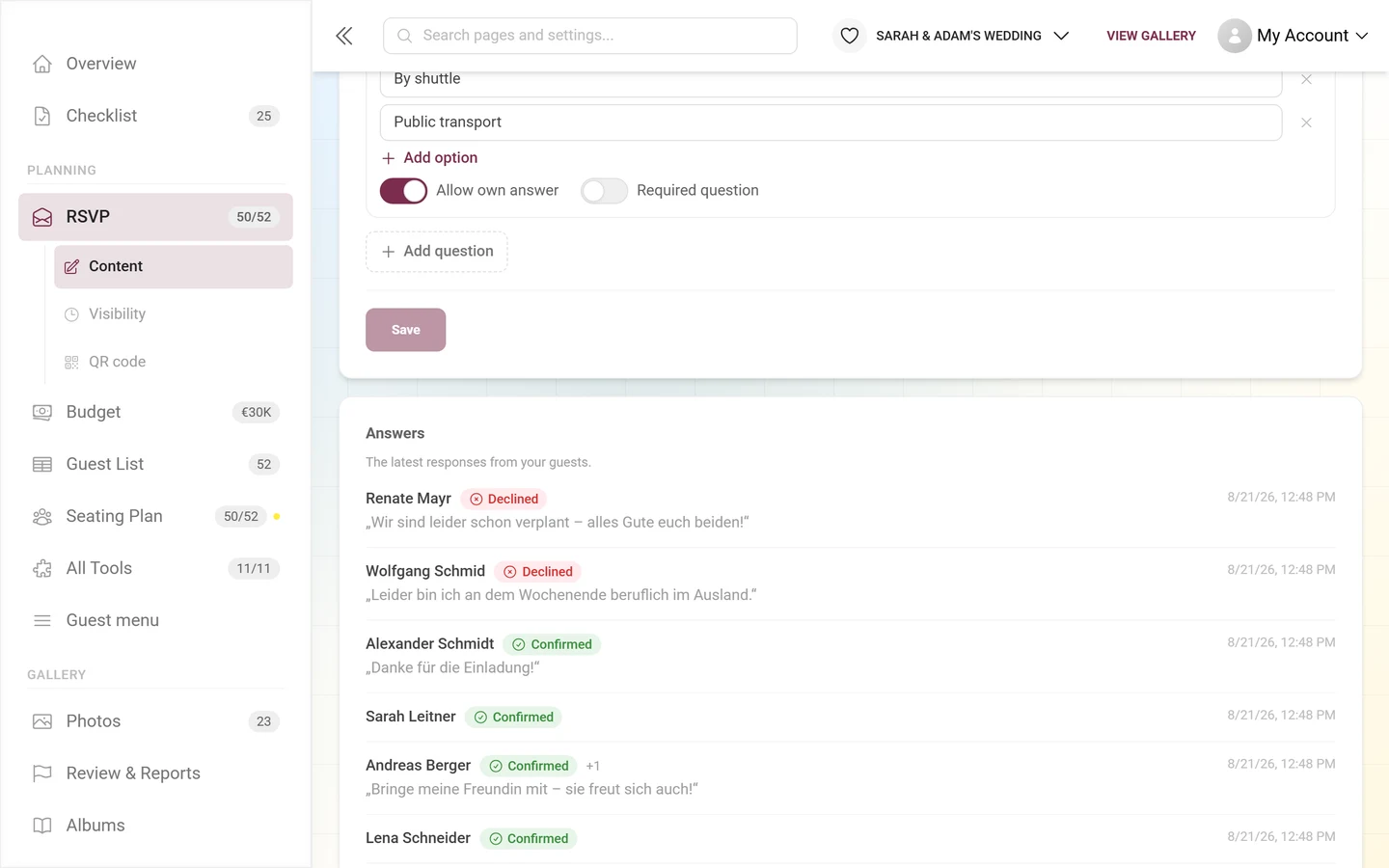
If you end up in the list twice
Section titled “If you end up in the list twice”If the host allows self-registration, there are two cases:
- Your name matches no entry: Photogala creates a new entry and marks it as self-registered. If you mistyped your own name, it now sits next to your original entry.
- Your name matches, but that entry has already answered: you get your own entry here too – except Photogala explicitly flags it to the host as a possible duplicate. The answer stored first is never overwritten by a stranger.
In both cases your answer is not lost, and the host can merge the two entries into one. So there is nothing for you to repair – just tell them which answer should count.
If the host has switched self-registration off, the opposite applies: an unknown name is rejected with an error saying it isn’t on the guest list. If the name is on the list, though, your new answer directly replaces the old one. On an error, check the spelling or ask for a personal link.
With a personal link you type nothing at all
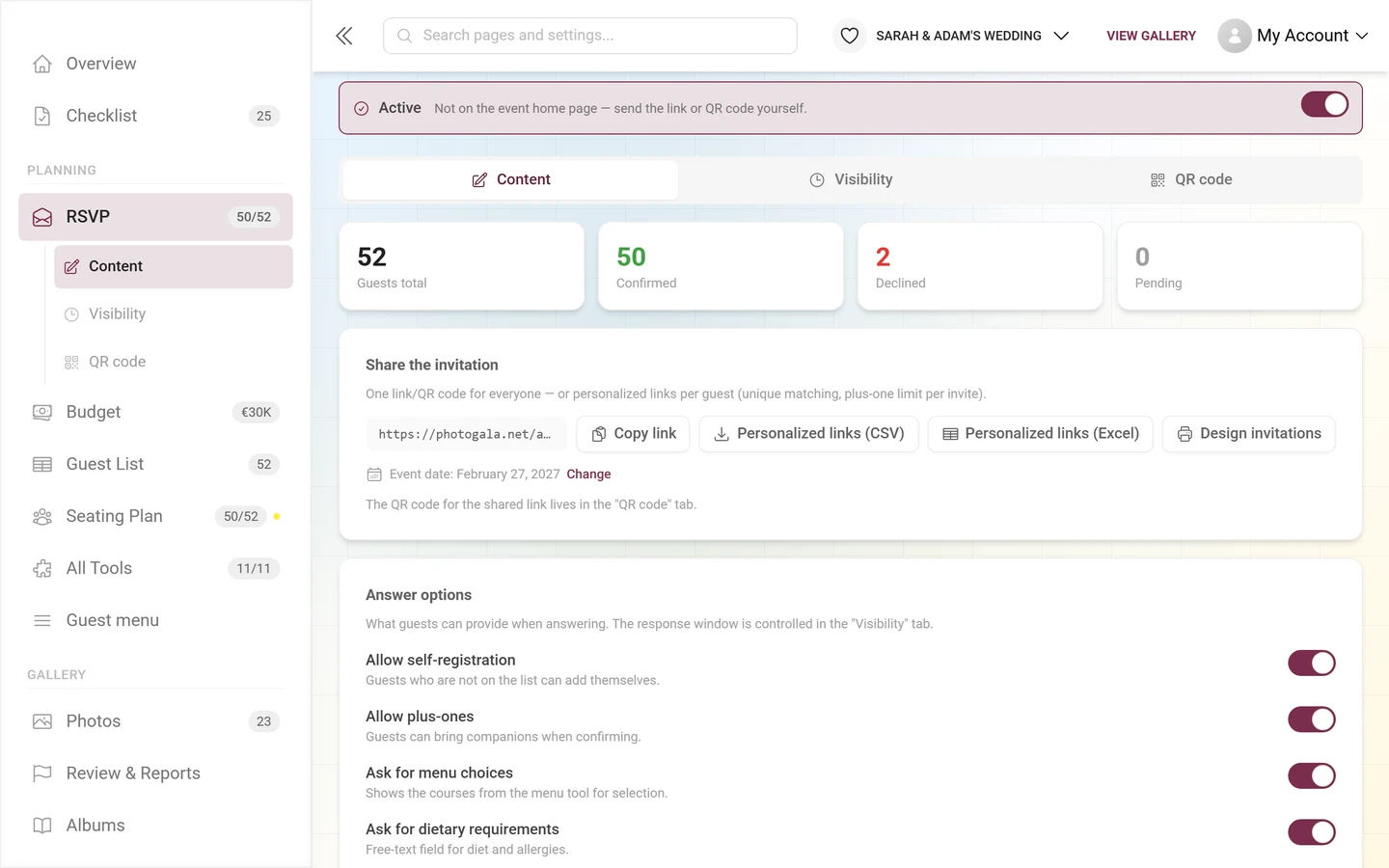
Section titled “With a personal link you type nothing at all”If the host sends every guest their own link, the name question disappears entirely:
- Your name sits at the top of the form in a small card.
- Your previous answer is fully prefilled – attending or declining, companions, menu choices, contact details, message.
- A new answer cleanly replaces the old one, with no duplicate entry.
If you expect to change your answer often, that’s the more comfortable route. Just ask the host for it.
Related pages
Section titled “Related pages”- Accept or decline (RSVP) – the reply form step by step.
- Your privacy – what Photogala reveals about you and what it doesn’t.
- Tools at the event – why the guest list stays completely invisible to guests.
- What happens to my data? – the short version on data processing.